 By
By Double-click on the RepeatingPanel inside the Data Grid. Drag-and-drop a Button into the end column.
This will be the delete button for each item. Rename it button_delete. Clear the Button’s text, set its icon to fa:times and the foreground colour to theme:Secondary 500.
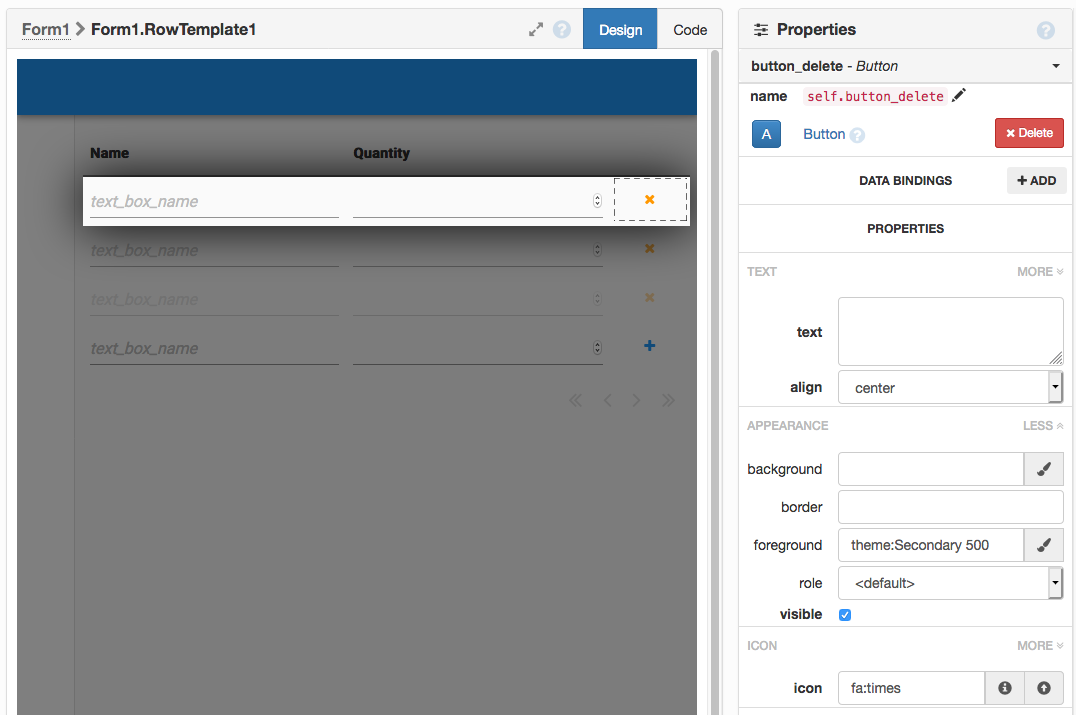
Adding a delete button to the end column of our Data Grid.
Now create a click event handler for your new delete button by clicking the blue arrows to the right of ‘click’ in the Events section:
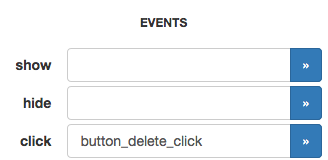
  def button_delete_click(self, **event_args):
    """This method is called when the button is clicked"""
    anvil.server.call('delete_item', self.item['id'])
    get_open_form().raise_event('x-refresh')
Run your app - you can now delete items from your external database using your web app.
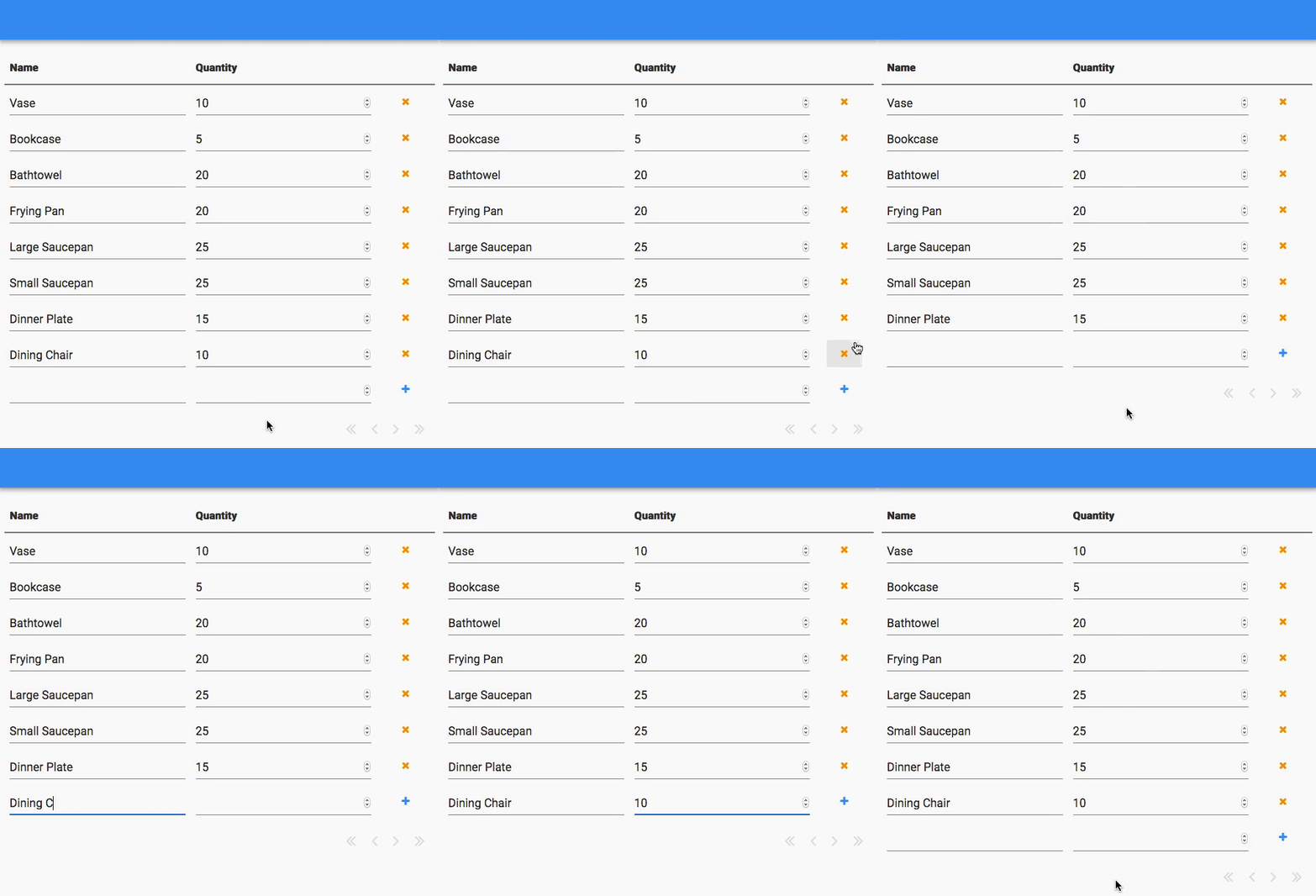
A cycle of deleting and re-adding an item in the database.