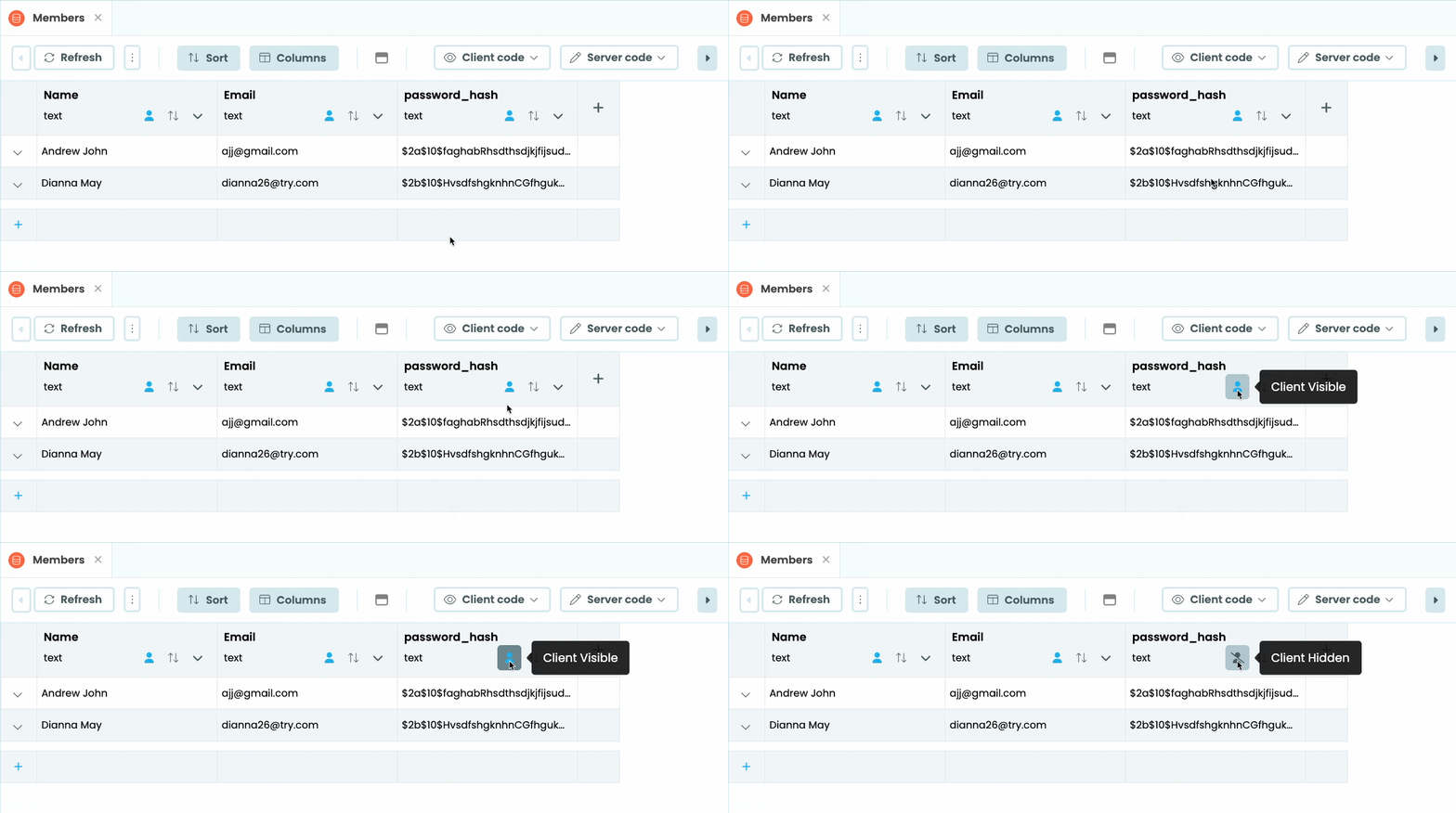
You can set a column to be Client-Hidden with a single click, from a Data Tables tab in the IDE:
Rows accessed client-side will never feature data from Client-Hidden Columns, even if they were returned from the server. This lets you, for example, prevent a user from accessing their password hash, while still allowing them access to their email address.
Great! I can’t believe it.
I remember the discussion last year in February 2025 (Link: Security of Users table - #26) and have been waiting for this ever since. Thank you so much!
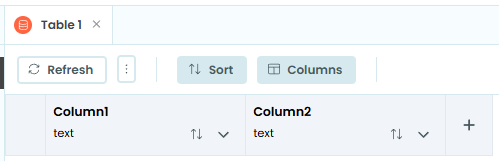
Does this work right now for user tables that are not namedUsers? I renamed one of them a few years back, and the little “person” icon is not appearing in the column header:
I’m eager to use this feature, but (as Phil and Stefano have already reported) despite 6 hours having passed since your Announcements post, the IDE isn’t showing me the ‘client visible/invisible’ toggle in the columns of either old or new tables in either old or newly-created apps.