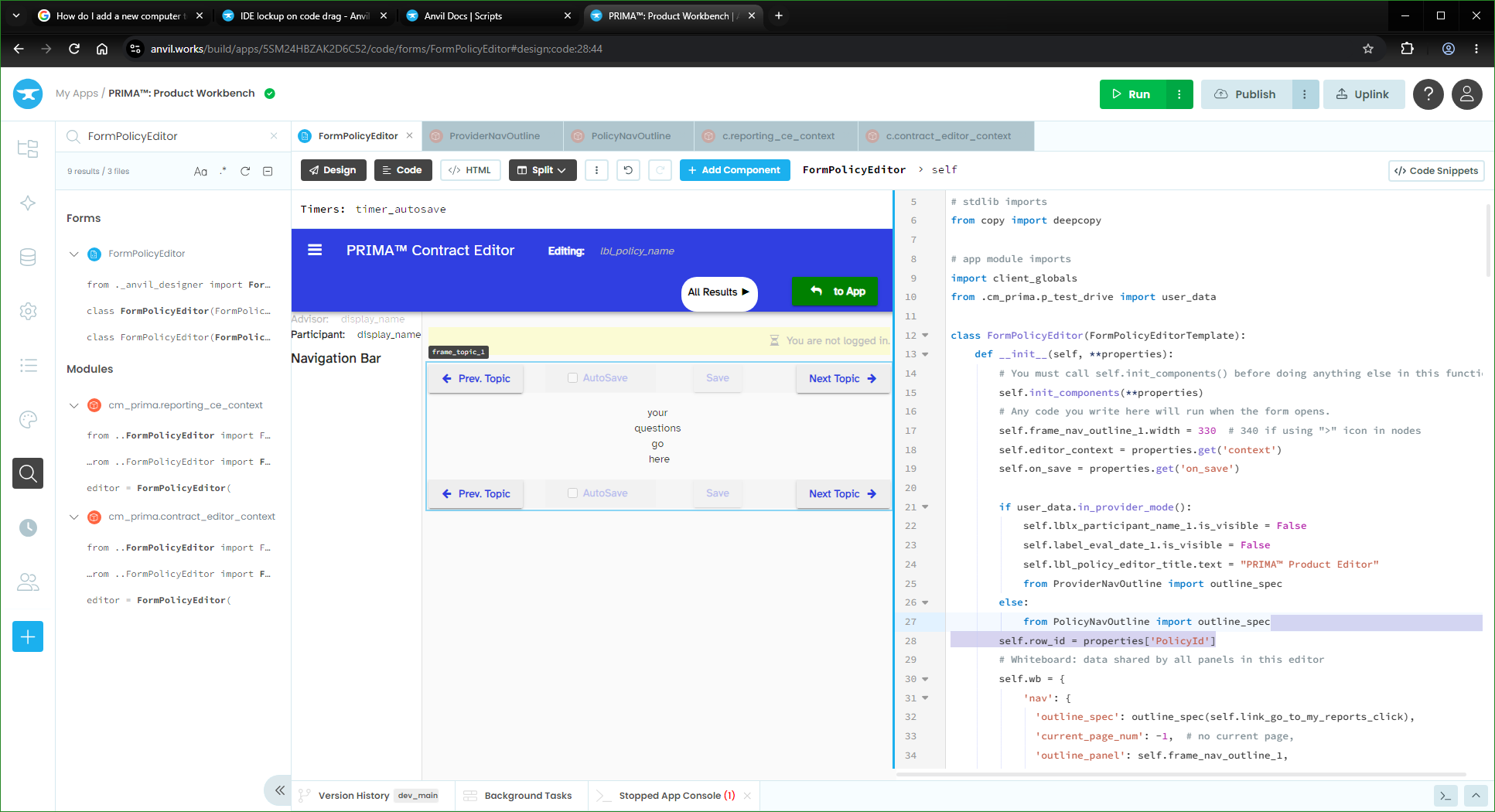
What I’m trying to do:
Drag a highlighted block of code from one part of a Python file to another.
What I’ve tried and what’s not working:
On drag, the IDE locks up. Cursor changes appropriately if I move it to the Design view, but I have to reload the App in order to resume work on it.
The highlighted text was highlighted by dragging with the mouse.
I’m using Windows 10, with current security updates, and Chrome… which wants to install an update. I’ll try updating Chrome, and see if the problem returns…
There is recently identified browser issue affecting Google Chrome and Microsoft Edge.
A confirmed Chromium issue (Bug #559795247) has been linked to browser freezing when certain drag-and-drop actions occur. The issue has been observed in Chrome and Microsoft Edge version 153 and reported by multiple organizations.
The issue can occur when users rapidly click or move the mouse in a way that the browser interprets as a drag-and-drop action. Once triggered, the affected browser tab may stop responding to both mouse and keyboard input, which can appear as though the web application itself has frozen. One reporter confirmed that the issue reproduces in Chrome/Edge version 153 but does not reproduce in version 152.
Resolution
Google has resolved this issue in Chromium version 153.0.8010.48 and has released the corresponding update for Chrome. At the time of writing, Microsoft has not yet released the corresponding Microsoft Edge update.