See the video below - trying to change the form name causes an IDE crash.
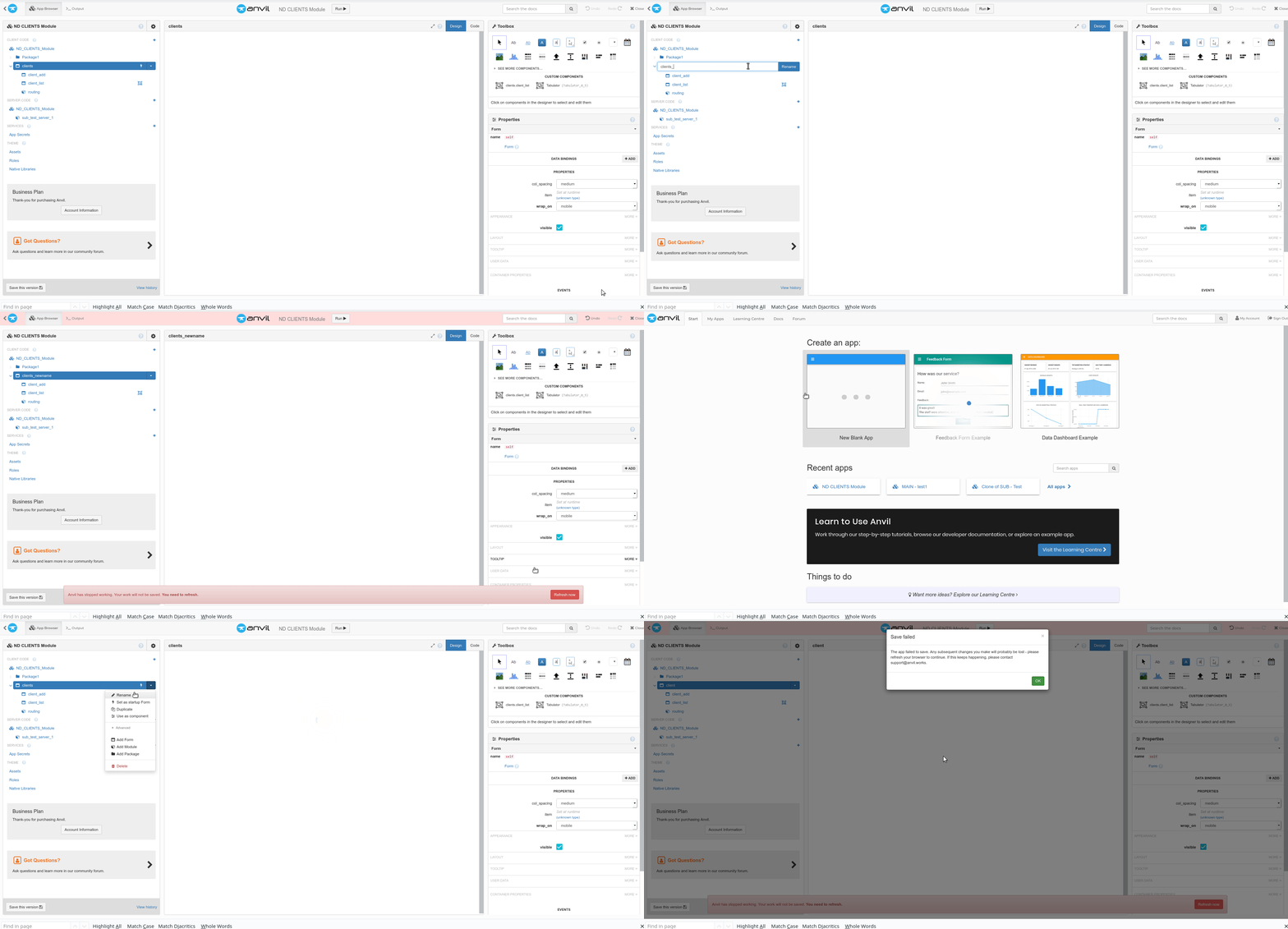
Anvil seems to not like you today…
1 Like
When this kind of puzzle happens, I try each of the following:
- refresh the web page
- restart the browser
- restart the Operating system
- consider a mild painkiller
Tried 1, 2 & 4 
In the end, only deleting it worked.
One of “those things”.
Can you find a version in your version history that exhibits this issue, and send us a private clone link? We’d like to nobble this one!
(Also, switching to Bug Reports)
You’re absolutely right, I stopped too soon. What else might be done?
- Clone the object, under the new name, and delete the original
- Using git, get a local copy, rename it there, and push the committed update back to Anvil.
- Delete the offending object and re-create it (from whatever’s handy). This may be the preferred method if re-creation is cheap.
- Clone the app, and see if the problem exists in the clone.
- Save the app as a .yaml file, and inspect the area around the name, looking for .yaml syntax errors and other clues.
Assuming the clone link will now refer to the one I chose in the history :
https://anvil.works/build#clone:I7CIUOZBXXCQJEON=7XXBW74WIPVFRVH7VGTSLXLL
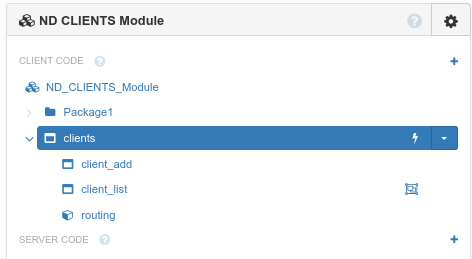
Try and change the name of “clients”, making sure the project manager looks like this :
I did both of those - deleting and recreating fixed it, but the issue remained in the cloned version.