Hi @gweber.lauraandleigh and welcome to the forum.
here’s a related article on the css pseudo selectors that would need targeting.
The native behaviour doesn’t feel intuitive to me either.
Here’s some css that you can add to the bottom of theme.css that should override the default behaviour.
It essentially says - make the focus behaviour the same as not focused but then override hover again so that it gets priority.
.btn:focus {
  background-color: transparent;
}
.btn:hover {
  background-color: rgba(153,153,153,0.2);
}
.anvil-role-primary-color > .btn:focus {
  background-color: %color:Primary 500%;
}
.anvil-role-secondary-color > .btn:focus {
  background-color: %color:Secondary 500%;
}
.anvil-role-primary-color > .btn:hover {
  background-color: %color:Primary 700%;
}
.anvil-role-secondary-color > .btn:hover {
  background-color: %color:Secondary 700%;
}
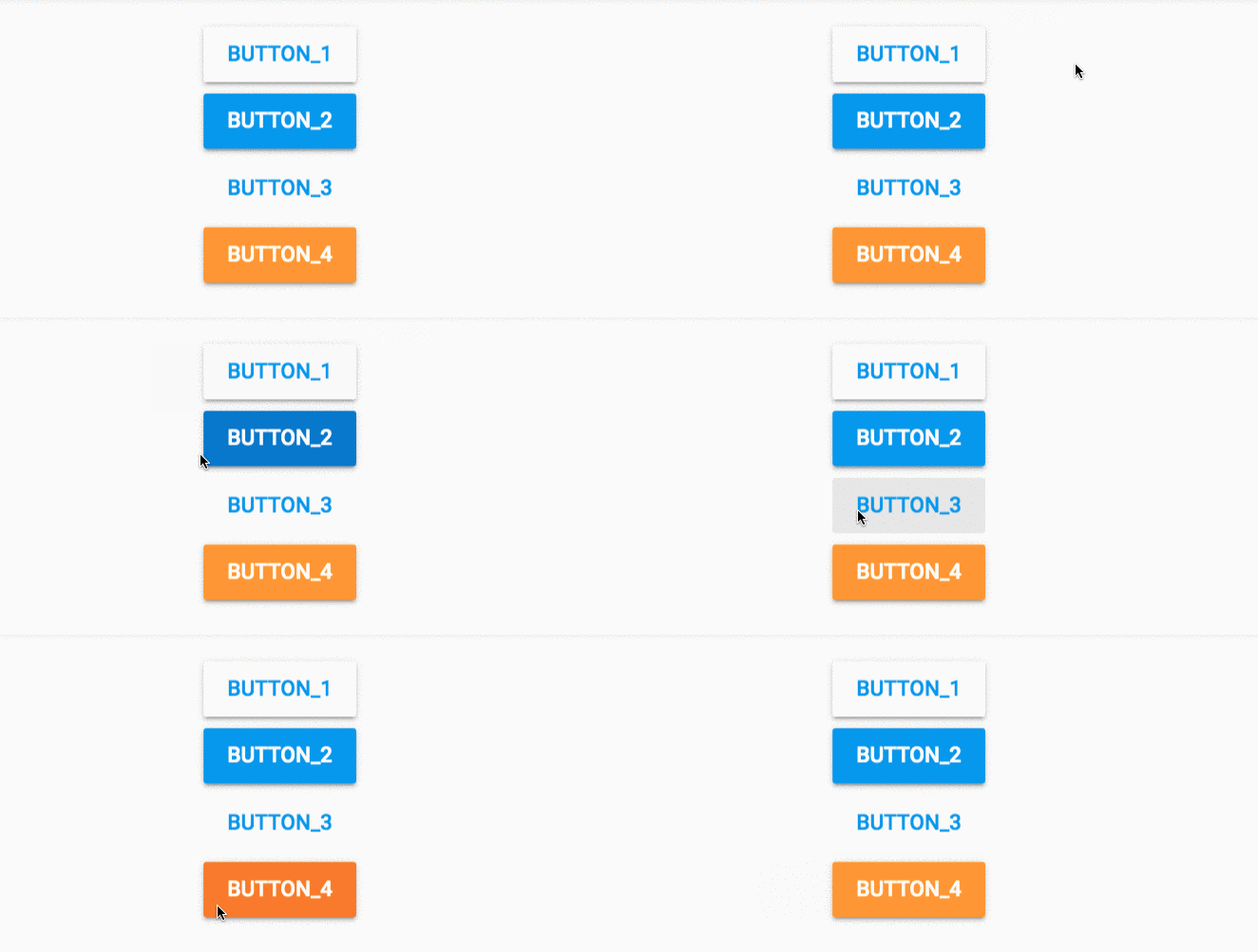
Here’s a gif of the before and after - I do click the buttons! but it’s not so clear with the frame rate of the gif.
Before:
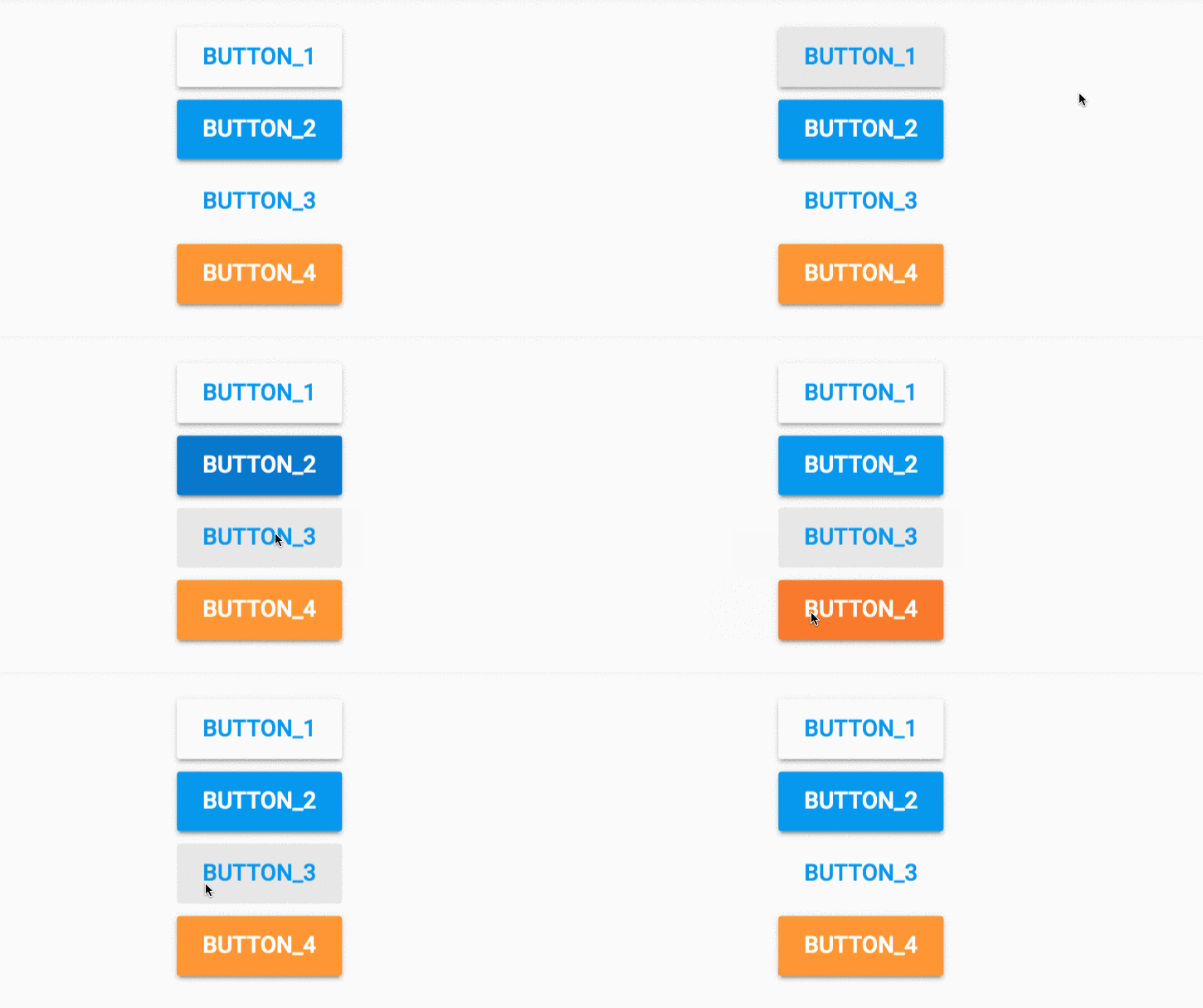
After