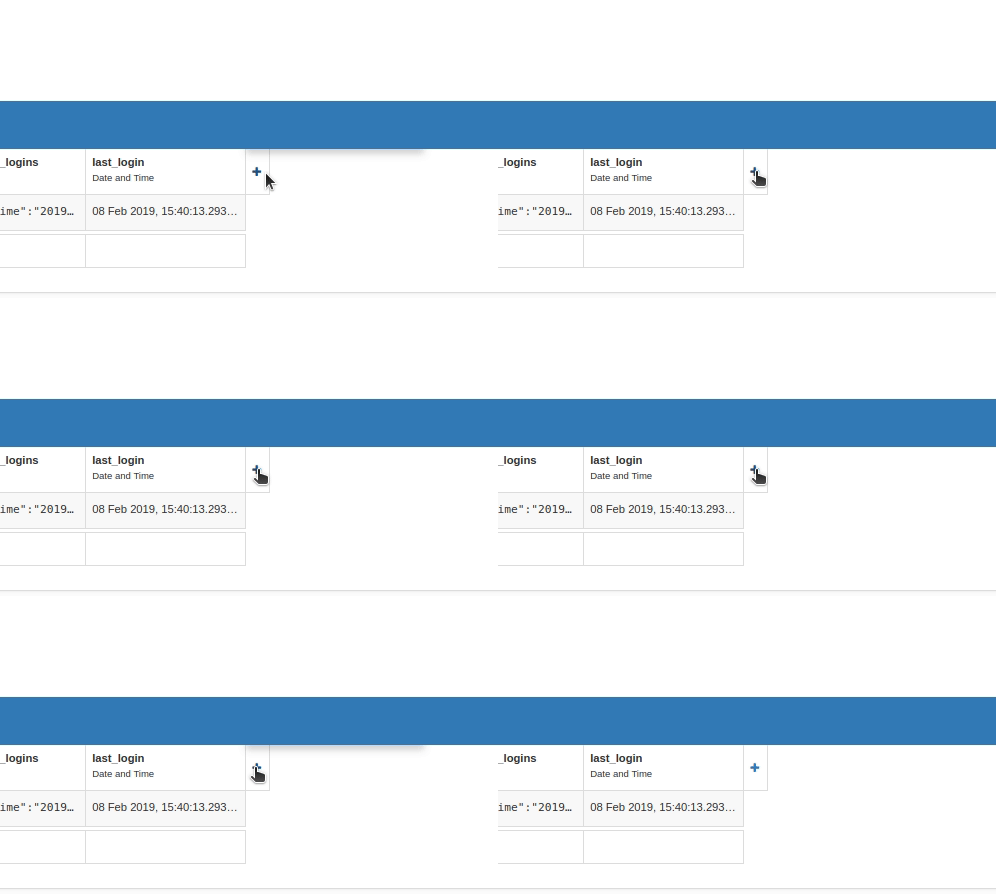
See attached video - it looks like something is happening (you can just see a shade change above the button but below the blue bar) but no menu appears. Works fine on the Data Tables for everything else, it just seems to be the Users service.
Ubuntu 18.10, Chrome
This is a bug, and we’re looking into it - stand by!
In the meantime, you can probably add columns to the Users table via the standard Data Table interface…
I’m seeing the same behavior in the Data Table interface, the shaded area above the button but no menu…
OK, thanks @rumpkj1 and @david.wylie - looks like that’s given us a bearing on a fix. Stand by for updates.
This issue should now be resolved.
Confirmed as fixed on Ubuntu FF & Chrome.