Hello community,
it’s been long since last time I asked for help, but today unfortunately I cannot avoid that.
I have a custom component with properties and events that has just stopped working and I am not able to debug properly because of this error in the IDE.
As you can see from this animated GIF:
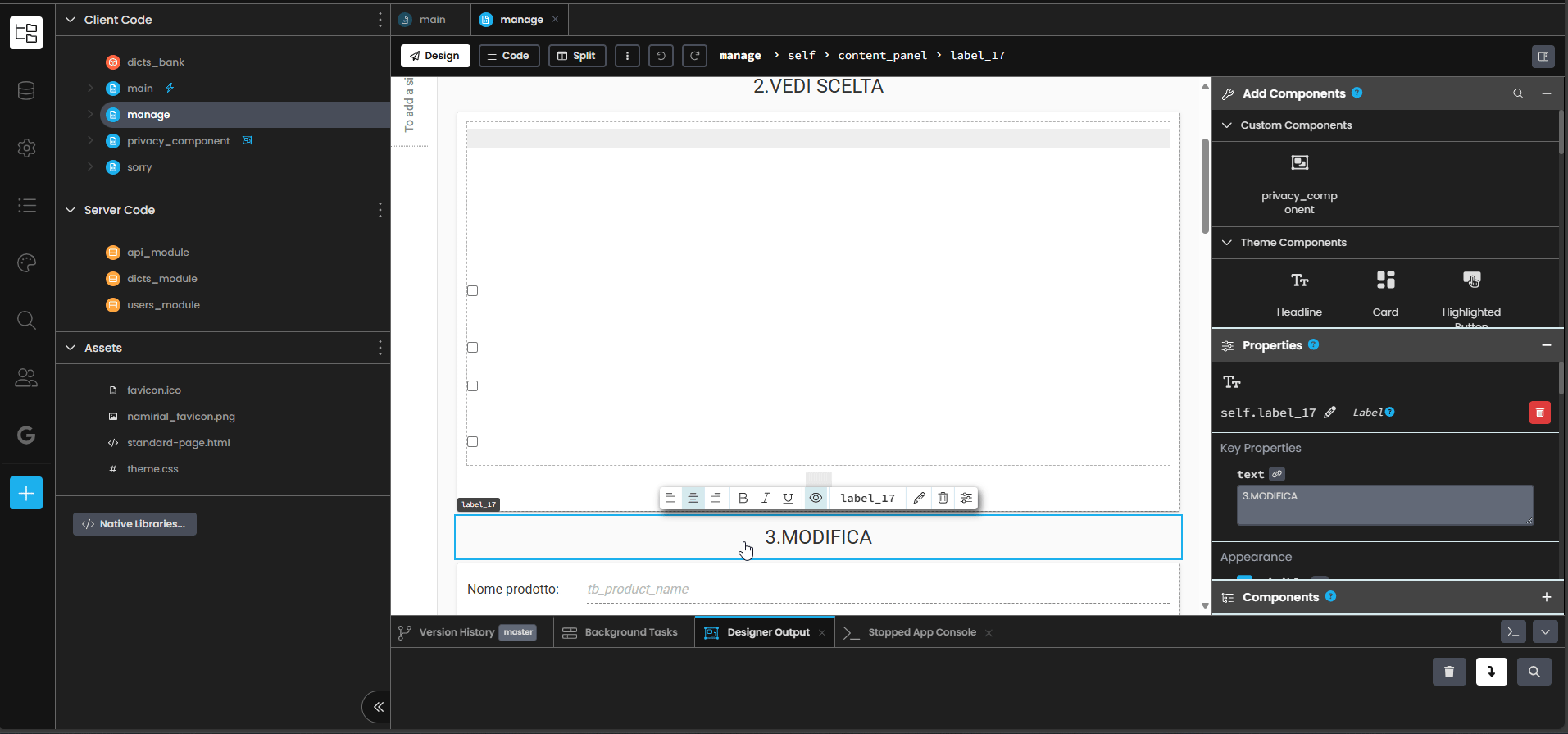
- GIF - Imgur
when I click on the custom component in the design view, I get the error:
AttributeError: 'privacy_component' object has no attribute 'send_data_label'
The property send_data_label is indeed defined, and it looks correct to me:
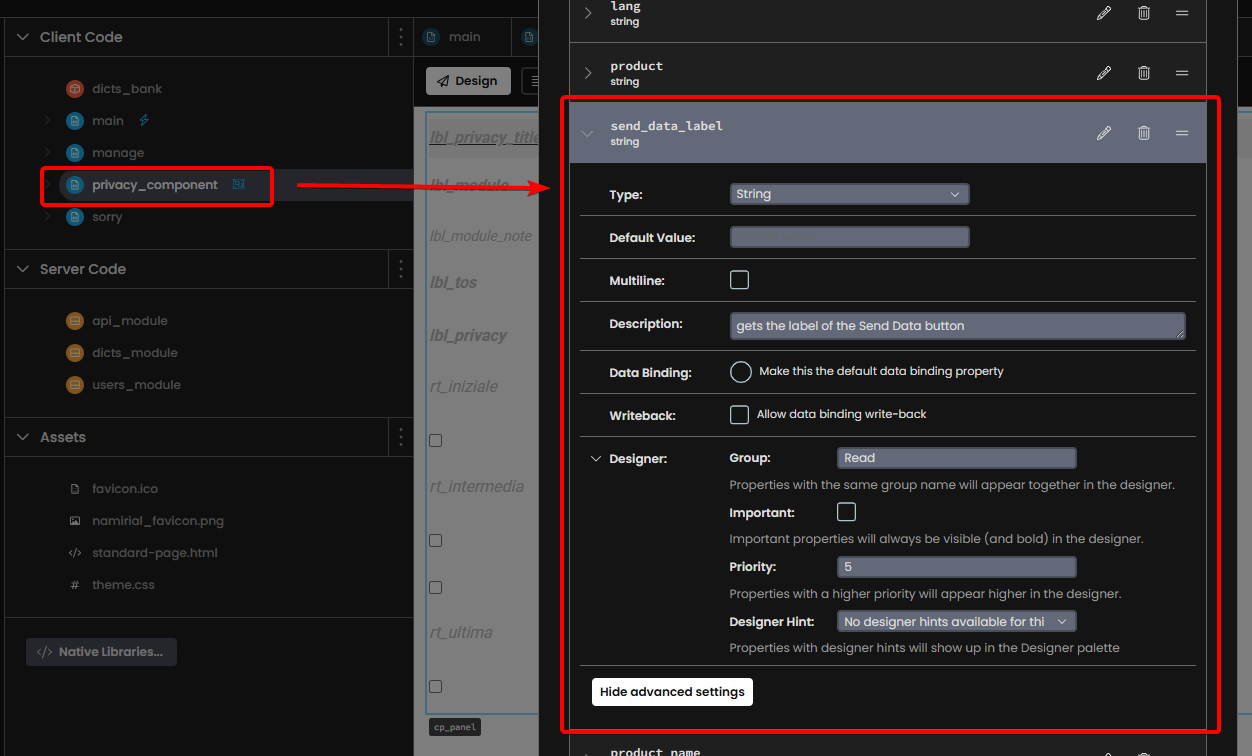
This error prevents the properties section, on the right, to switch to the properties of the custom component, and I need that to work in order to check/modify settings for the event that the custom component raises:
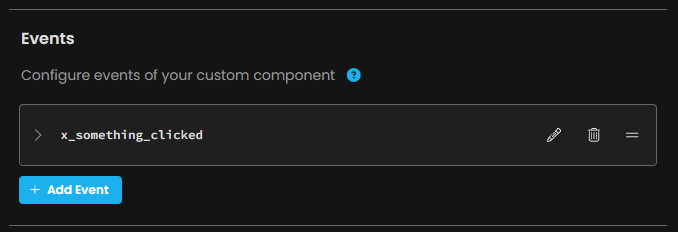
I can’t figure out how to fix that by myself, it doesn’t look a code/settings issue, it looks to me a designer bug.
– EDIT –
Comparing the component configuration YAML between an app where it works, against this app I need to troubleshoot, it is evident that I didn’t specify an event handler in the latter:
working app
    - components:
      - event_bindings: {x_something_clicked: check_fields}
        layout_properties: {grid_position: 'MXGMTN,MSNKRC'}
        name: pc_privacy
        properties: {}
non working app
    - components:
      - layout_properties: {grid_position: 'RKJNPH,KWIZHN'}
        name: pc_privacy
        properties: {}
But I can’t fix that until the designer’s properties section shows up when I click on it.
Now I’ll try to modify the YAML by hand and import it back into a new app, and see what happens, however this is a only workaround.
– LAST EDIT –
The workaround above didn’t work.
However, I remembered I could set the event handler by code too, so this simple 1 liner did the job:
    # set the event handler for the privacy component
    self.pc_privacy.add_event_handler('x_something_clicked', self.check_fields)
→ However, this’s still a workaround, the IDE should work properly with that custom component.
