What I’m trying to do:
I’m transitioning to using the new routing library to add more features and support better SEO. I’d like to know what are some best practices to avoid having server failures when your pages import anvil.js or any other anvil component?
What I’ve tried and what’s not working:
I have a page that imports a library with the following imports:
from anvil import Notification, TextBox, alert
from anvil_extras.messaging import Publisher
from firebase.firebase_client import authentication, firestore, initialize_app

import anvil.js
This fails with the first line since these libaries dont exist on the server side. I could import them in the methods they’re used in, but that seems messy.
How are you importing the form on the server side? You shouldn’t have to import your forms at all, but on the server the Router class should be strings of the form names:
The minimal example doesn’t seem to replicate the issue.
So long as your routes module doesn’t import client specific stuff you should be ok
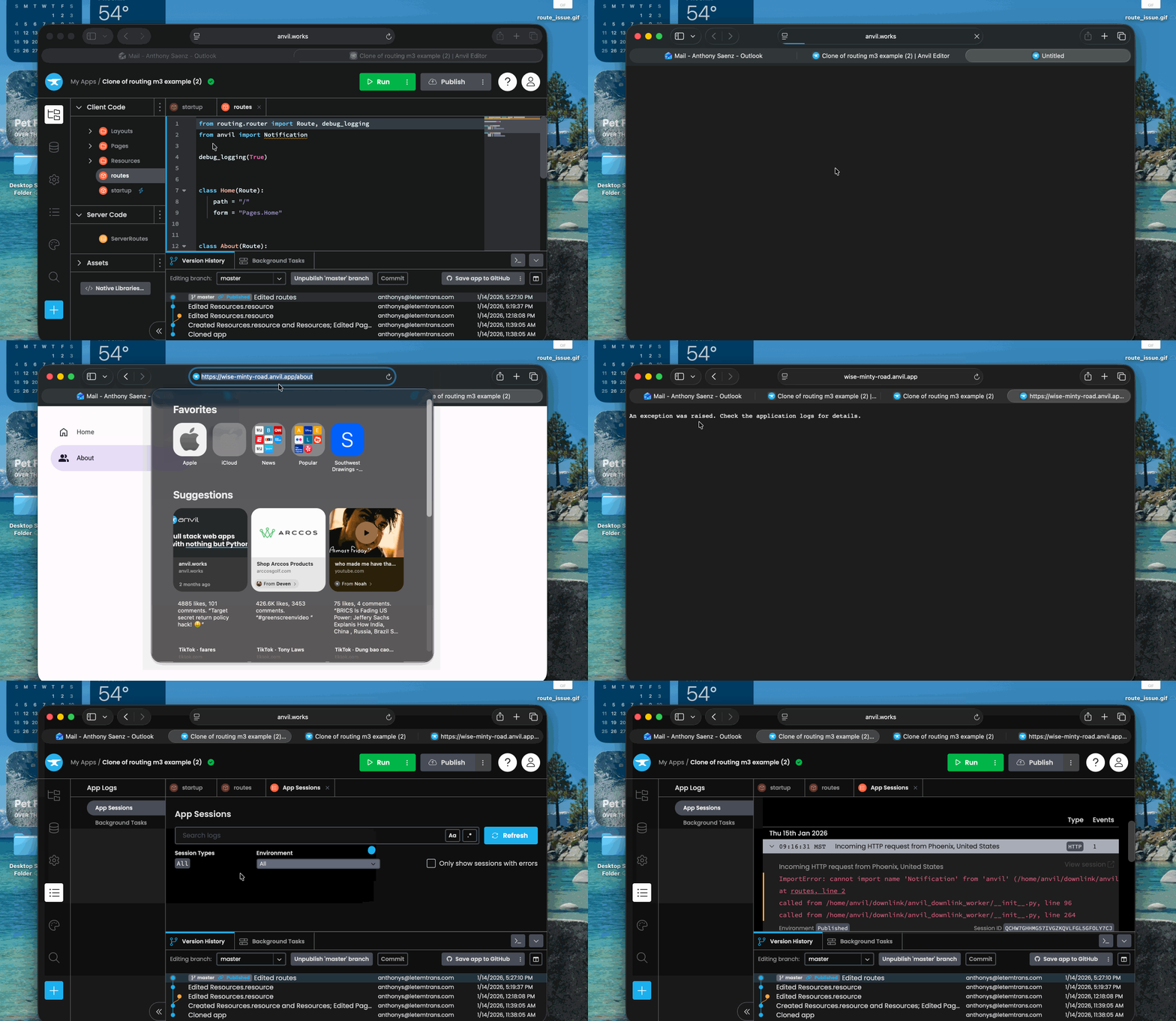
if you are importing client only modules in your routes module, then things won’t work, because ultimately that will end up being imported on the server.
Side note: I’ve updated the docs to emphasise that you don’t need to import the routes module on the server (or the client). The routing dependency will do this for you.
The client specific items were being imported in the routes library. Those were the lazy imports I had to implement. After I moved those there was still one unresolved issue.
There was a call to a firebase database in the form init function of the form being created by the route. This database had to be initiated on the client side. I moved that logic to the “show” event handler and that resolved the last bit.
After your explanation and call out. It was the fact I was importing Notification in the routes module. I updated the example, but its exactly what you stated.