

Forms
Forms are the pages of your Anvil app. Each Form has two parts: a visual design that describes how it looks and a Python class that defines how it behaves.
When you create an Anvil app, it comes with a Form by default. You build your user interface in the Anvil Editor by dragging and dropping components from the Toolbox onto the Form, or by defining components directly in the Form’s code. You can also edit the Form’s structure as HTML.
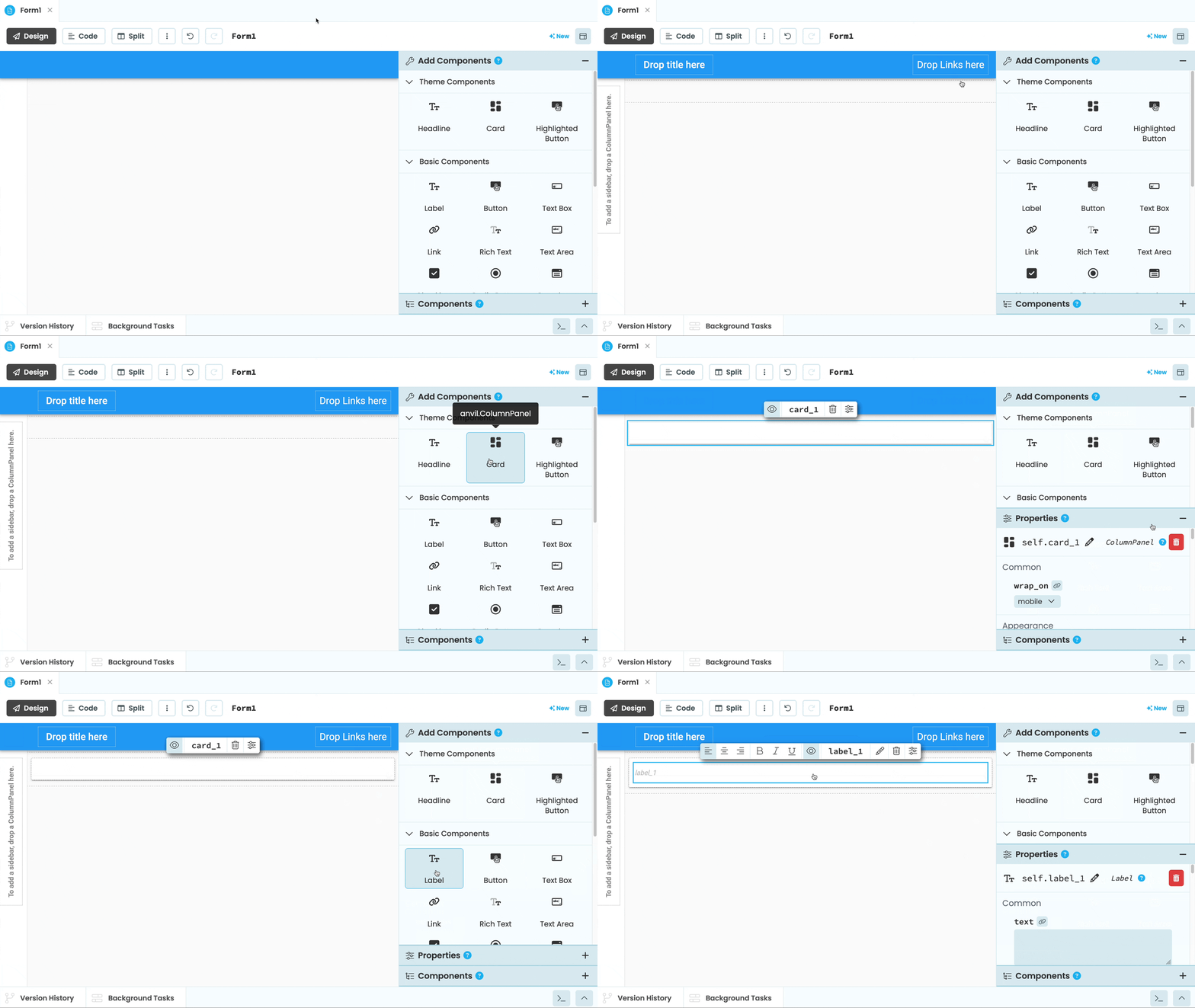
Adding components to a Form to build a UI
A single Anvil app can have one or many Forms, and you can add them at any time in the Anvil Editor.
Forms in the Anvil Editor
The Anvil Editor is where you build and manage your Forms. You can view and edit each Form in Design view, Code view, HTML view, or Split view, and set which Form loads first when your app opens.
Forms as Python Classes
Each Form is a Python class. You can get a reference to the currently open Form, navigate between Forms, and control components through the Form object and its attributes.
Forms as HTML
The user interface of every Form is represented under the hood as HTML.
Layouts
Forms can be turned into Layouts that define the look and structure of other Forms.
Forms as Components
Forms can be added to other Forms to build complex, nested interfaces.
Form Templates
Every Form in Anvil inherits from a template class that defines its basic structure and layout.
Do you still have questions?
Our Community Forum is full of helpful information and Anvil experts.