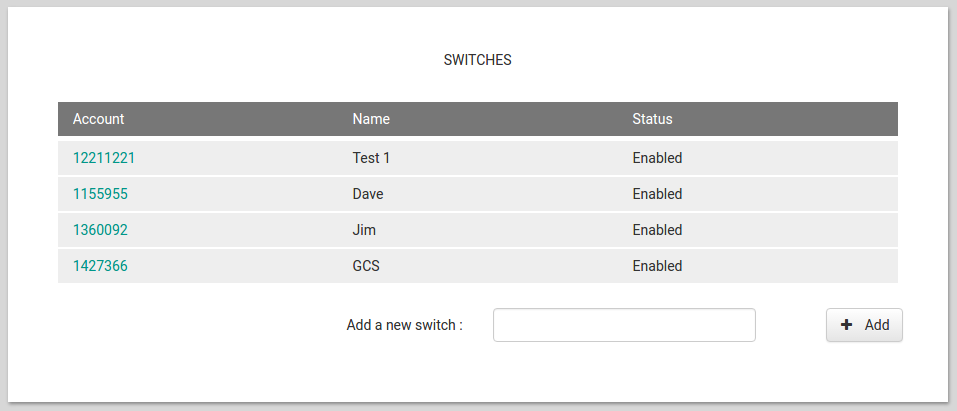
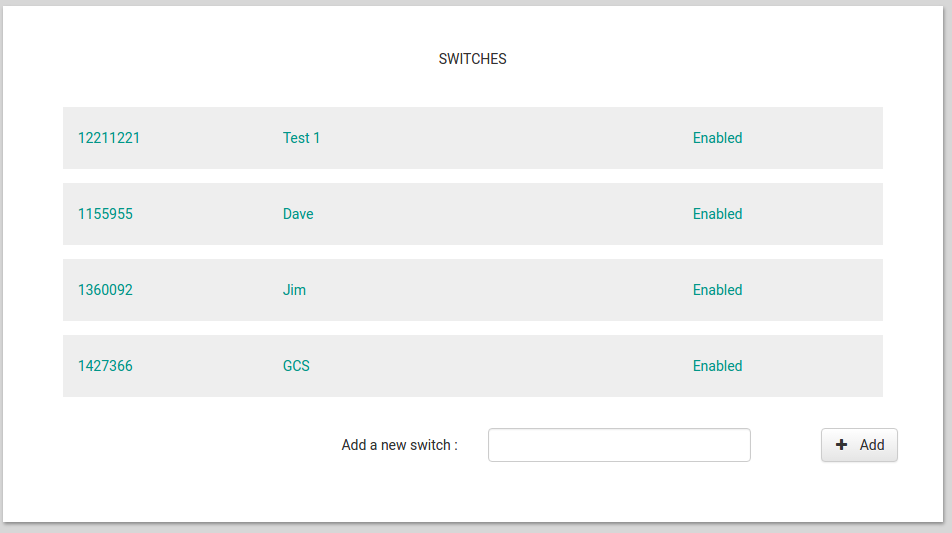
More to get over writer’s block than anything else, I have created a custom HTML form for the “line items” form when showing tabular data. It pushes the lines closer together so you can get more on a page.
** You almost certainly don’t want to use it - it’s a right old hack and it messes with CSS styling with as yet unknown consequences **
But it suits me for the time being. It’s almost certainly not the best way, either. Would welcome suggestions.
The form consists of a column panel containing a label inside a link for each column of your data. Make sure you set all spacing_above and spacing_below settings to “none”. Then paste this into your custom form HTML -
<style>
    #dave a {
        padding-top:0px !important;
        padding-bottom:0px !important;
    }
    #dave .label-text {
        padding-top: 0px !important;
        margin-top:0px !important;
        padding-bottom: 0px !important;
        margin-bottom:0px !important;
    }
    .html-templated-panel {
        margin-top:0px !important;
        padding-top:0px !important;
        margin-bottom:0px !important;
        padding-bottom:0px !important;
    }
</style>

<!-- This is a simple "card-style" layout. The idea is that
     you drop ColumnPanel components into this layout, and
     each of them creates a card. You then drop components
     inside them. Unless you drag something precisely onto
     a dotted separator, Anvil will put each component into
     the nearest panel within this div. -->

<div class="cards"
     style="padding: 0px 5px 0px 5px">

    <div anvil-slot-repeat="cards">
        <div anvil-drop-here
             class="anvil-designer-only"
             style="padding: 0px 7px 0px 7px;
                  border-bottom: 1px dashed darkgrey;">
        </div>

        <div id="dave" anvil-slot
             style="background: white;
                   margin: 1px auto;
                   box-shadow: 0px 0px darkgrey;
                   padding-top:0px;
                   padding-bottom:0px;">
        </div>
    </div>

    <div anvil-drop-slot="cards" class="new-card anvil-designer-only">
        <div style="background: white;
                margin: 0px auto;
                max-width: 600px;
                box-shadow: 0px 0px darkgrey;
                padding: 0px;
                text-align: center">
            + Drop a ColumnPanel here to make a new card
        </div>
    </div>
</div>

<div anvil-drop-default
     anvil-drop-container=".cards .anvil-container"
     anvil-drop-redirect=".new-card">
</div>
Screenshots - the new and the old -