Hi There -
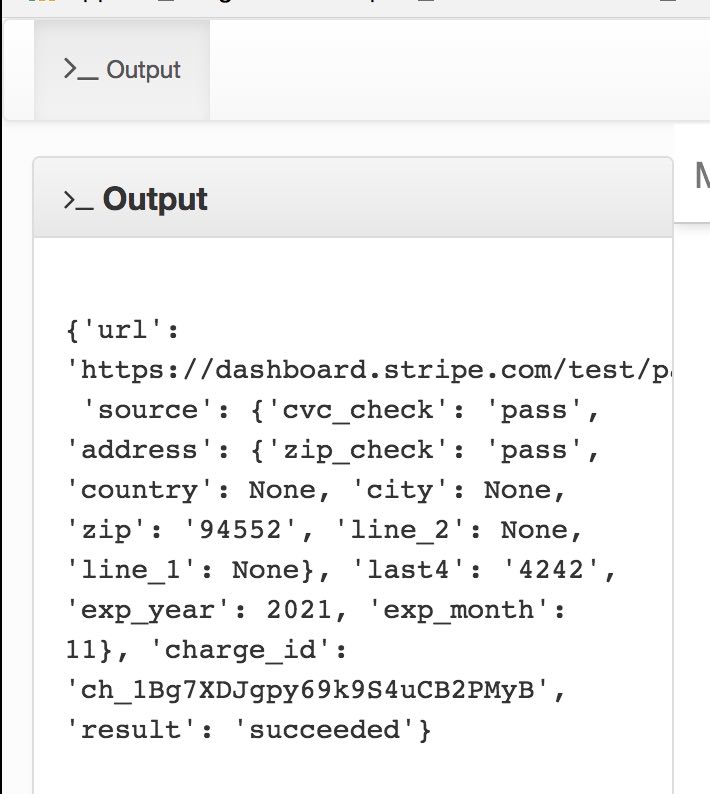
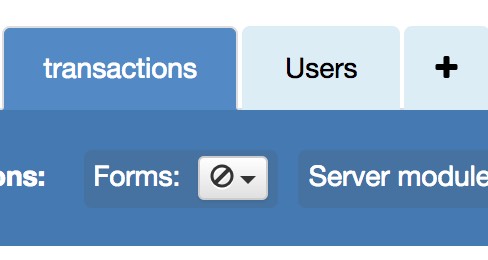
I’ve added Stripe to my app and I’m wondering if there’s a way to store the Stripe payment output (below) to a Data Table (call it ‘Transactions’), that ideally would be linked to the Users Data Table, as you’ll have to be logged into the app, in order to make a transaction.
The Anvil / Stripe video demo says you can see these payment details in your Stripe dashboard, but I may want to call these transactions later, in the user’s My Account page for example, so it would be nice if it were stored in the Anvil Data Table.
Thanks! -Ian
(edited)
Sure - just create a transactions table with a link to the users table. Store the data as one big text string and set the field linked to the users table to the current user’s row object.
If Sam hasn’t beaten me to it, I’ll get some example code here when i have a moment 
Ok, here’s an example -
CLIENT SIDE DATA ACCESS FOR ILLUSTRATIVE PURPOSES ONLY - MUST BE DONE SERVER SIDE
https://anvil.works/ide#clone:TCAVDWYEOYOUN2GS=OEI5BKA6LEAWJMVE6IRF7G55
Enter data in the text box then click the button and it will link it to the current user (user row and tables fudged for this example). In reality, you would “get_user()” and use that as the link in the data table, and it would all be server side.
Does that help?
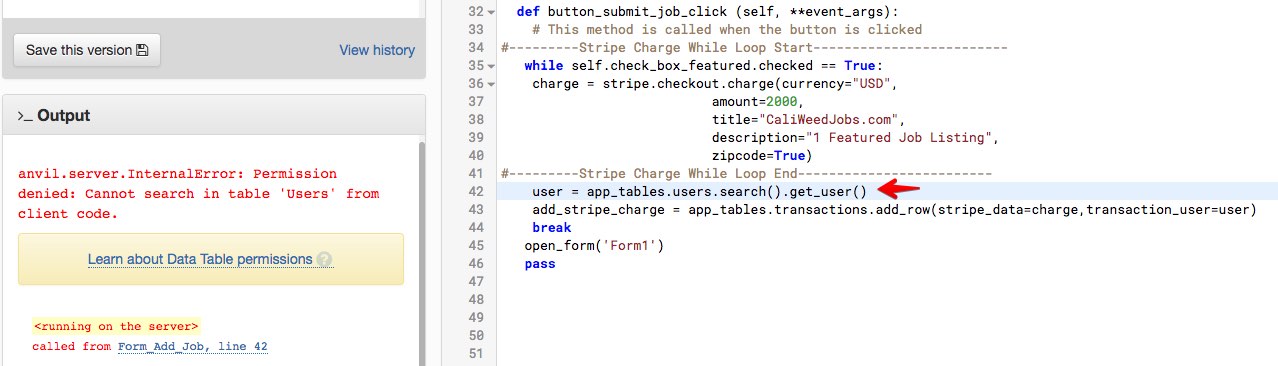
where does the “get_user()” go? I’ve tried placing it in a number of spots but it throws a variety of different errors.
Try this :
user = anvil.users.get_user()
which will return either the user or None if they are not logged in. It is this user object that you should store in the transaction table in the users link field.
Do this this server side because it returns the complete user object (and therefore sensitive information).
So pass the data you want to store in an anvil.server.call() to a server side function, fetch the user object as shown above and update the table from there.
Just for completeness, you would need to set the permissions on the “Users” Data Table to allow access from the client side, but please don’t do that. The users table contains sensitive information.
(edit) sorry I can’t get an example done this morning, but I can answer any more questions you have.
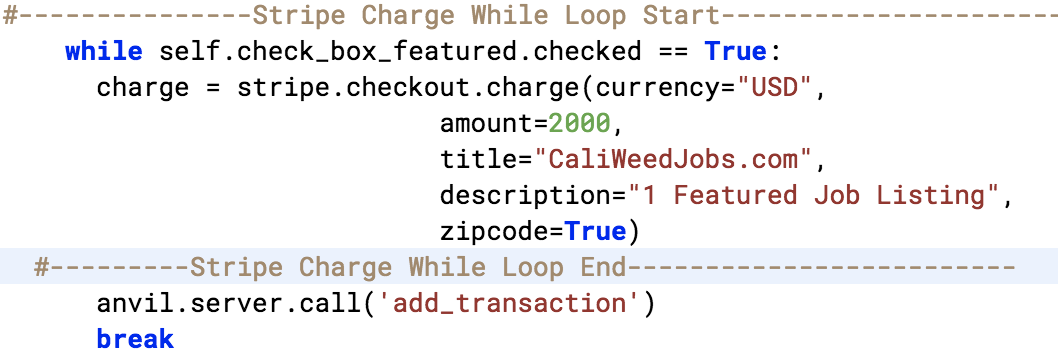
Haven’t got it to work yet but I’m a little closer, here’s the current code in the button function…
…and the server module function can’t seem to take the ‘charge’ variable from the button function.
Can it only take variables defined within it’s own function?
I tried running the whole stripe checkout function in the server module too, but that didn’t work either, the server module did not like the
import stripe.checkout
Ok, do this :
Form code :
charge = stripe.checkout...... (etc)
anvil.server.call('add_transaction', charge)
Then in your server module :
@anvil.server.callable
def add_transaction(charge):
    # your code here
That should do it. You pass variables to the server call after the function name.
The server cannot see the form variables and vice versa, they must be passed (or returned).
(edit) - on a different note, is there any reason you are using a while loop? To me that looks like it should just be a simple “if” :
if self.check_box_featured.checked:
    # code here
There’s no possibility of the while loop repeating as you break after executing all the code once.
Got it! I had to convert the charge variable to a string, the data table wouldn’t take it otherwise, but it’s working, of course the whole stripe output as a single string is not terribly useful, but it’s a start! Will worry about parsing it later.
There’s no good reason why I was using a While loop (I did change it to an If statement), just my lack of solid python fundamentals
1 Like
To be honest it’s only convention and “good form” that stops what you did being recommended. It works just as well