I’m building out a UI that I want people to be able to add in records to the DB then on the dashboard I plan to list them out in tables and other ways. I see how to use repeating panels to list information from the DB as a table output but how do I put table headers and such above the information in the table like a typical table? Maybe I’m missing something but haven’t been able to figure out how to do it.
Assuming I read your question right …
I use a column panel for the headers, which are made from labels, then the repeating panel underneath that. This way the headers line up nicely with the item form inside the repeating panel.
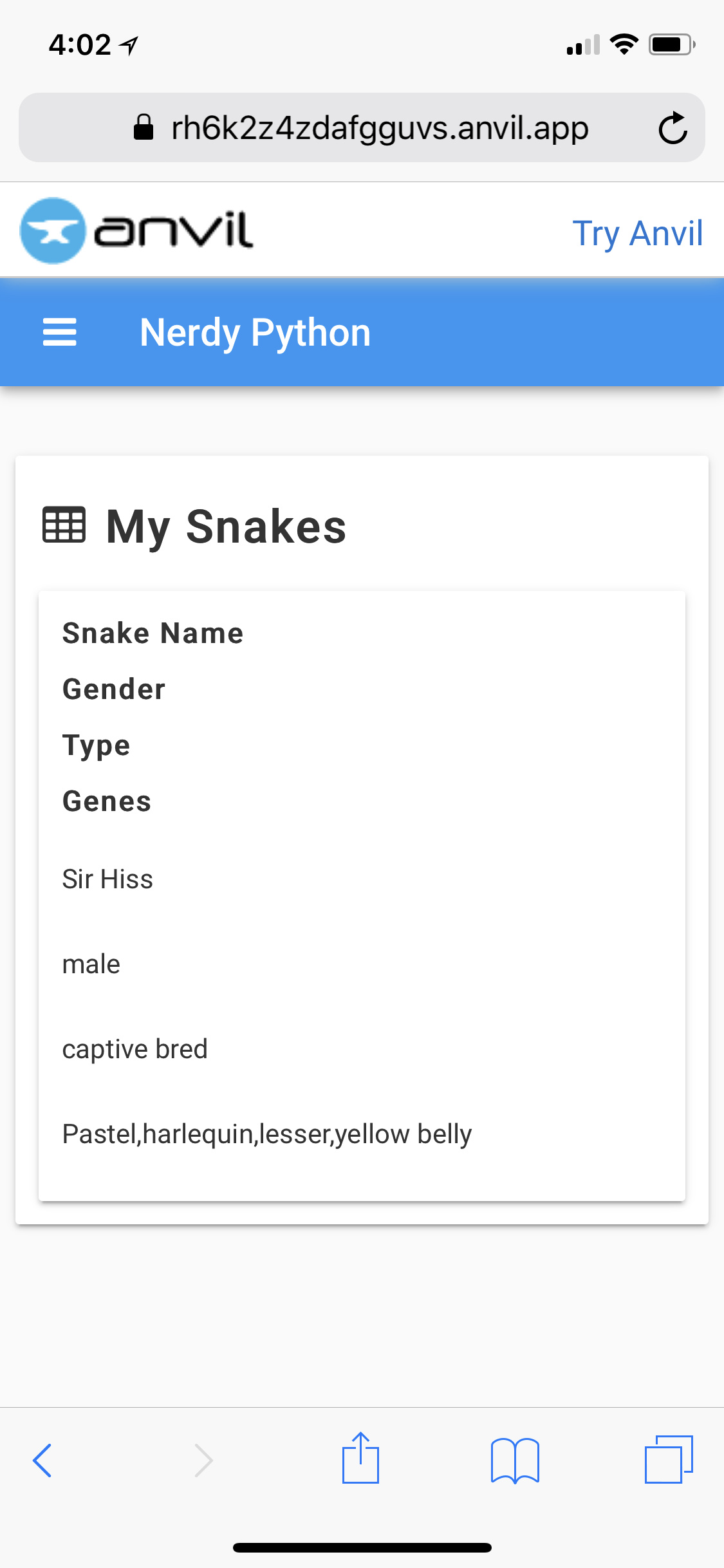
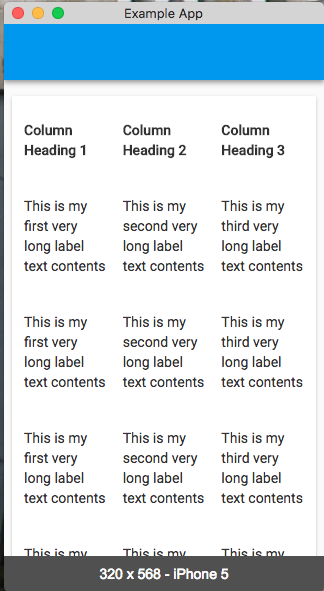
Only issue I see here is it doesn’t look good at all on mobile which is my primary audience for some of this, any idea how to make it look the same? I tried turning the wrap off but doesn’t make it look like a real table either
Been struggling with this myself.
I’ve made separate mobile forms and shown those on smaller devices. It’s not ideal I know but as a non-web designer I’ve never been able to make responsive pages look good in css either, though that might just be me…
Maybe basically my plan was on the initial Dashboard page that will include some graphs of the snake’s feeding/sheds, etc then on the My Snakes menu/page I was hoping to have it create sub menus under that or pages for each snake record found in the db that way I could create a sort of template page even with information about the snake and their feedings, etc from the db in that page.
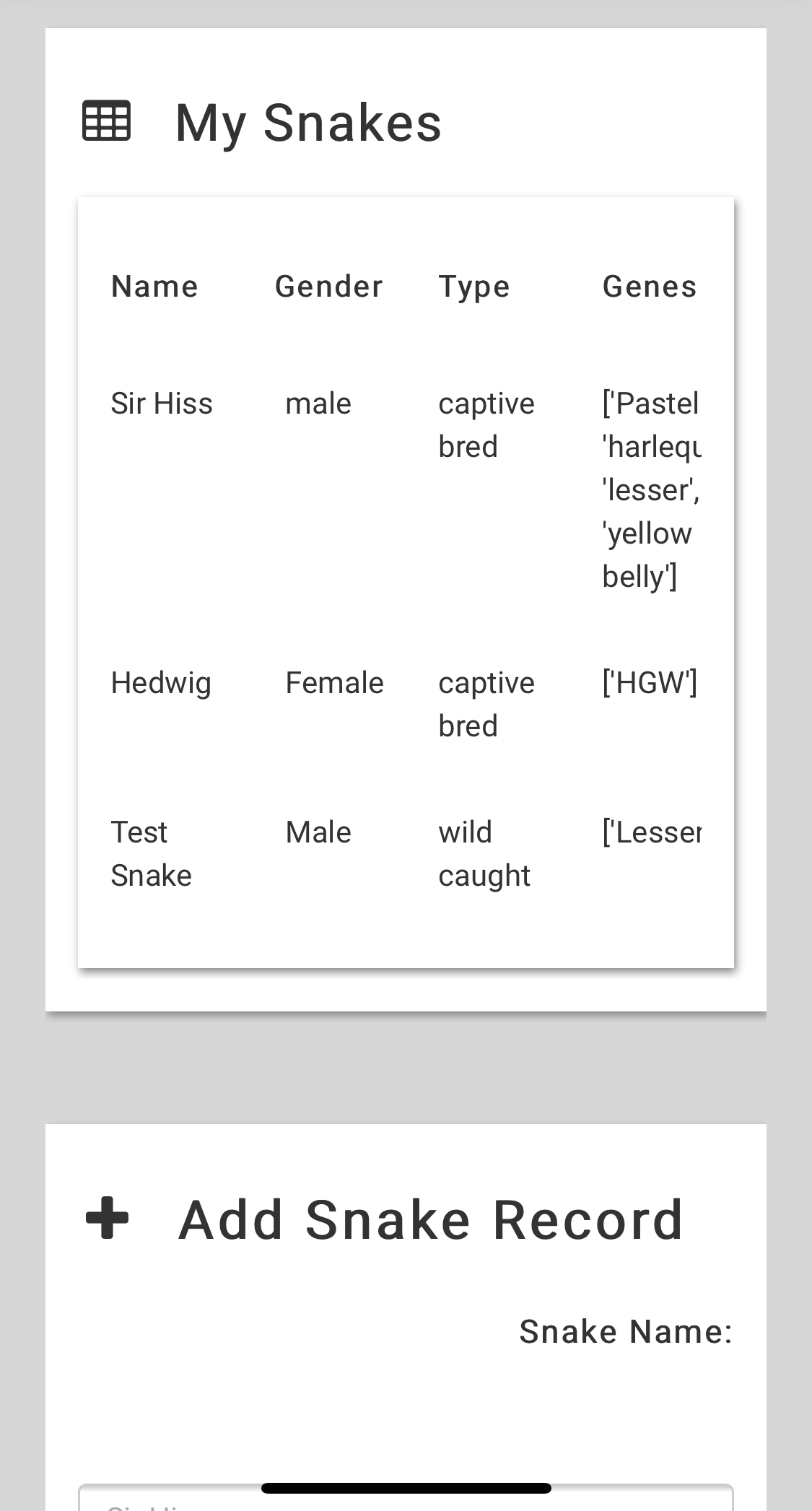
Initially right now I’m just trying to get a table to load that pulls from the db and it looks fine on the desktop but when you look at it on mobile (which a lot of users will be that use this) it doesn’t look the same.
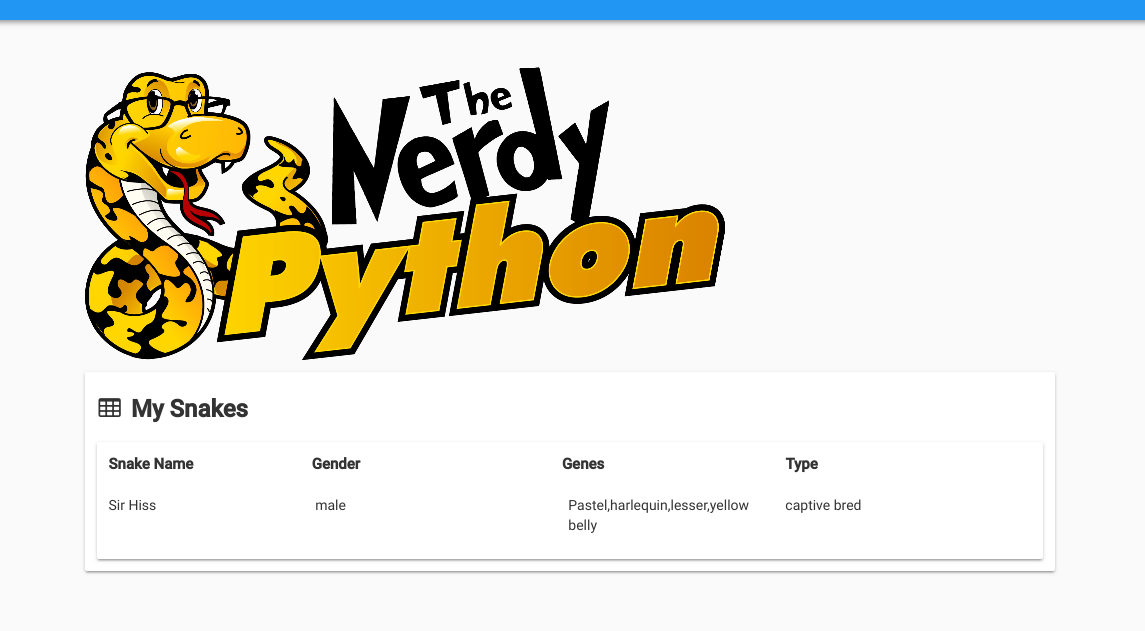
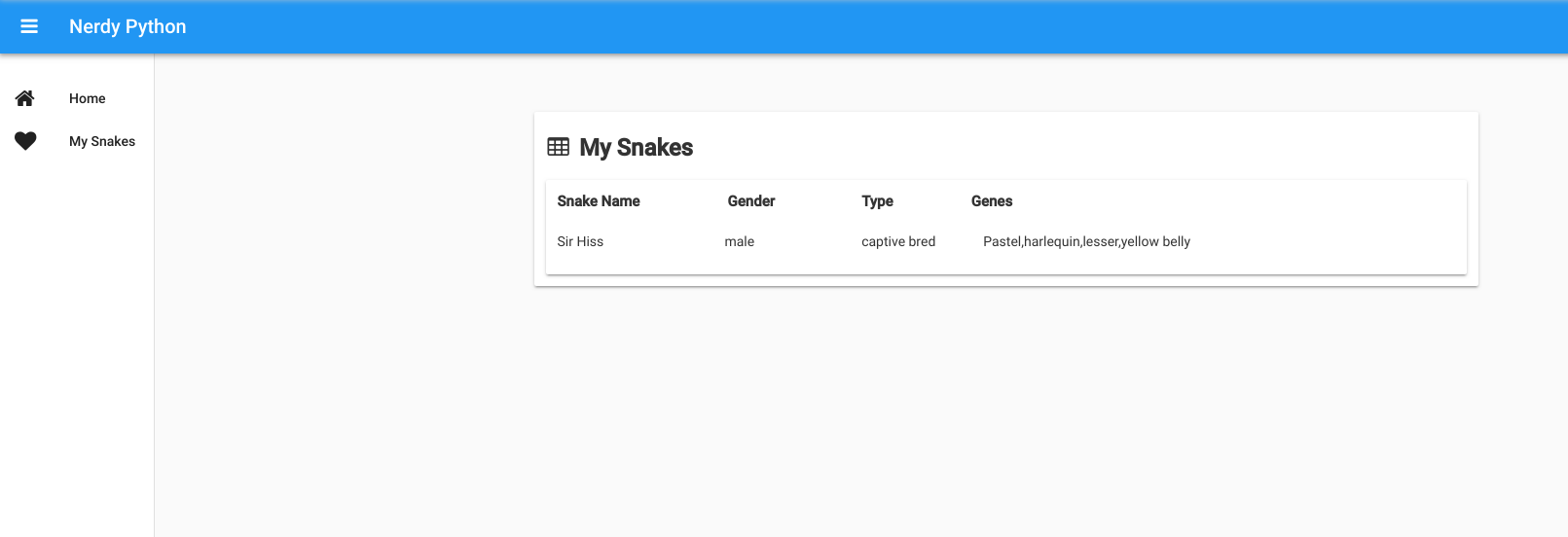
This is the desktop look compared to the mobile screenshot I posted earlier
I’m more or less atm playing with the best way to present the data from the DB. The ideal goal is there will be a section where they can add a snake record then start adding feeding records or shed records, etc and this will be tracked in the DB then I want to be able to present information per snake about its feeding records etc but not sure the best way on demand to create this in this type of ecosystem.
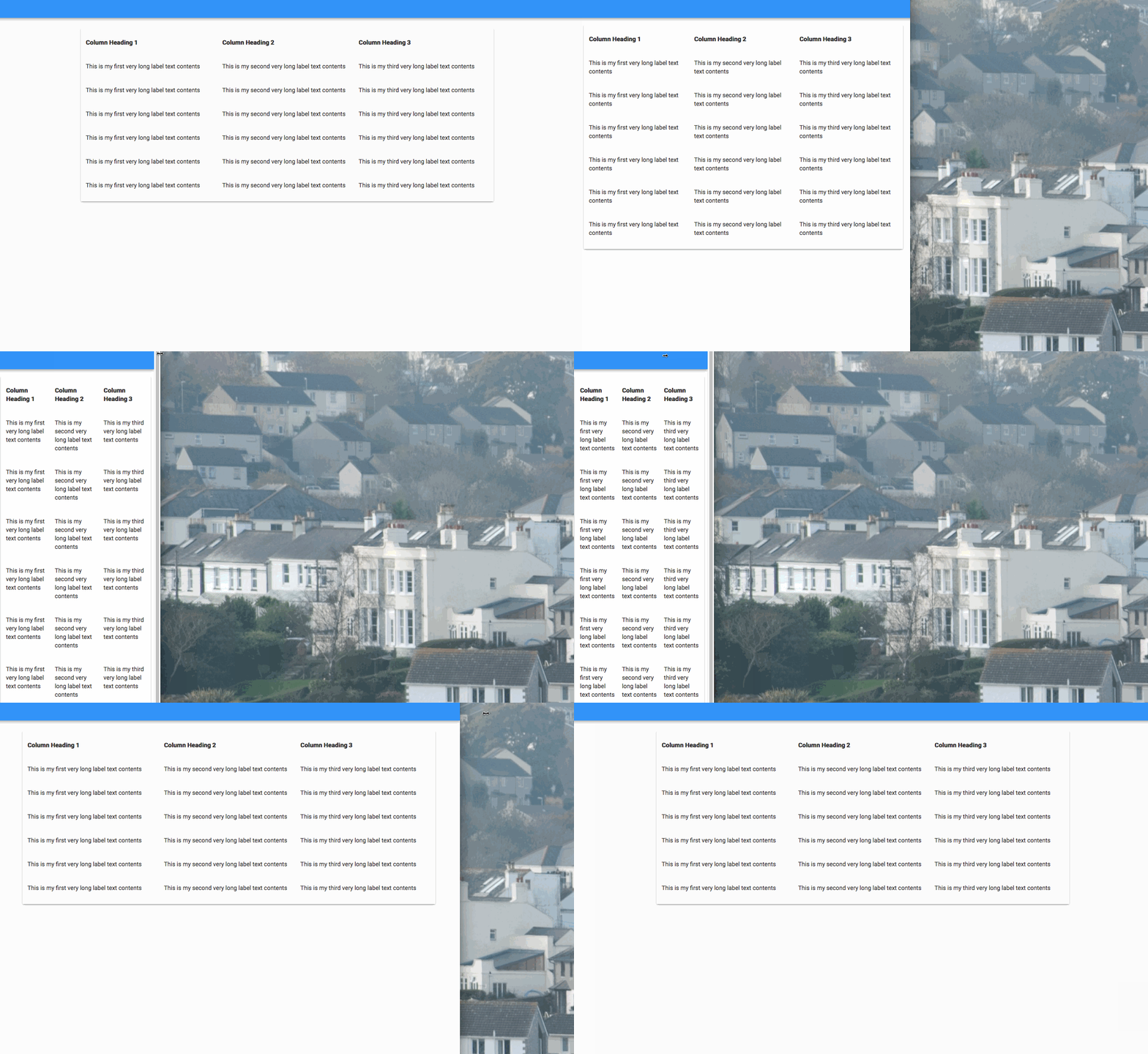
Try setting the wrap_on property of the Column Panels to never. This will prevent the effect you’re getting that makes all the colums end up below each other:
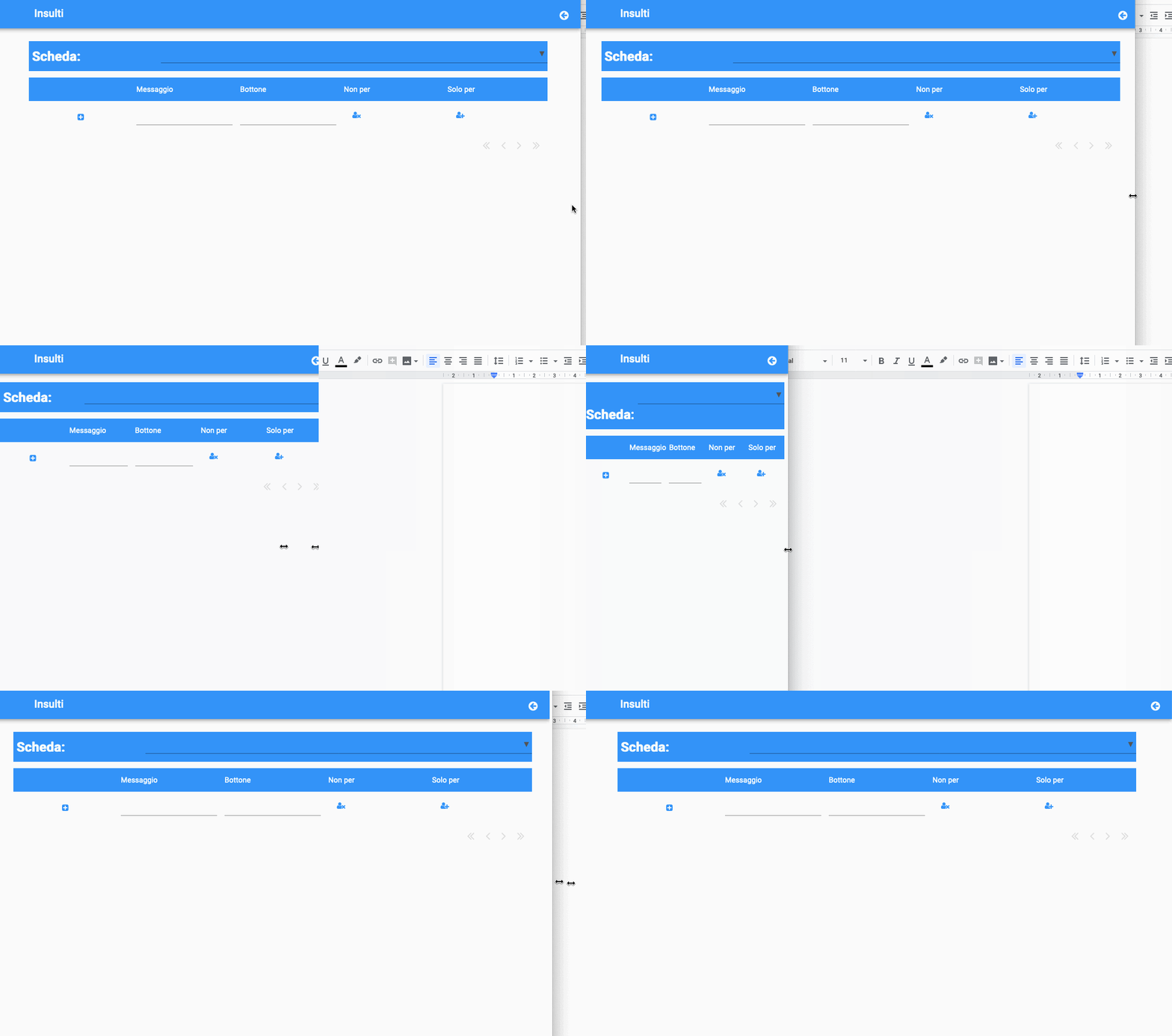
But columns continue to wrap.
I have a little different structure here, but I thought the trick was to put the column headers inside a column panel and to set “wrap=never” there.
What am I missing?
Thanks
Your column headings are wrapping by default because your DataGrid columns have been given fixed widths - they are wrapping to meet the width requirements. If you remove the width properties of your columns, the wrap_on property of your cp_head_row should work as expected:
Hi Bridget
and thanks for your help.
Your suggestion actually works but, as a downside, I cannot set column widths anymore.
The result is that columns holding just a button icon, such as “Non per” and “Solo per”, will be as large as “Messaggio” which needs more space since it’s a text-input column.
I found this post from Shaun addressing my problem.
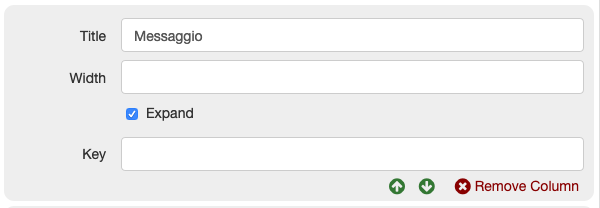
This way I can set columns width, use the “Expand” checkbox as well, and still have non-wrapping columns when the window narrows.
This is my previous example with this fix implementation, for the community.