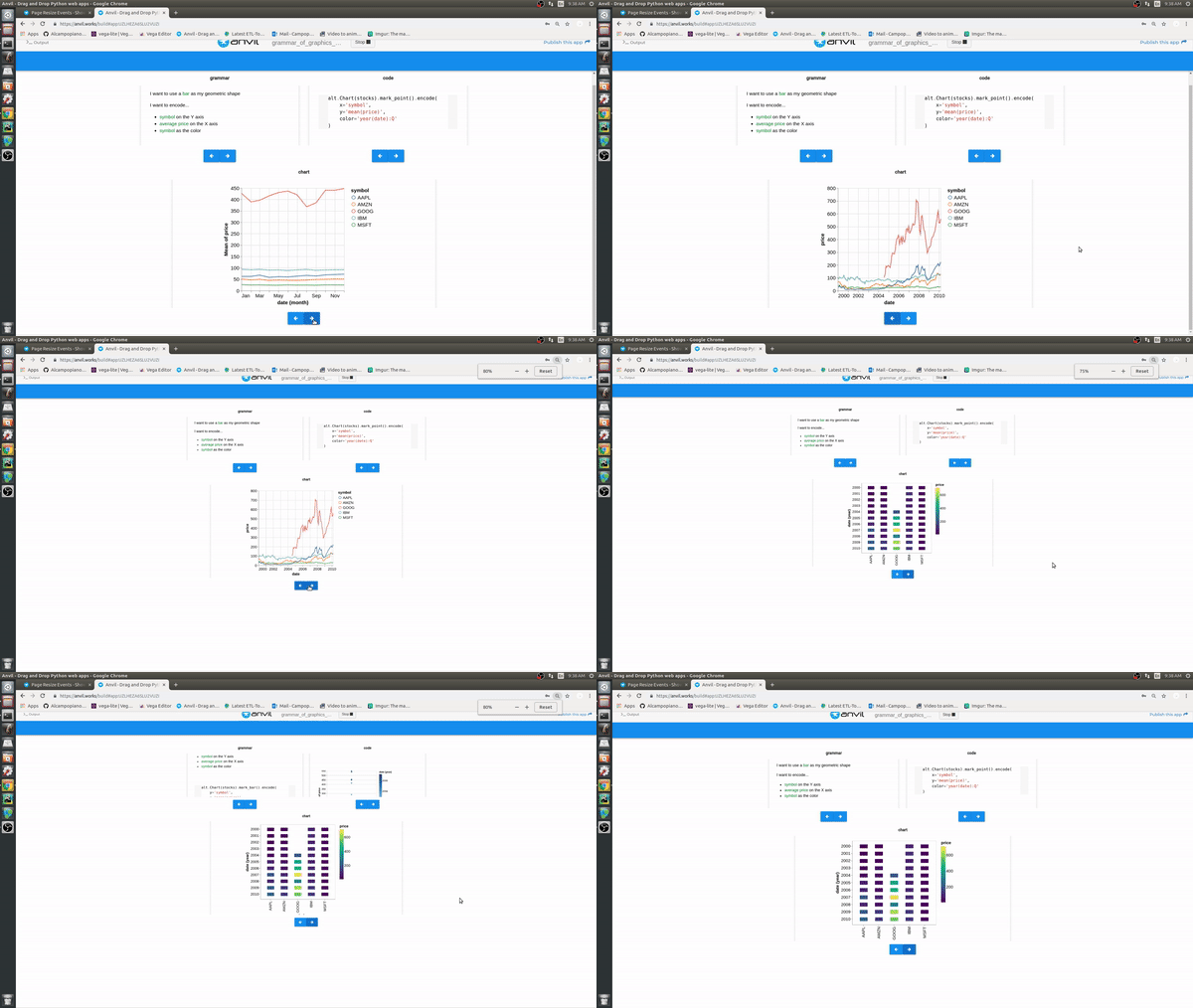
I’m making a data visualisation game where users have to match code snippets to corresponding grammar and charts.
I’m presenting material in iframes. When I resize my web browser, the contents of the iframe shift around.
All of the content that gets piped into the iframes comes from a single html file. Buttons cycle through the html tags (<a id="code_snippet_1"></a>) to control which snippet is being shown.
Is there a way to keep the iframe anchored on the html tag, despite resizing the browser?
Here is an example of the issue and a clone of a simplified app.
Well thank God for David Wylie! The JS (and how it interacts with the python method) seems like pure magic to me. It works perfectly!!
When I resize the page, the method that gets triggers just resets the HTML contents back to the tag’s position. You can see a slight delay (exposing some unintended HTML), but I can live with that.