We haven’t been able to reproduce this. If we follow your instructions exactly, in sequence, in one single browser tab, everything works and T2 can be added to A1 in step 7. Please can you give it another try, and perhaps send over a revised list of instructions? Did your process involve multiple tabs?
These are all the exact steps I have used and even documented in the past to make a full table backup (Without needing steps 5, and 6, obviously), however it was using the classic editor.
The two other things to consider if it can’t be reproduced that are specific to @stefano.menci 's case would be:
We do know he uses the monolithic SQL db business plan, unlike most of the other users of the forum
We don’t know if he has a different Data Table screen layout
I was running my tests on three different tabs, but I was refreshing each one of them before clicking on any button, just to make sure it was aware of the changes on the other tabs.
I just tried again, and I can’t reproduce it.
Yesterday I tried these steps after trying to add a second table with the same structure as one existing table to the same app. I tried to clone the app and share the cloned table in the original app, but that table wasn’t visible.
I tried again now, after failing to reproduce the steps on the original post, and this still reproduces: I created a new clone, then I tried to add the existing table and I still can’t see any tables from the cloned app.
Perhaps the problem I noticed yesterday did reproduce with those specific steps (I was able to reproduce it twice, first with a quick run and then while typing the post), but it is instead caused by other factors?
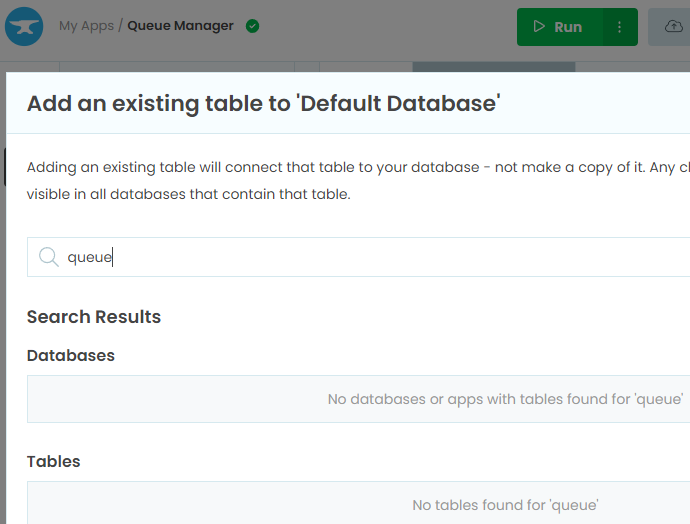
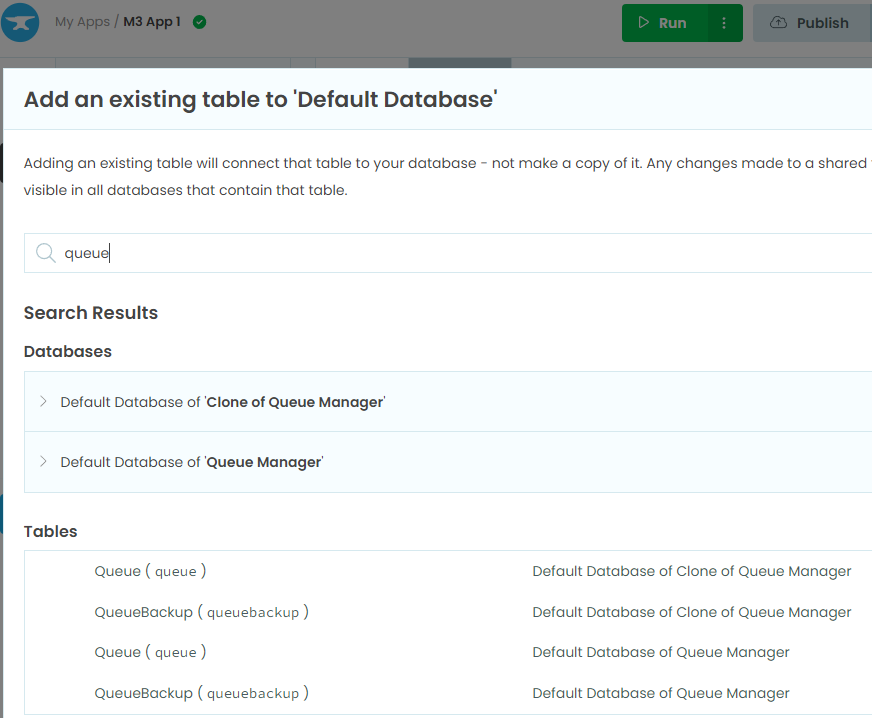
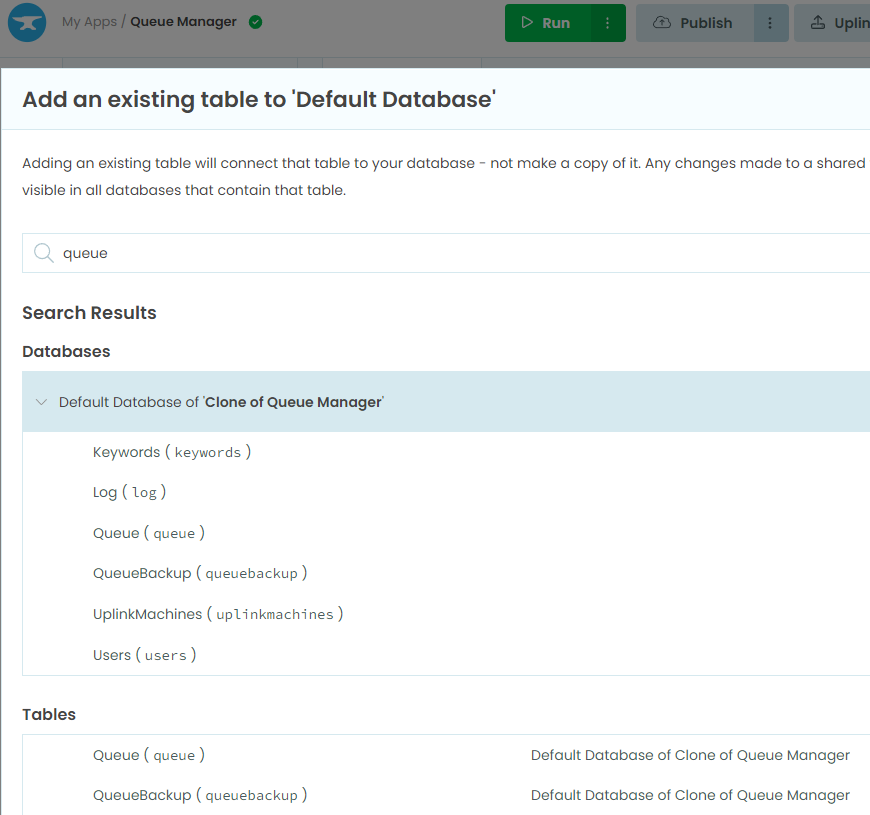
When I try to add existing tables on two different apps and I type the word “queue” on the search text, I would expect to see all the apps and tables that have the word “queue” on their name, but the Queue Manager app sees nothing:
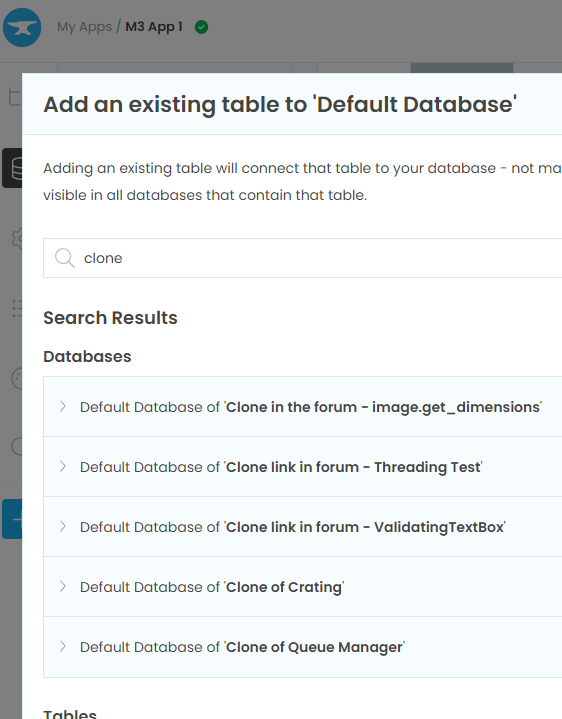
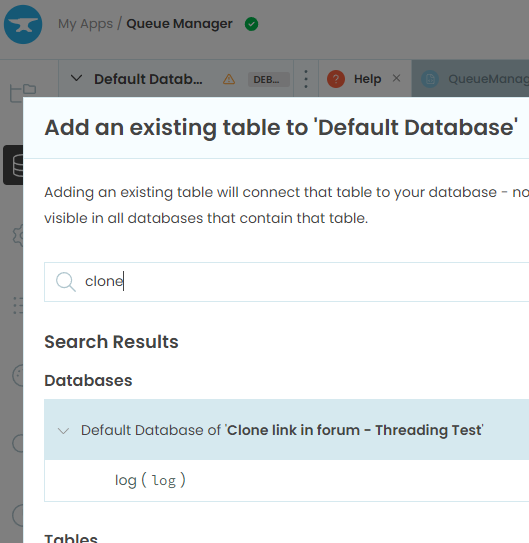
I have tried searching for other terms, and the results are different between the two apps. For example typing “clone” I see 1 app on the Queue Manager and 5 apps on the new app.
Ah ha - so you currently have two apps demonstrating the odd behaviour even after a refresh? If that’s the case, we can dig in and work out what’s going wrong! Please send links to the two apps to support@anvil.works and we’ll take a look. Thanks!
This makes sense - you will always need to refresh if tables have come into existence elsewhere since you loaded the IDE in that tab. We may well improve that behaviour at some point! In the meantime, if you find an app that doesn’t show tables from other apps even after a refresh, please let us know and we will jump on it.
Both the snapshots were taken on a refreshed window. I did refresh it many times. I also closed it and reopened it.
My dementia may be steadily progressing, but I’m confident I saw this.
Earlier I also tried searching for other terms, for example for the word “clone”, and one app was showing 1 item, while the other app was showing 5 items. The apps with the word “clone” in the name are all years old and were there before the browser was refreshed (or this computer even existed), so in this case the missing browser refresh is not a factor.
Fortunately I still have the two snapshots from this morning:
The new app sees 5 apps with the word “clone” in the name: