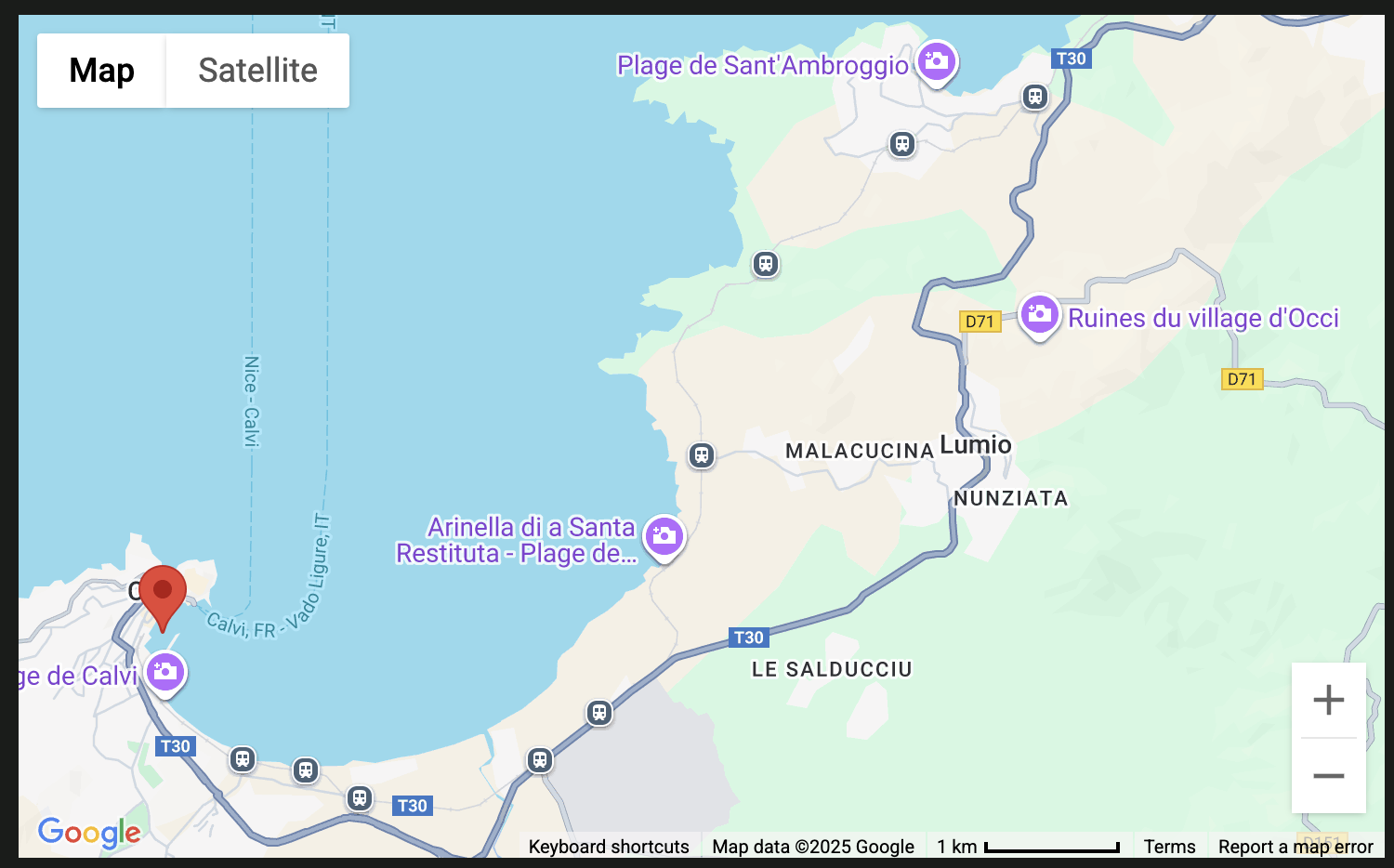
I’m trying to hide just the ‘camera controls’ on a map component. I only want to display the simple +/- zoom buttons.
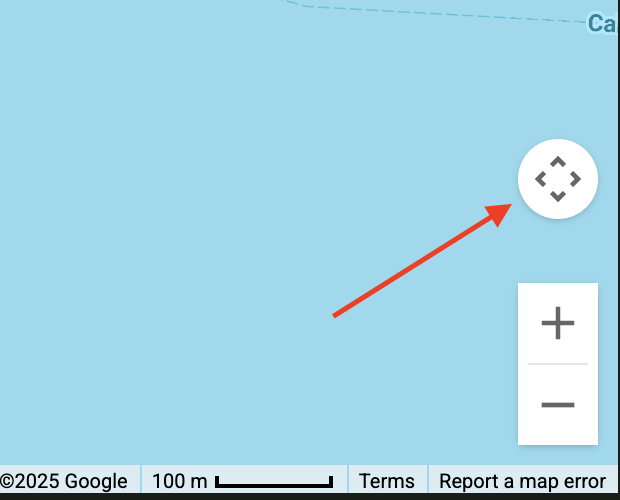
I’ve tried using the various control options that are presented through the anvil maps api, and I’ve also tried to work out how to set the option according to the Google maps docs (cameraControl = False) but nothing has come good yet 
self.map_1.zoom_control = False just removes the +/- buttons, but leaves the camera control in place.
 s
s