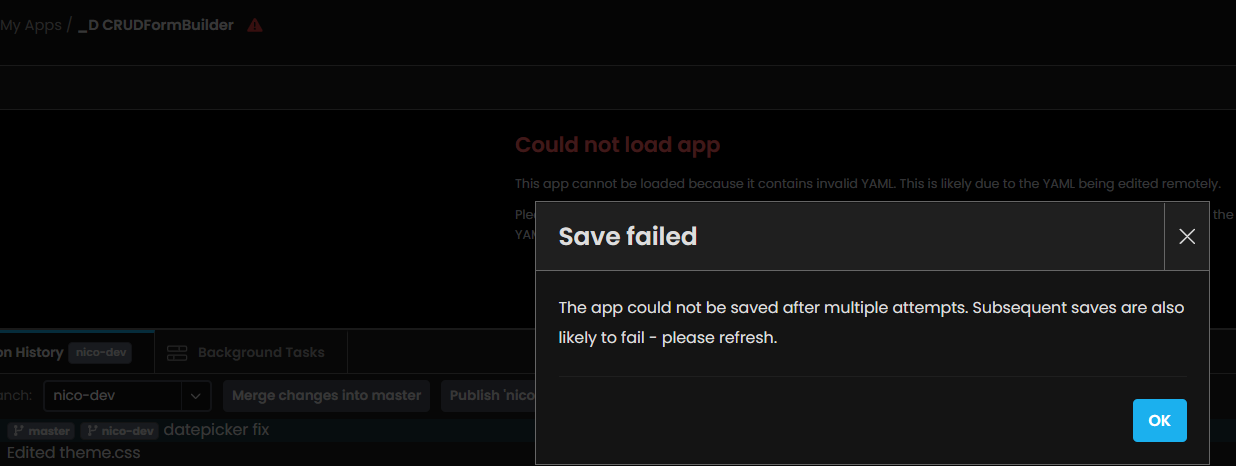
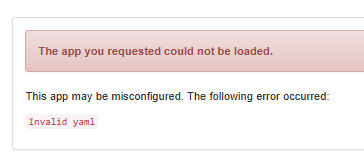
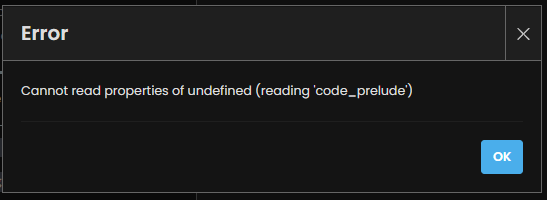
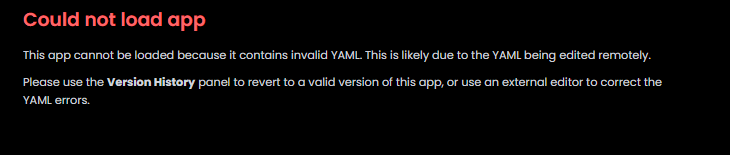
OK, we’ve managed to pull out a reproduction case from the logs, and we’re rolling back the relevant change. Sorry about this, folks!
Current hypothesis is that this affects users who made a manual edit to a YAML file in their app - possibly a long time ago - and a version change to Anvil’s YAML parsing caused that to go from “parses fine” to “raises an error as invalid”. Sigh.
Can people please now check whether this has resolved the issue?
@meredydd Thank you very much for your immediate response.
I would just like to mention that I did not make any changes to the app, including any manual changes to its YAML files. The app was working normally and then suddenly became inaccessible.
Repro cases please! The error we initially identified appears to have stopped, so if it’s still going right now something else is afoot, so we really need precise reproduction instructions.
Update: We’ve identified a place where our caches might have been retaining the error even though it’s now fixed at source. This would affects dependencies with the edited YAML, which is the pattern @Neeco was seeing. We’re flushing those caches now, stand by.
Again, I am begging for app IDs and repro instructions here if anyone is still broken. This is something that was (clearly!) outside our test cases. We spotted one thing based on these reports, resolved it, and now we’re kinda flying blind, because everything we’ve tested has been working the whole time!
OK, in the absence of repro instructions we’ve had to break out the Big Hammer and restart the entire cluster to clear all the caches. Apologies for the brief interruption to all apps, and slow launches of server code as the Thundering Herd comes through.
Everything should now be back to normal. Please let us know if it’s not.
If this is an update which needs to be eventually made, a detailed traceback pointing the exact form or place with the corrupted yaml will help with debugging where things went wrong.
Maybe making this a manual migration for old apps (Like the layout migrations) so that we can test and fix things beforehand.
Would be happy to provide App IDs if needed for future investigation