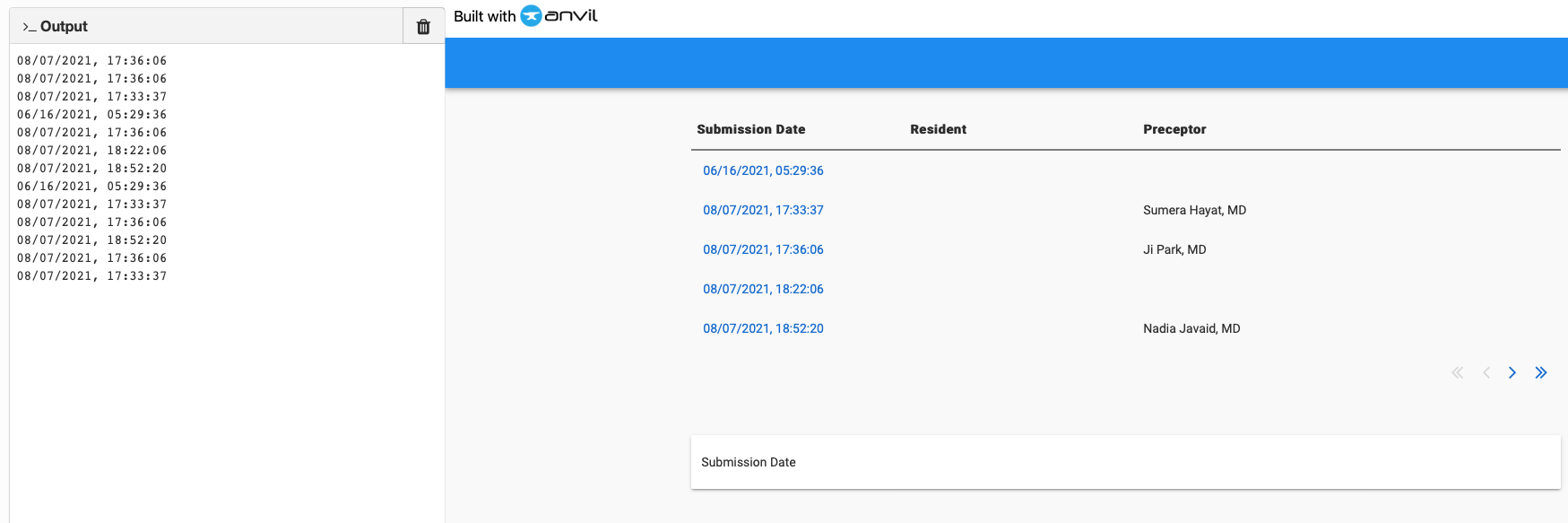
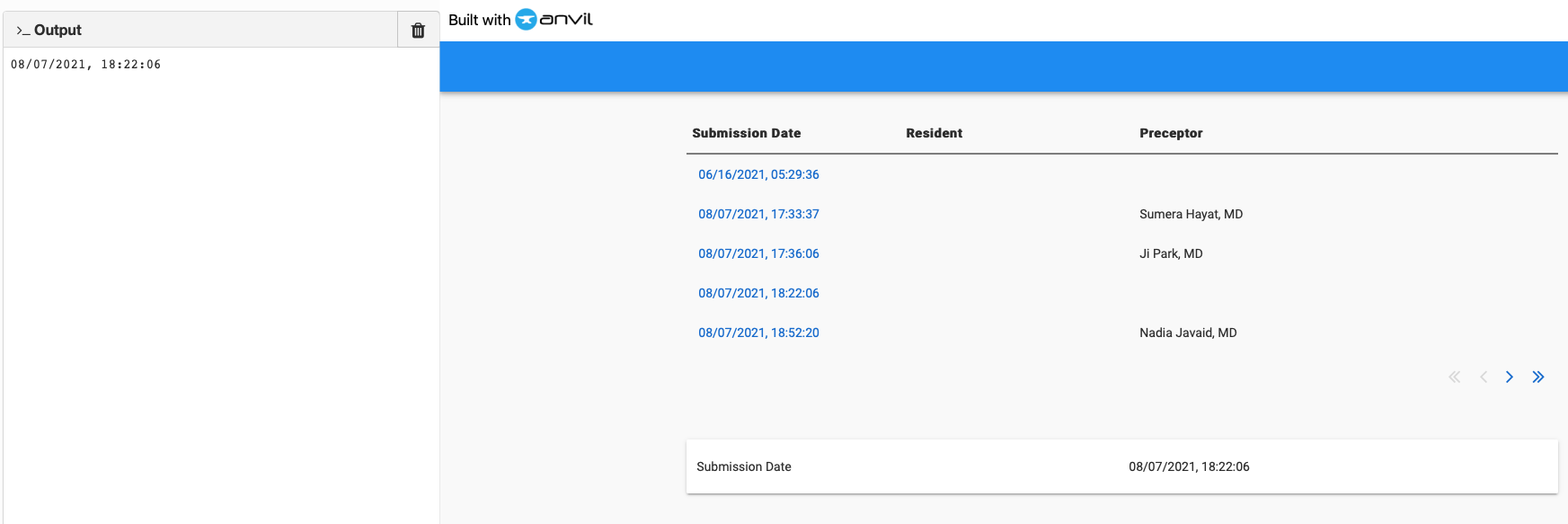
What I’m trying to do:
I created a link and want to display the results or change the text label outs of the row template.
What I’ve tried and what’s not working:
I can print out the results into Output but unable to change the label.text.
Code Sample:
class RowTemplate1(RowTemplate1Template):
  def __init__(self, **properties):
    # Set Form properties and Data Bindings.
    self.init_components(**properties)

  def link_1_click(self, **event_args):
    form2.test_lbl.text = self.link_1.text
    print (form2.test_lbl.text)
If you’re changing something on the form because of an action inside a row template, your best bet is to use events.
In the form’s init method, set an event handler on the repeating panel that will trigger a form function when the event happens.
self.repeating_panel_1.set_event_handler('x-reload', self.reload_mysteries)
Then in the row template, trigger the event:
self.parent.raise_event('x-reload')
That gives you a way for the row template to trigger a function in the form. The function in the form can easily get to any of the form’s components.
1 Like
thanks, what is self.reload_mysteries? I assume it’s referring to a function in RowTemplemplate1 e.g. link_1_click
That’s a function you write on your form. You can call it whatever you want and put the code into it that you want. In your case, you’ll want that function to take a named parameter that is the text to set the label to.
Then in your row template code when you trigger the event, pass the value for that named parameter to it.
There’s some docs on custom events here: Anvil Docs | Anvil Components But they don’t show passing a parameter to the event.
1 Like
Works nice! However, I’m still having trouble passing the selected Submission Date text.
If you show your code or a clone link, we can probably help with that. I get along best with named parameters to events, so when you trigger the event you need to pass a named parameter in, e.g.:
self.parent.raise_event('x-reload', date=self.item['date'])
And then add a date parameter to the catching function.
Thank you! Here’s what works…I do want to show each unique data row in detail once the link is created, so I assume this is the way.
Form1
class Form2(Form2Template):
  def __init__(self, **properties):
    # Set Form properties and Data Bindings.
    self.init_components(**properties)
    self.repeating_panel_1.set_event_handler('x-reload', self.change_lbl)


    # Any code you write here will run when the form opens.
    self.repeating_panel_1.items = anvil.server.call('get_evaluation')
    #self.submit_lbl.text = self.data_grid_1.get_components('flow_panel_1')
    #self.data_row_panel_1.item = anvil.server.call('get_evaluation')
    #self.test_lbl.text = 'hello'

  def change_lbl(self, **event_args):
    self.submit_lbl.text = event_args['date']
    print (self.submit_lbl.text)
Form2.RowTemplate2
class RowTemplate1(RowTemplate1Template):

  def __init__(self, **properties):
    # Set Form properties and Data Bindings.
    self.init_components(**properties)


    # Any code you write here will run when the form opens.
  def link_1_click(self, **event_args):
    """This method is called when the link is clicked"""

    self.parent.raise_event('x-reload', date = self.link_1.text)
2 Likes