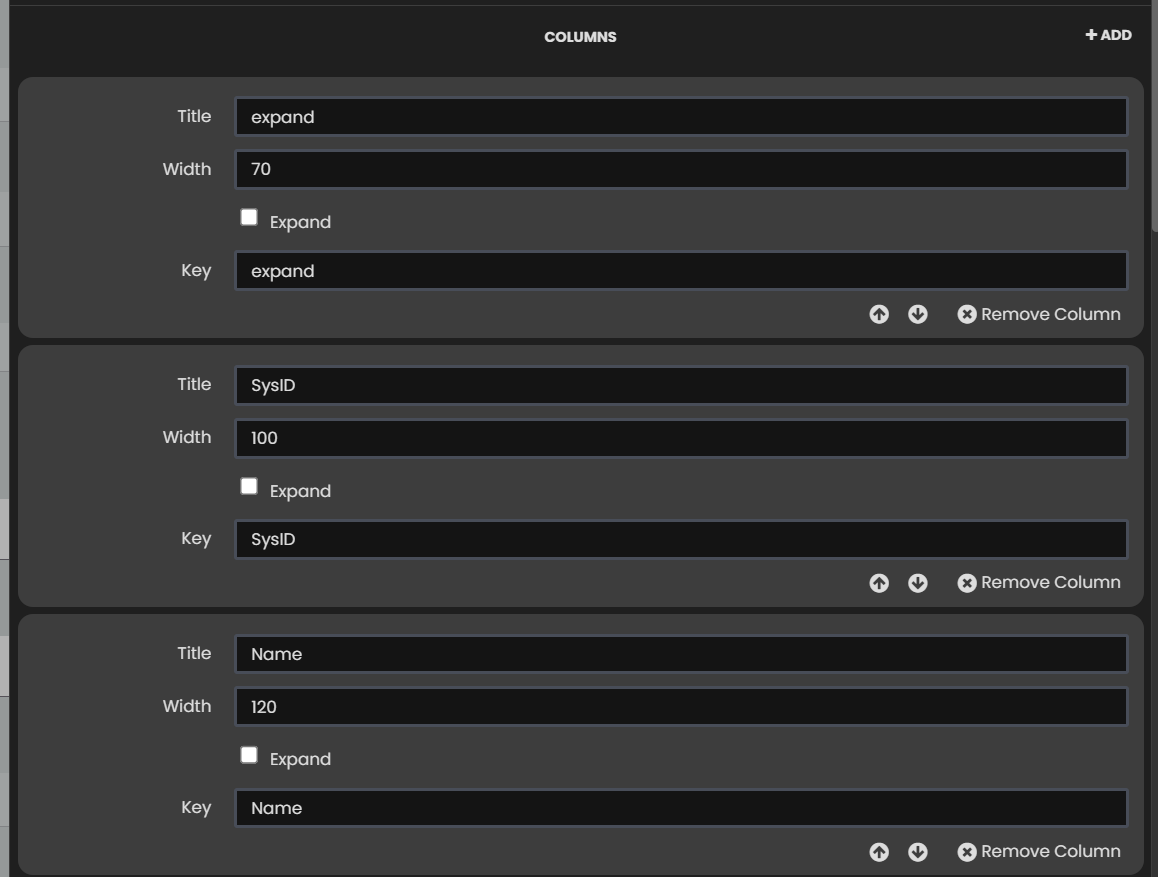
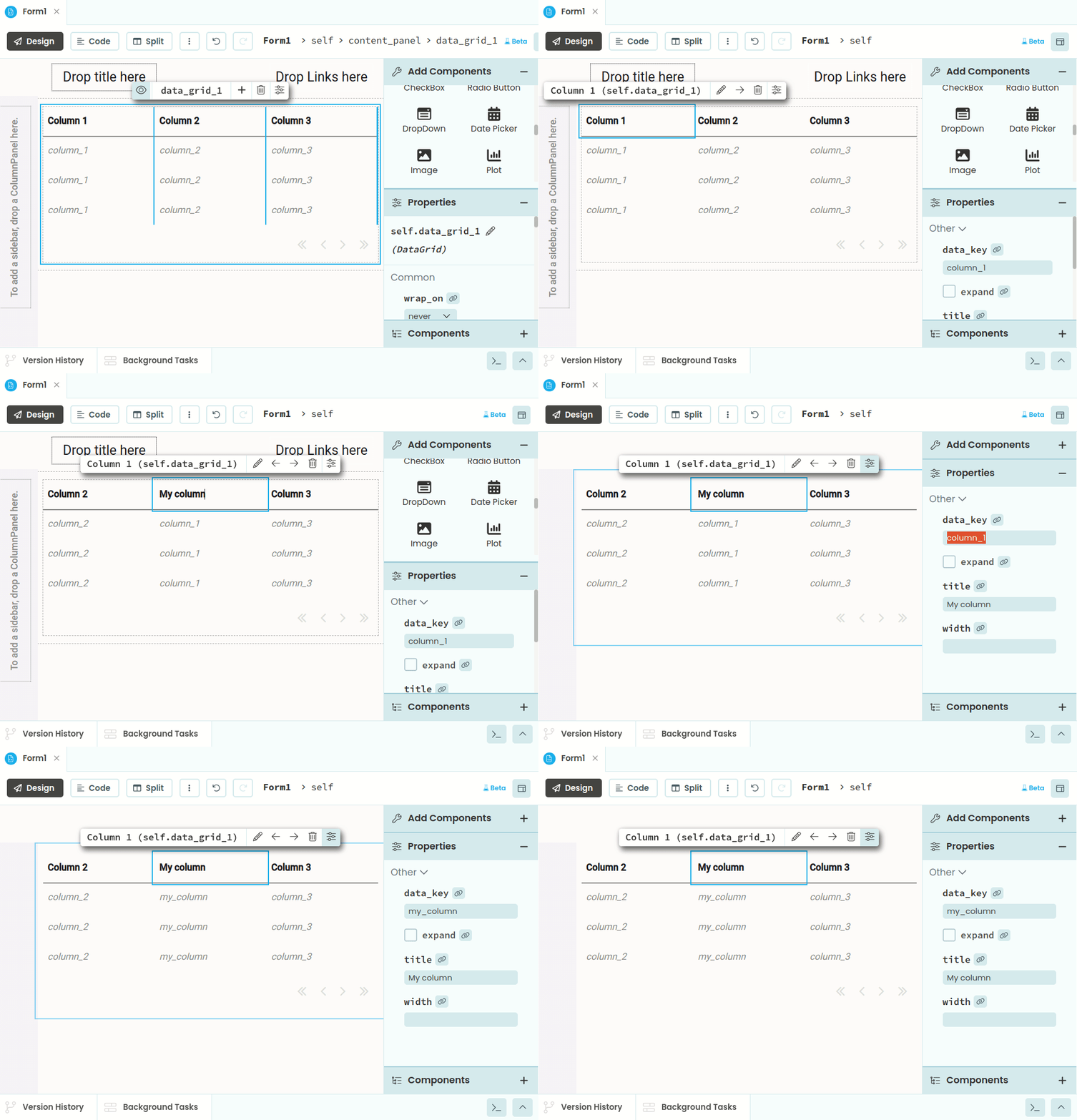
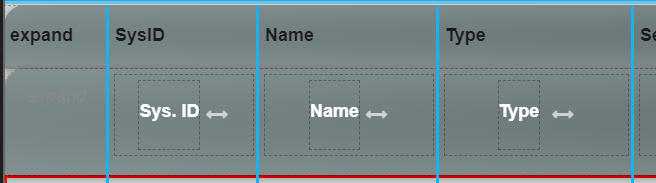
I can’t tell where the new 2 columns are to add the new components. In the old one I can see Manufacturer and Category columns. Now I can only copy paste the column IDs letters in order to put it in the right column.
Ok, thanks to your explanation I could locate the settings. I’m not using the auto_header (Custom data row panel instead), so I have to switch it on, do the edition and switch off again.
exactly, not visible in the new one.
2 columns: “Manufacturer” and “Category”. All other columns have some textboxes or labels.
Btw. is there a way to stop the designer from trying to load the data? It don’t work because there is serverside function fetching the data on main form with data grid and passing it to the repeating panel that use settings to populate the components
KeyError: asset_id
at AssetManager.AssetDevices.AssetDevicesRepeatin, line 31
called from AssetManager.AssetDevices.AssetDevicesRepeatin, line 21
class AssetDevicesRepeatin(AssetDevicesRepeatinTemplate):
  def __init__(self, **properties):
    # Set Form properties and Data Bindings.
    self.init_components(**properties)
    self.settings()

  def settings(self):
    """row settings"""
    self.lb_table_col_1.text = self.item['asset_id']
    self.lb_table_col_2.text = self.item['name']
    self.lb_table_col_3.text = self.item['sub_type']
    #................................................