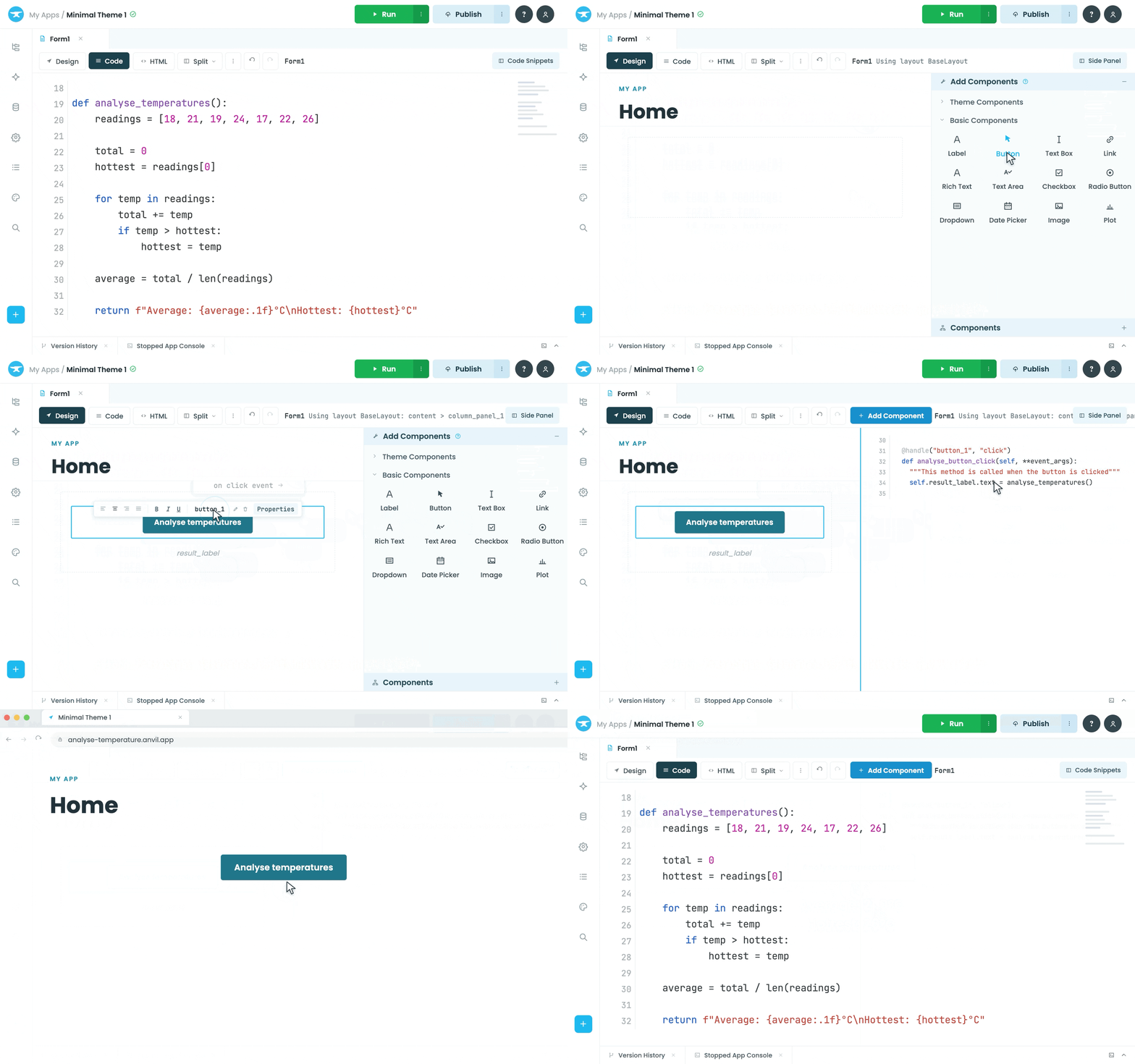






Design visually.
Build with Python.
Go from blank canvas to beautiful UI without learning a new frontend stack.
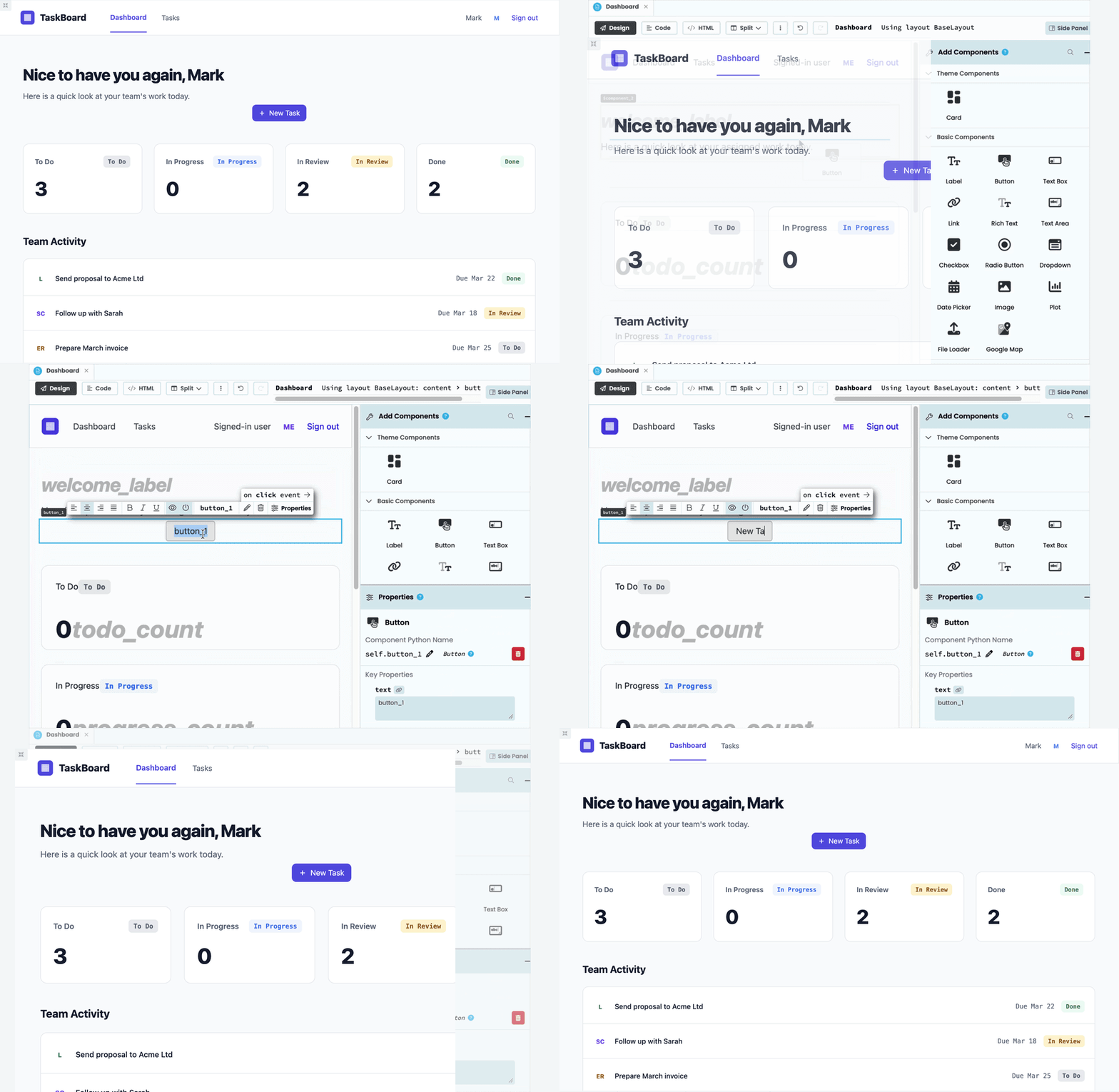
Build polished UIs, faster
Drag and drop components, arrange layouts and customise the details in the Anvil Designer. No need to write HTML or CSS to get the interface you want.
Learn More >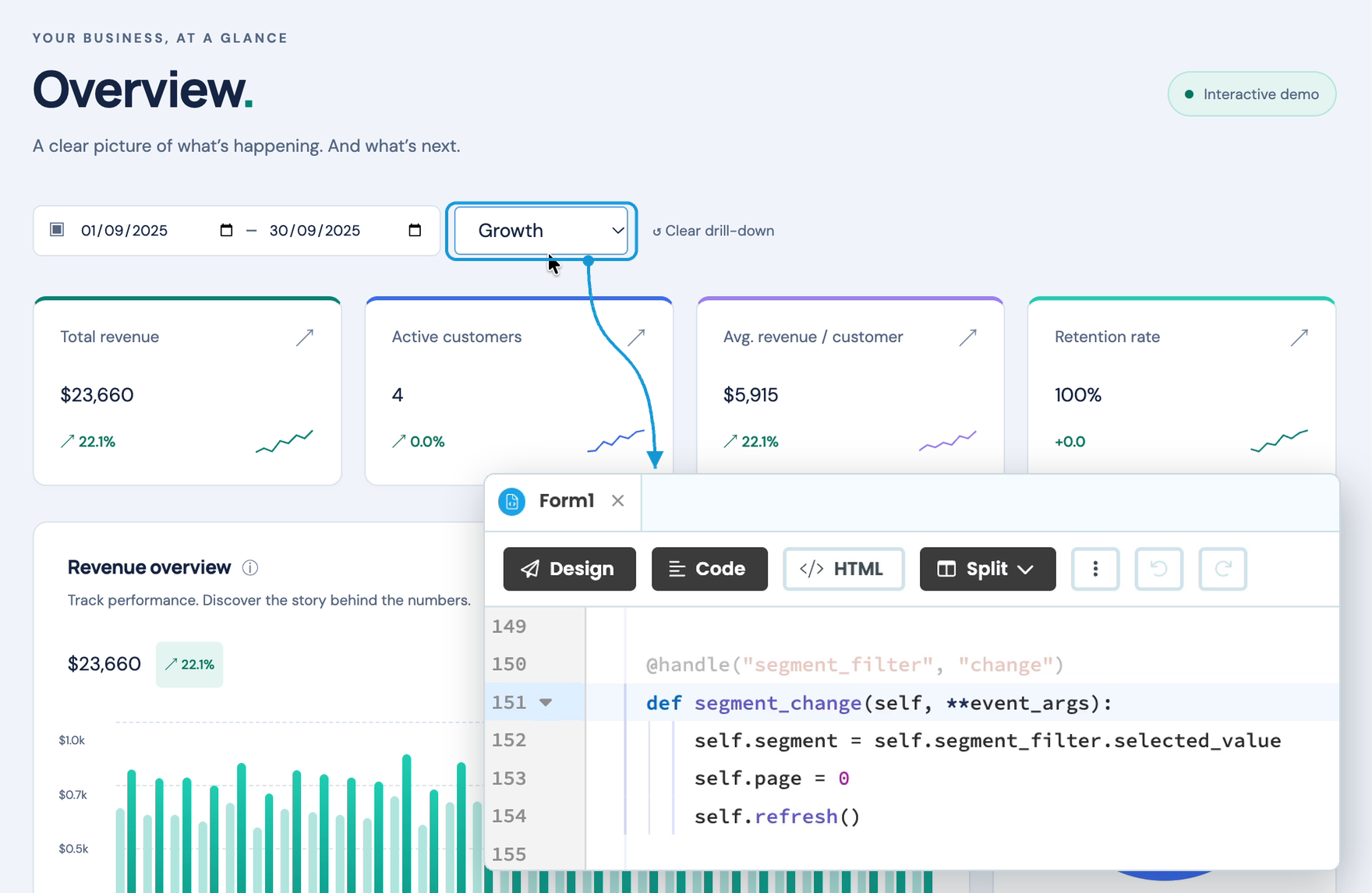
Your UI and Python work together
Every component has properties and events you can work with in Python. Create event handlers visually or in code, and build on the same interface as your app evolves.
Learn More >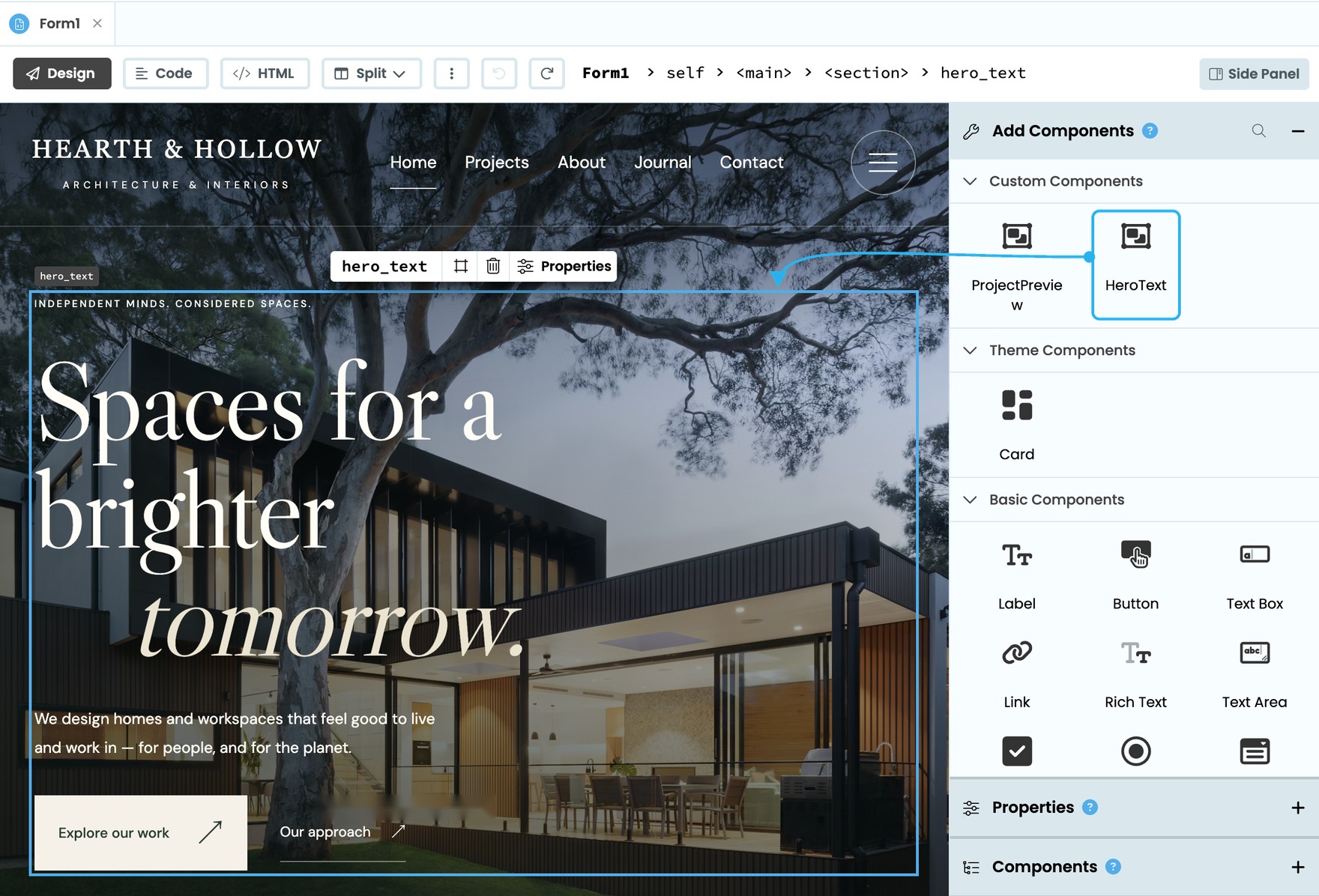
Create your own reusable components
Build custom components with their own properties and events, then reuse them throughout your app just like built-in components.
Learn More >The Anvil drag-and-drop designer is so simple we were able to let our UI designer, who is not a programmer, work directly within the editor. This helped to speed up development more than we would have guessed.
What you can build with Anvil
From ticketing systems to interactive dashboards, build the interface your application needs with drag-and-drop components.
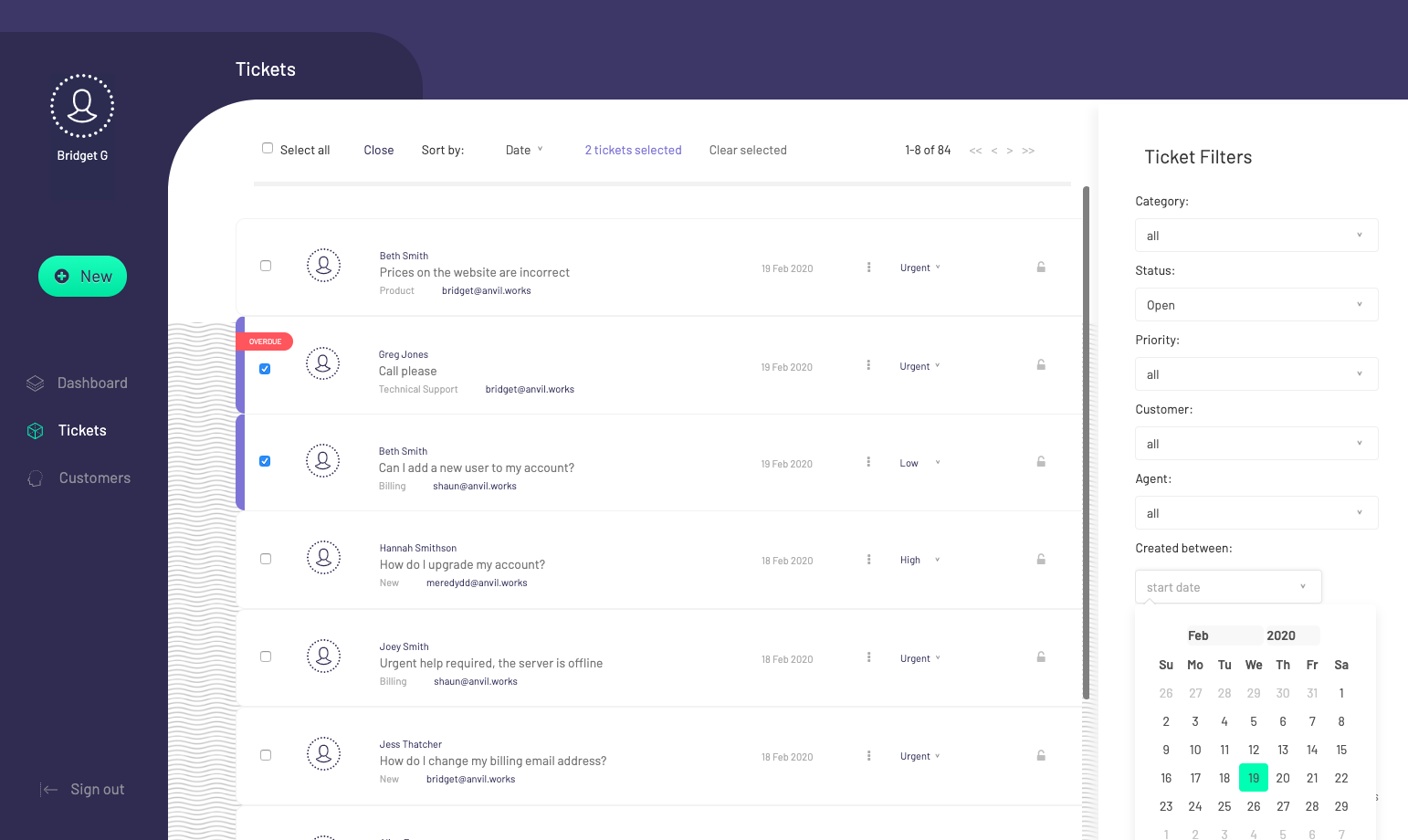
Ticketing systems
Design polished interfaces for managing requests, tracking issues and keeping work moving.
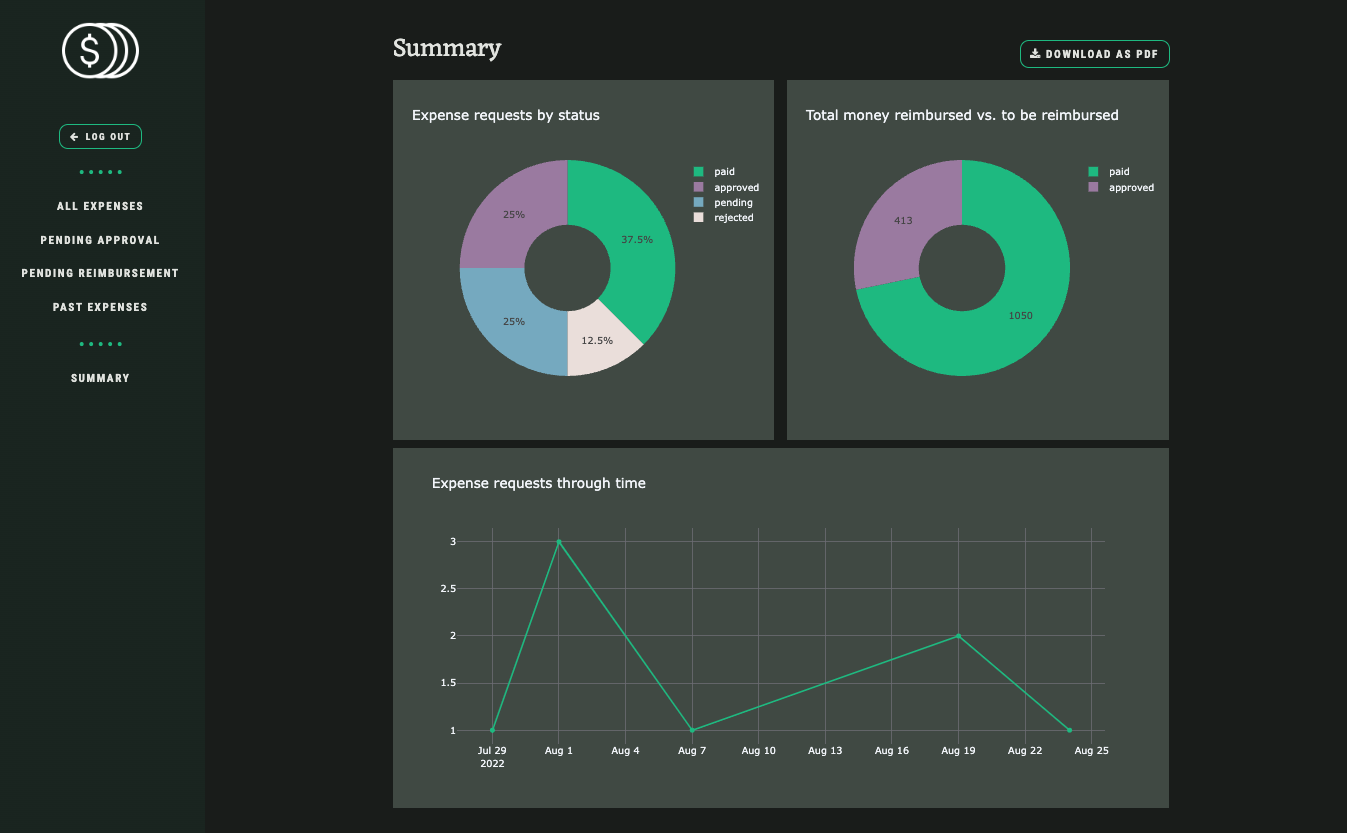
Expense approval apps
Build intuitive, well-designed workflows for submitting, reviewing and approving expenses.
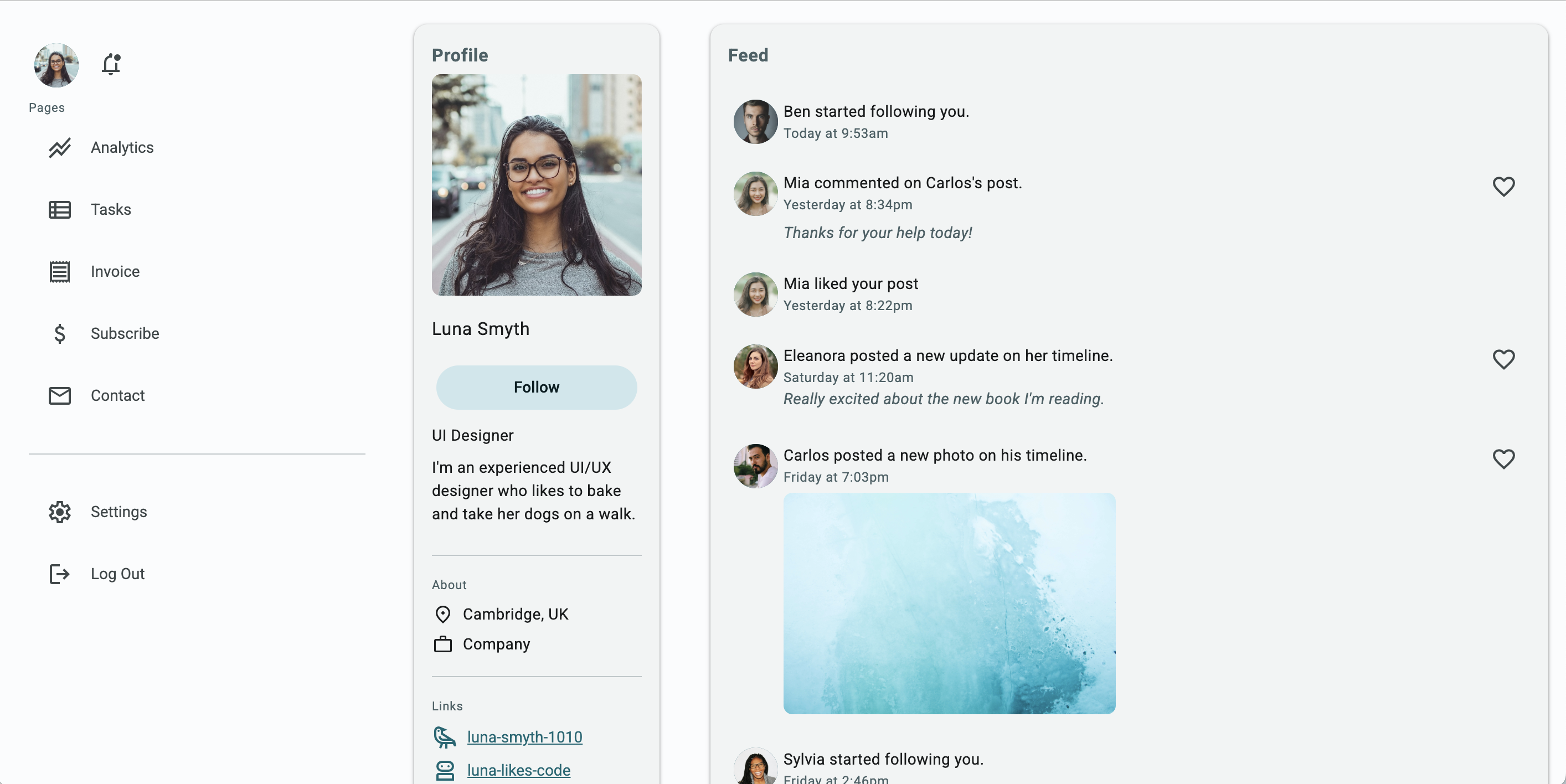
Admin dashboards
Create beautiful, data-rich dashboards with interactive charts, tables and controls.
Start Building
Ready to start building?
Start building
Sign up for free and turn your script into a web app you can share with people.
Start buildingLearn the basics
Follow our guide to learn how to build with Anvil if you're used to writing Python scripts.
Get Started guideJoin the Community
Have questions or want to share your creations? Join us on the Community Forum!
Join the Forum