





Benefits
No setup required
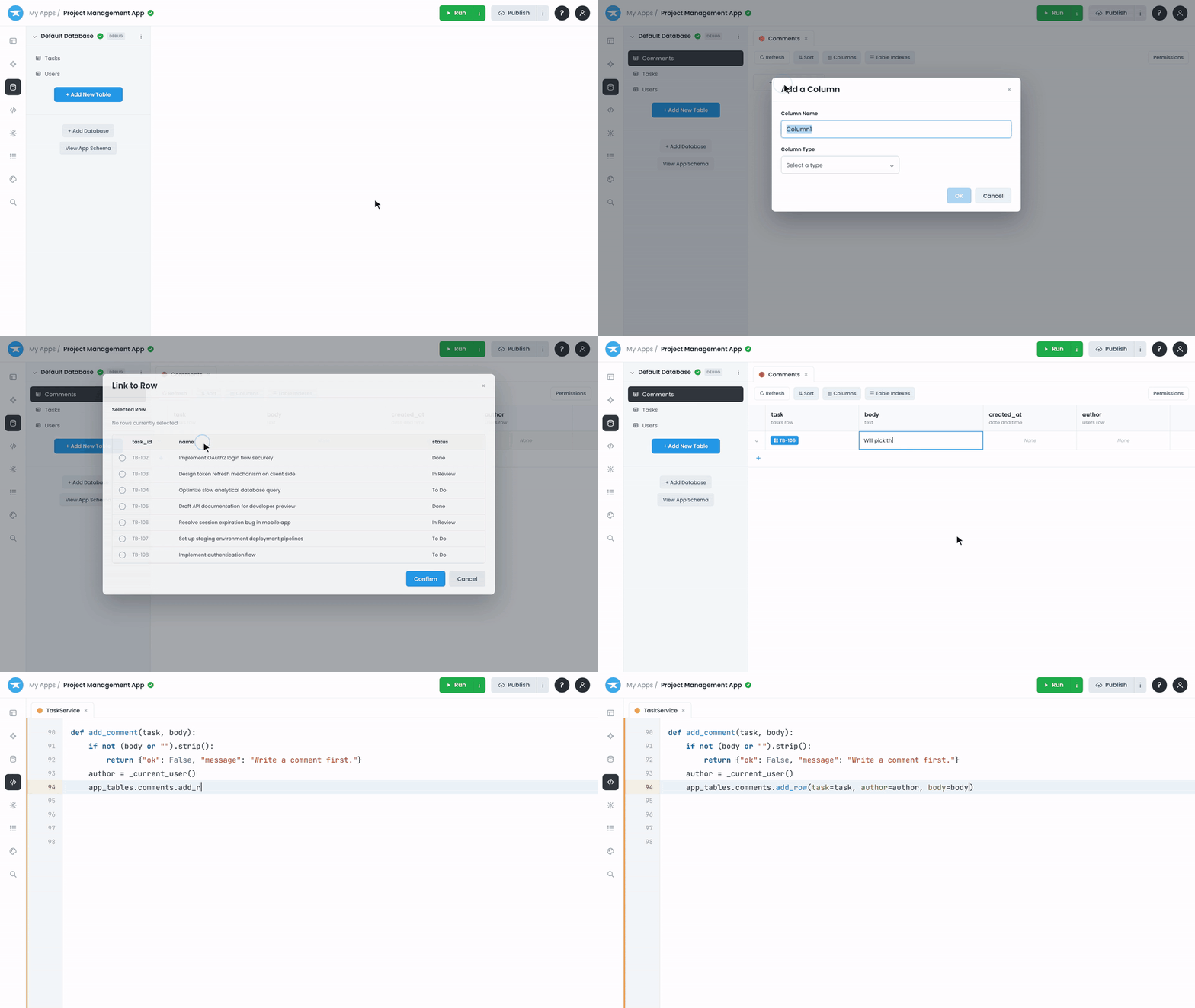
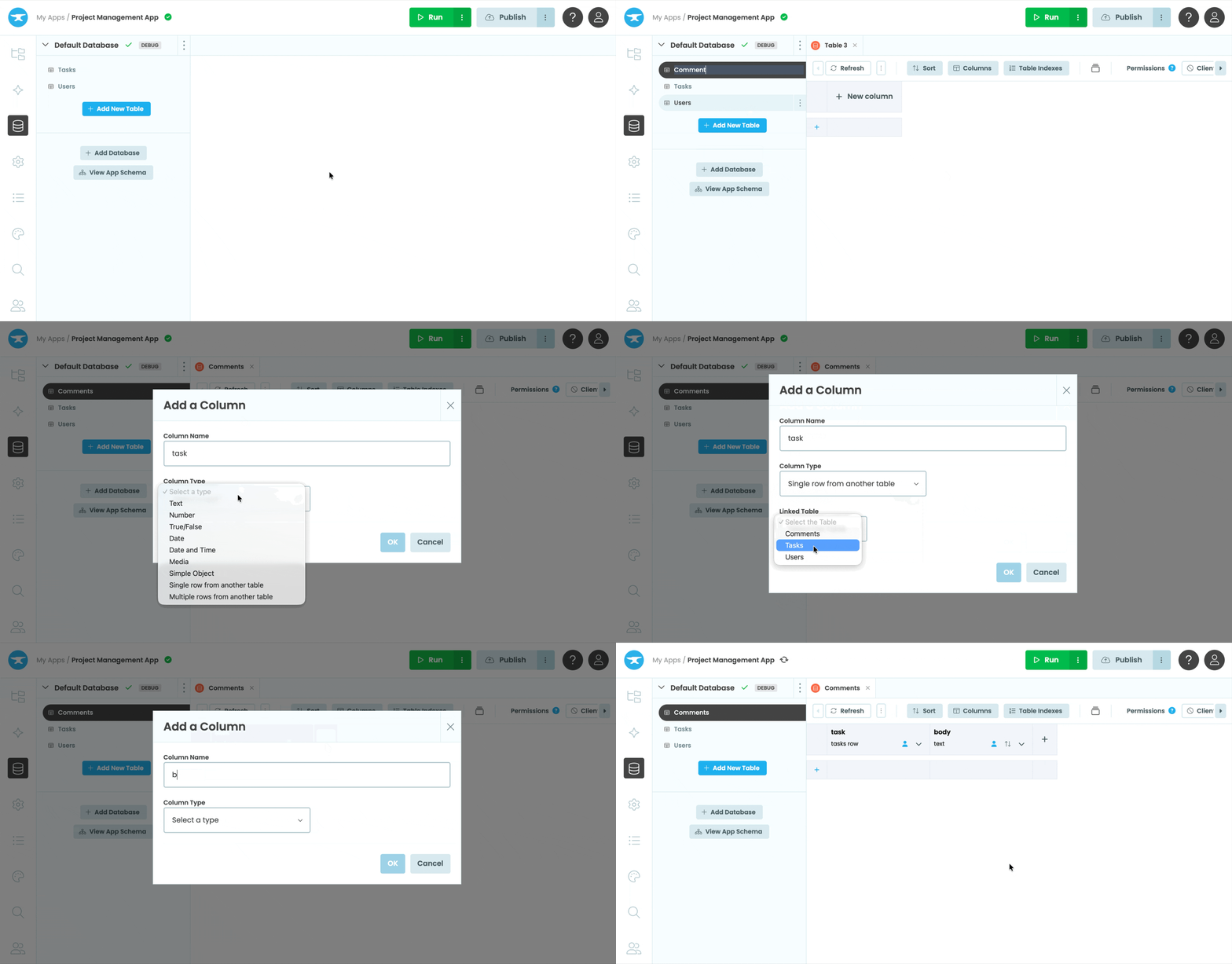
Anvil's Data Tables are built-in. Create a table, add some columns, and you're ready to store data. There's no database to provision, no connection strings to manage, and nothing to maintain.
Learn More >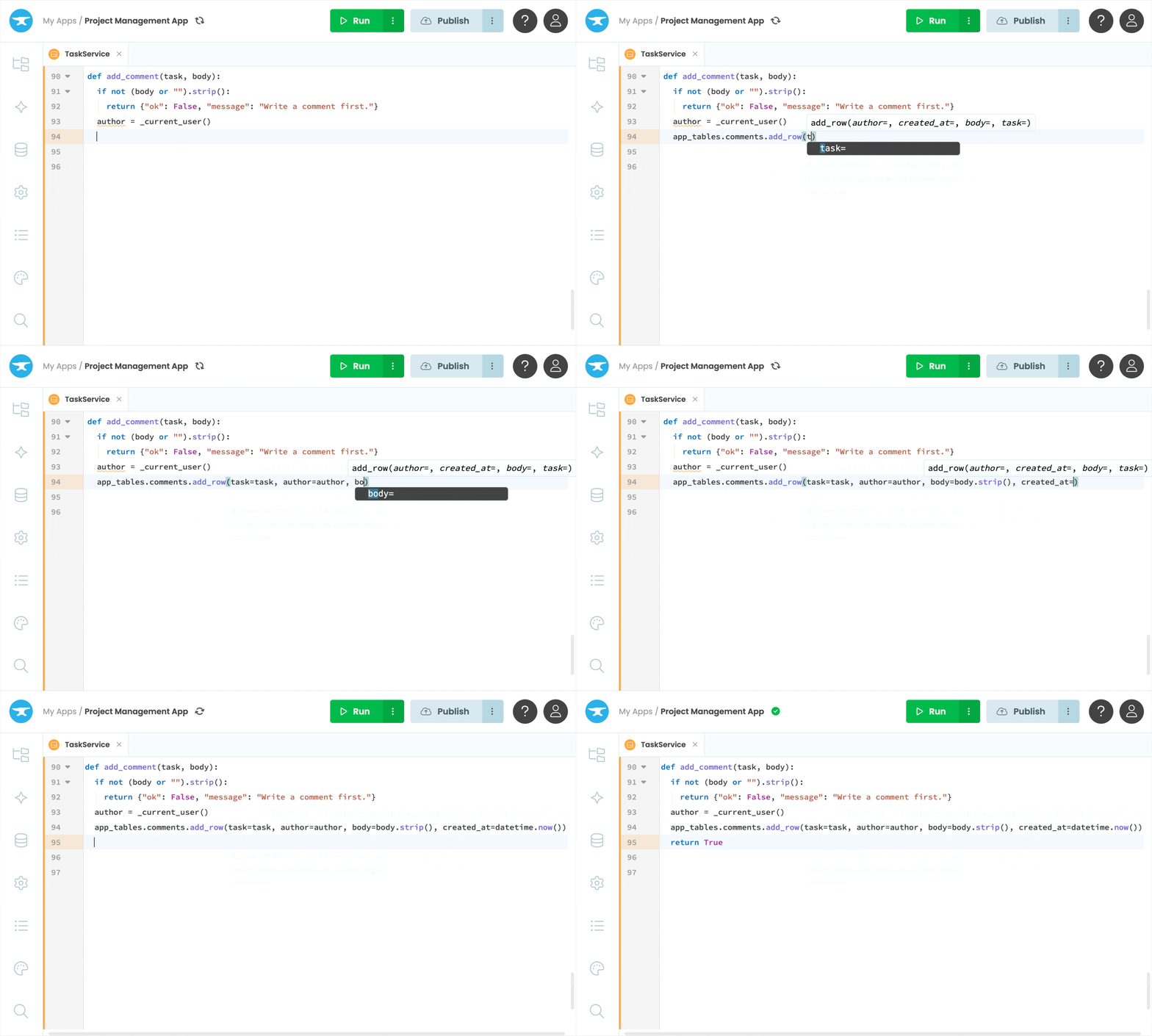
Read and write from Python
Build dynamic apps that read, edit and update Data Table data all from Python.
Learn More >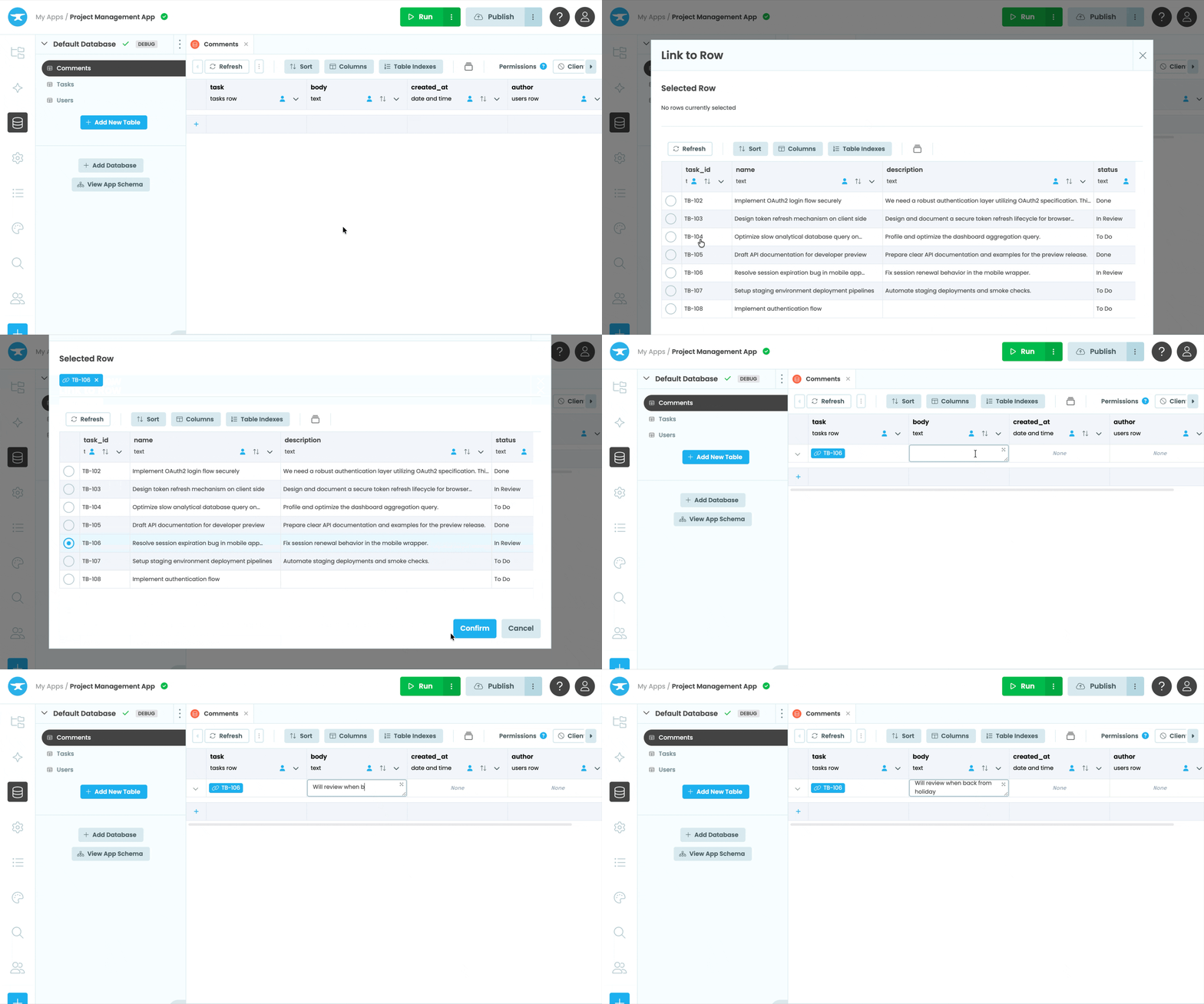
Edit data like a spreadsheet
View and edit your data right in the Anvil Editor. Add rows, change values, and define your schema in a familiar spreadsheet-style view.
Learn More >

Anvil completely takes over DevOps and database setup for me. That's the beauty of it.
Built-in data storage that scales with your app
Link tables together
Model relationships between your data by linking rows across tables, so you can create complex apps.
Linking tables >Keep your data secure
Control access to your tables so client code can only read and write the data you allow. Sensitive operations stay safely on the server.
Data security >Import from CSV and Excel
There's no need to start from scratch. Easily import existing CSV or Excel data into your Data Tables to build apps with the data you already have.
CSV Import >A different database for each environment
Give your production and development environments completely separate databases so you can test new features and updates without touching your production data
Multiple databases >Write SQL when you need to
Data Tables in Anvil are PostrgreSQL databases under the hood. You have direct SQL access to your data, on the Production Plan and above.
SQL access >Powerful Apps built on Data Tables
Built-in data storage means you can build production-ready apps quickly and easily.
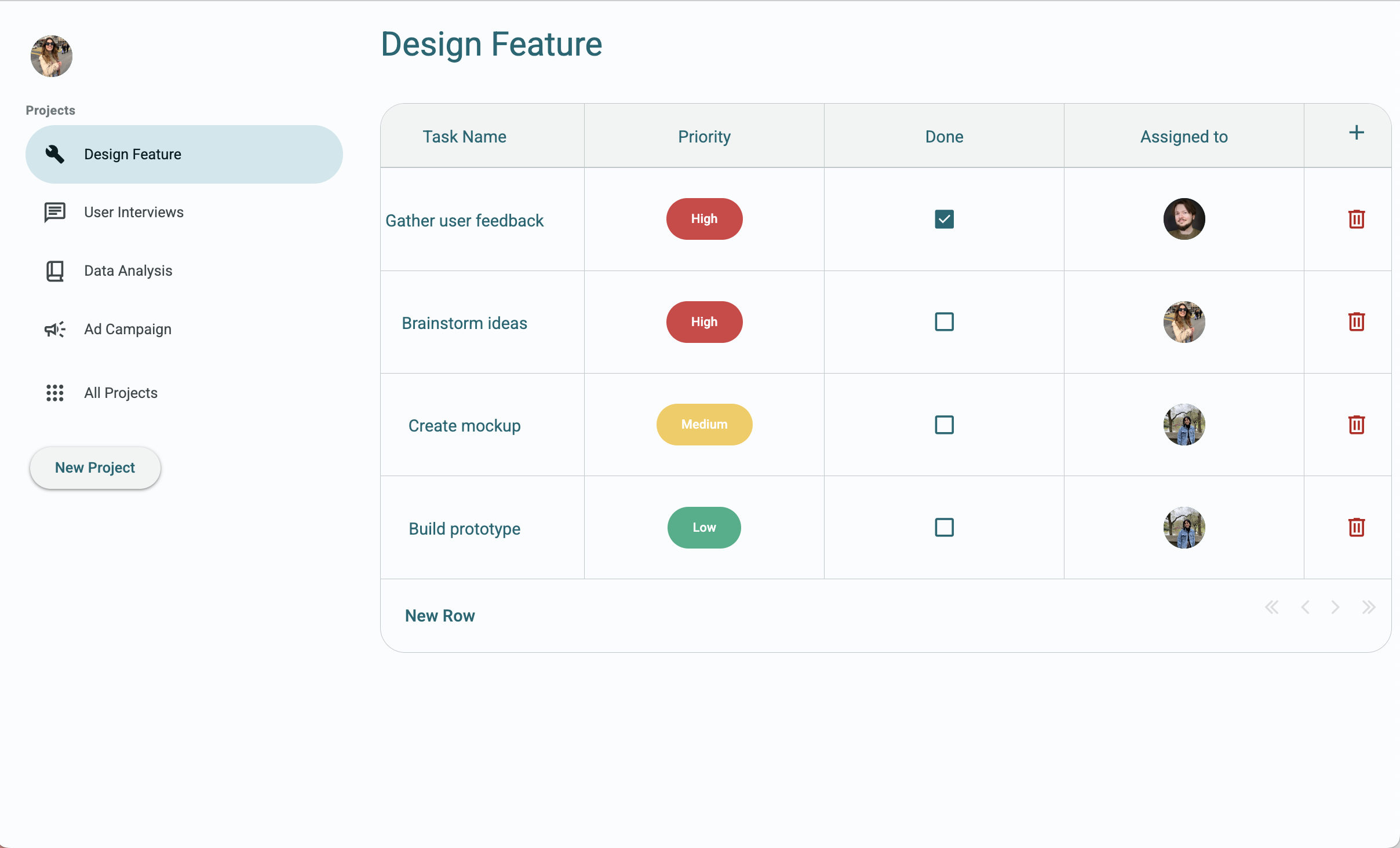
Task manager
This project management app uses linked Data Tables to track projects and task progress.
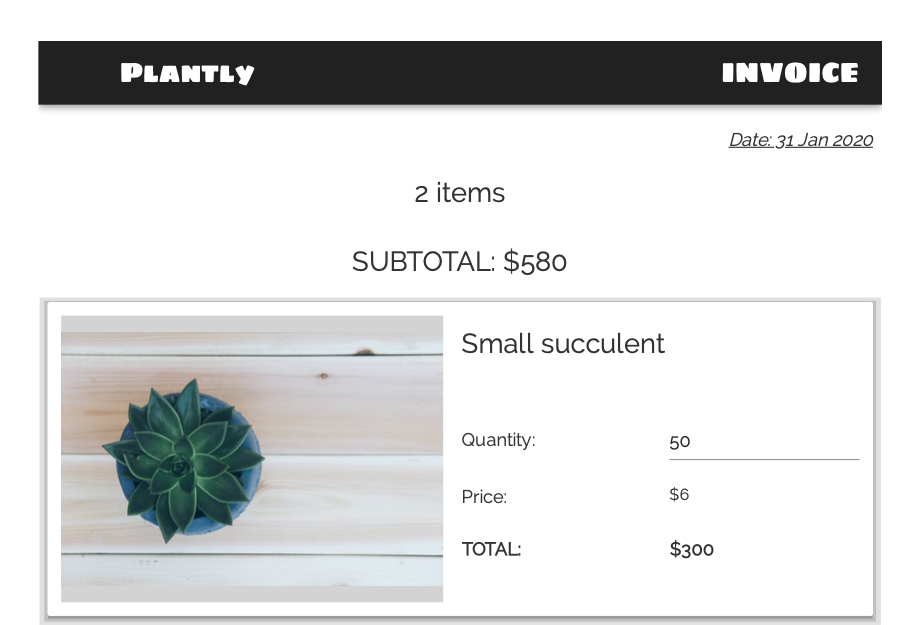
PDF invoice generator
Store customer data and purchase information in Data Tables to generate PDF invoices on demand.
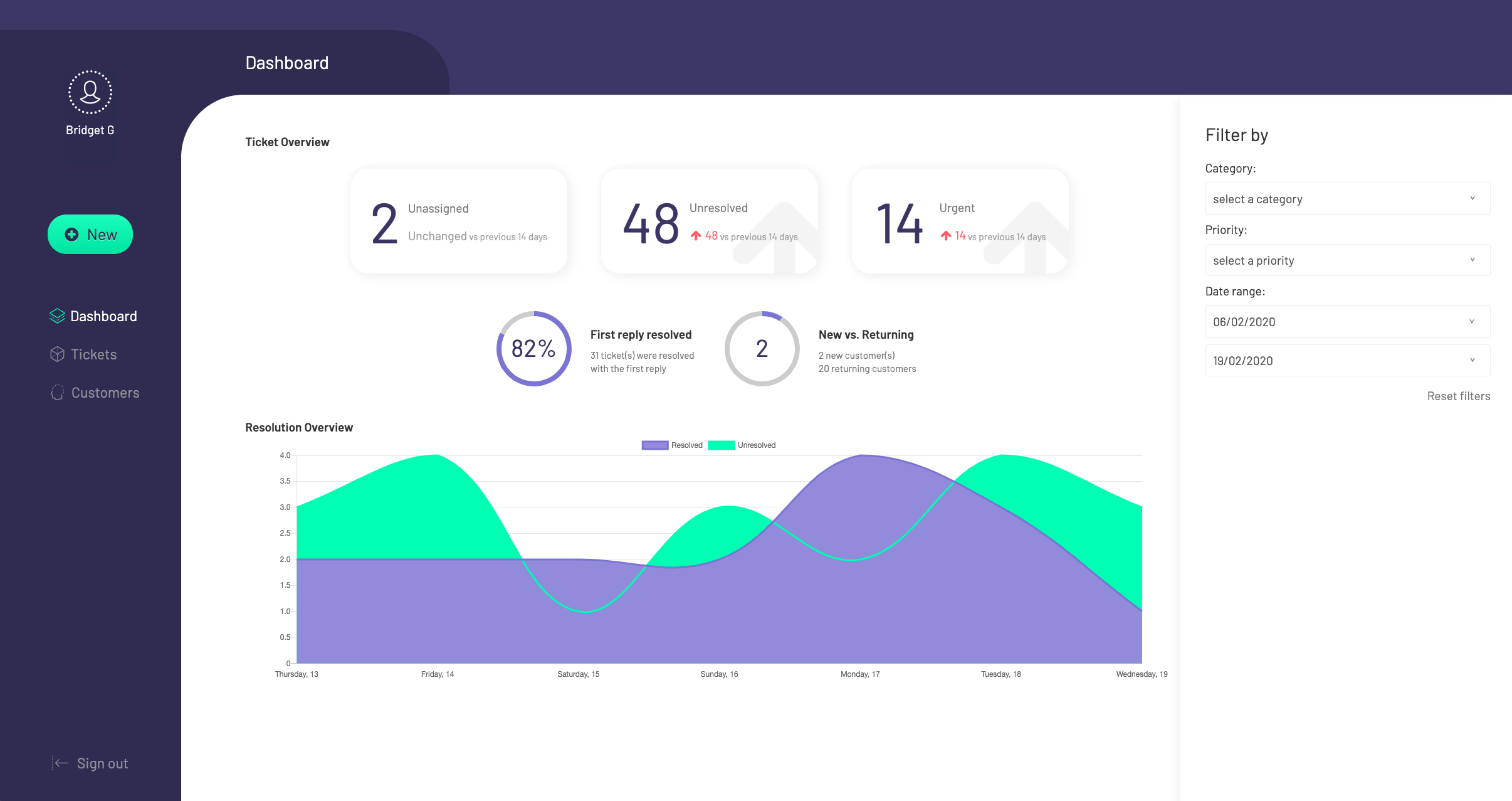
Ticketing system
A customer support ticketing system that manages tickets, users and comments using Data Tables.
How Anvil Works
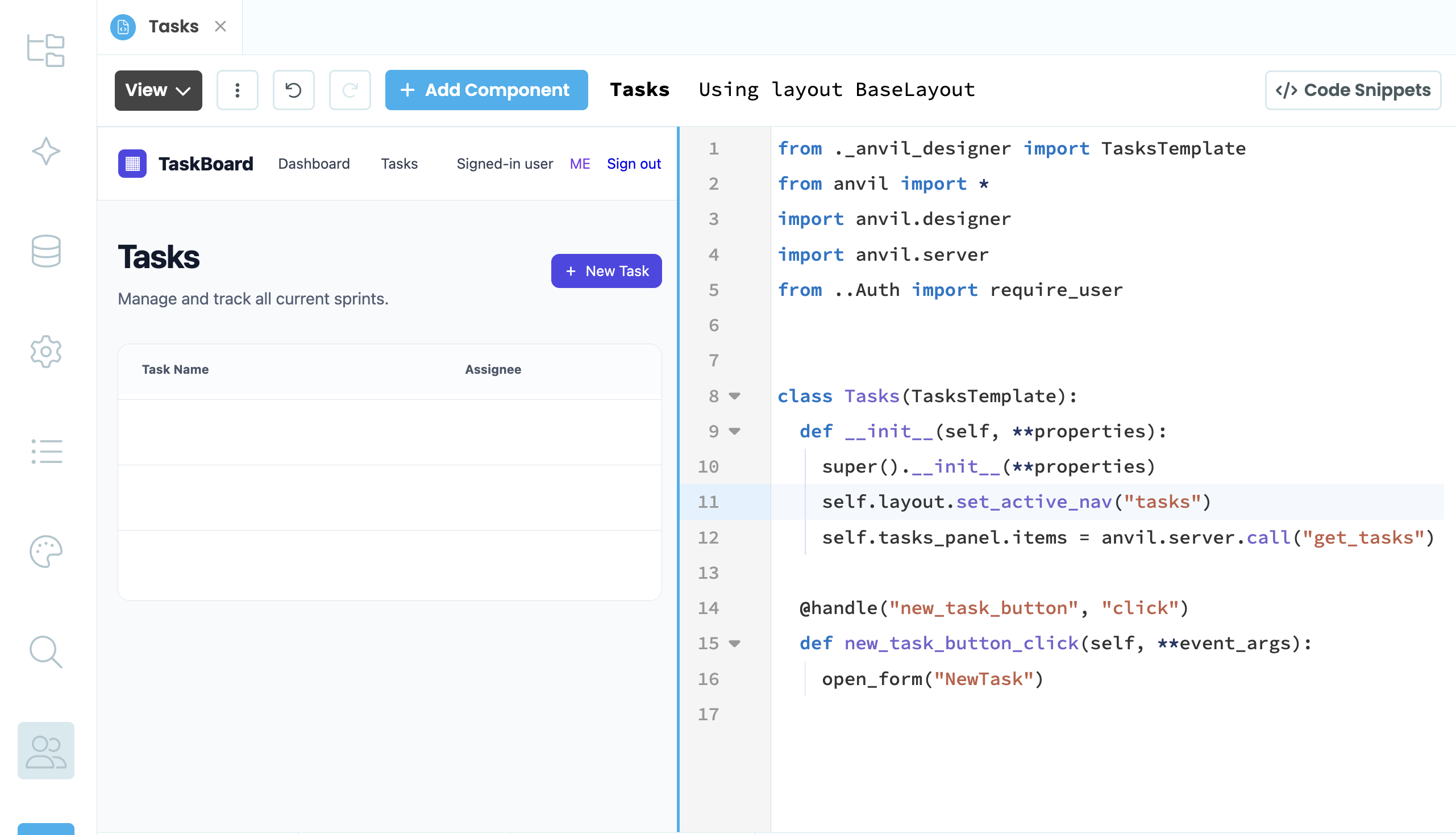
Quickly create a custom UI
Generate a working app from a prompt, or build the UI yourself by dragging and dropping components. No HTML, CSS, or JavaScript, and every component shows up in your code as a Python object.
Learn More >
Build your backend logic in Python
Write your app's logic in Python or have AI generate code you can understand and control. Seamlessly connect your backend and database to your user interface to create a working app in no time.
Learn More >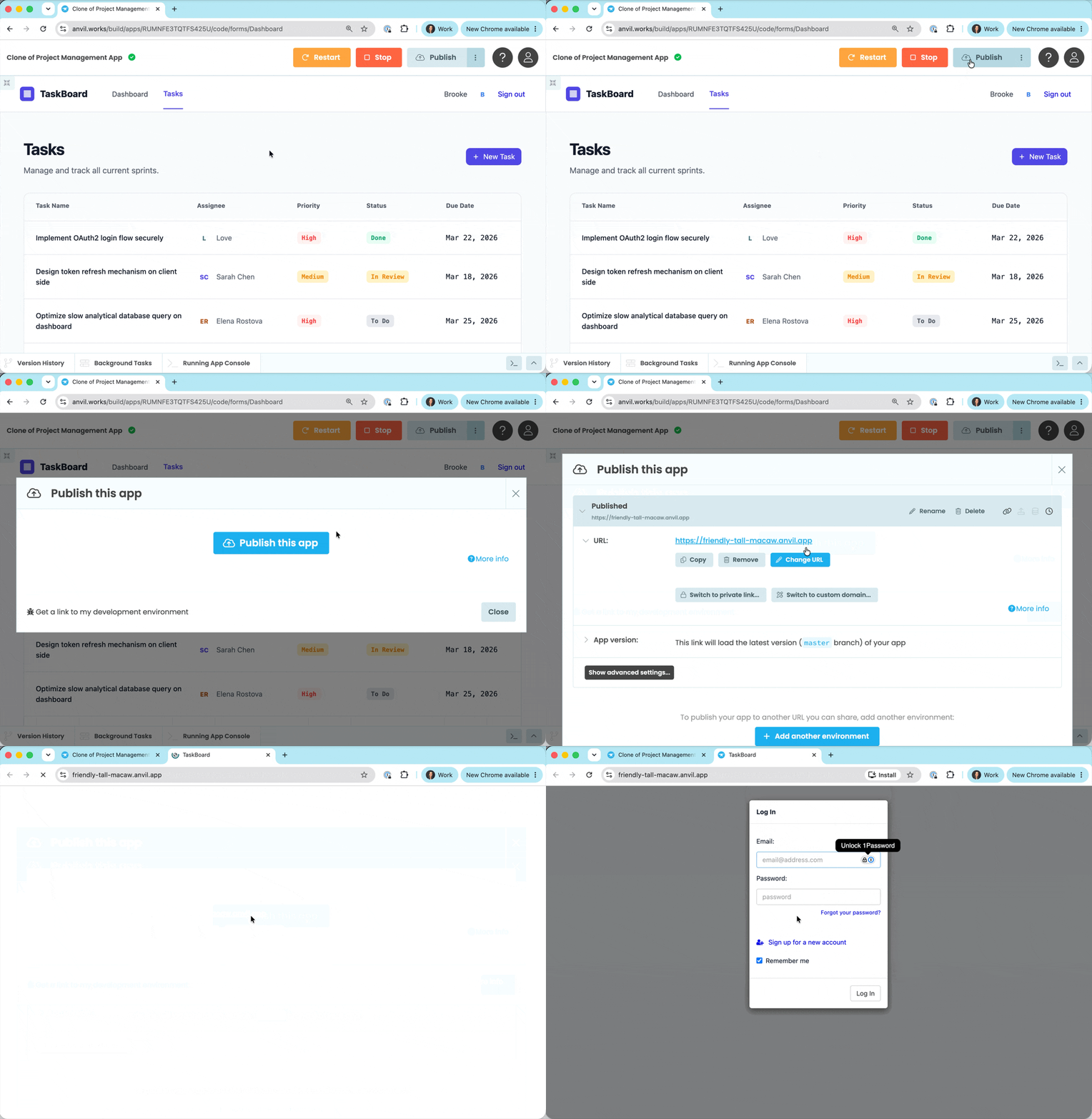
Publish your app instantly
When you're ready to share your app, just click publish to get a private or public link. You can also add a custom domain or host the app yourself.
Learn More >