
 By
By Build with AI in the Anvil Editor
Anvil’s AI integration is here! You can now connect to and chat with your favourite AI agent directly from the Anvil Editor.
Whether you’re starting a new project or improving an existing one, AI agents in Anvil understand how Anvil apps are built. That means less time explaining your framework to an AI, and more time building. You can ask it to build an entire app from a prompt, or bring it in as a coding assistant to fix bugs, implement features, or explain unfamiliar code.
Building an app with the AI agent in the Anvil Editor
Read on to find out more, or start building now.
Connect to your preferred Agent with no Upcharge
Connect your existing ChatGPT or Claude account from the Anvil Editor and start chatting straight away. Anvil doesn’t add any extra charges, so you only pay for your provider as normal, whether you’re on a free or paid plan.
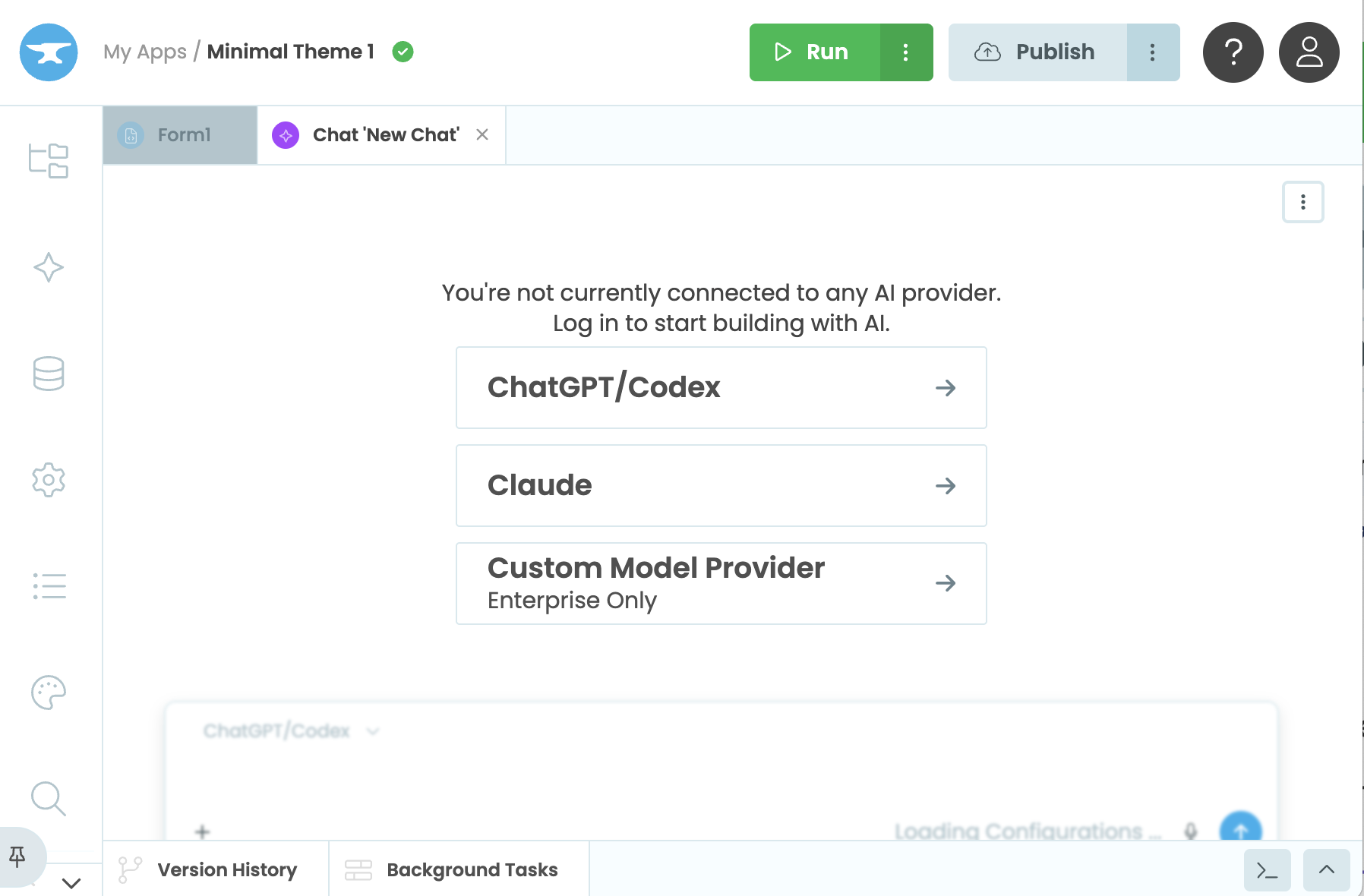
Connect to your model provider
With Anvil Enterprise, you can connect your own enterprise model provider and private endpoints instead.
Generate Apps from a Prompt
Describe the app you want to build using plain text, recorded audio, or images and the agent will build it for you. It can create Forms, layouts, server code, modules, Data Tables, and any other Anvil services your app needs, all in one go. Because the agent understands how Anvil apps are structured, it generates apps that feel familiar, using Python and tools you already know.
Need a particular look and feel? Instead of describing layouts, spacing, and colours in words, you can attach images to your prompt to guide the design of your app. The agent uses those images to create interfaces that are closer to what you have in mind from the start.
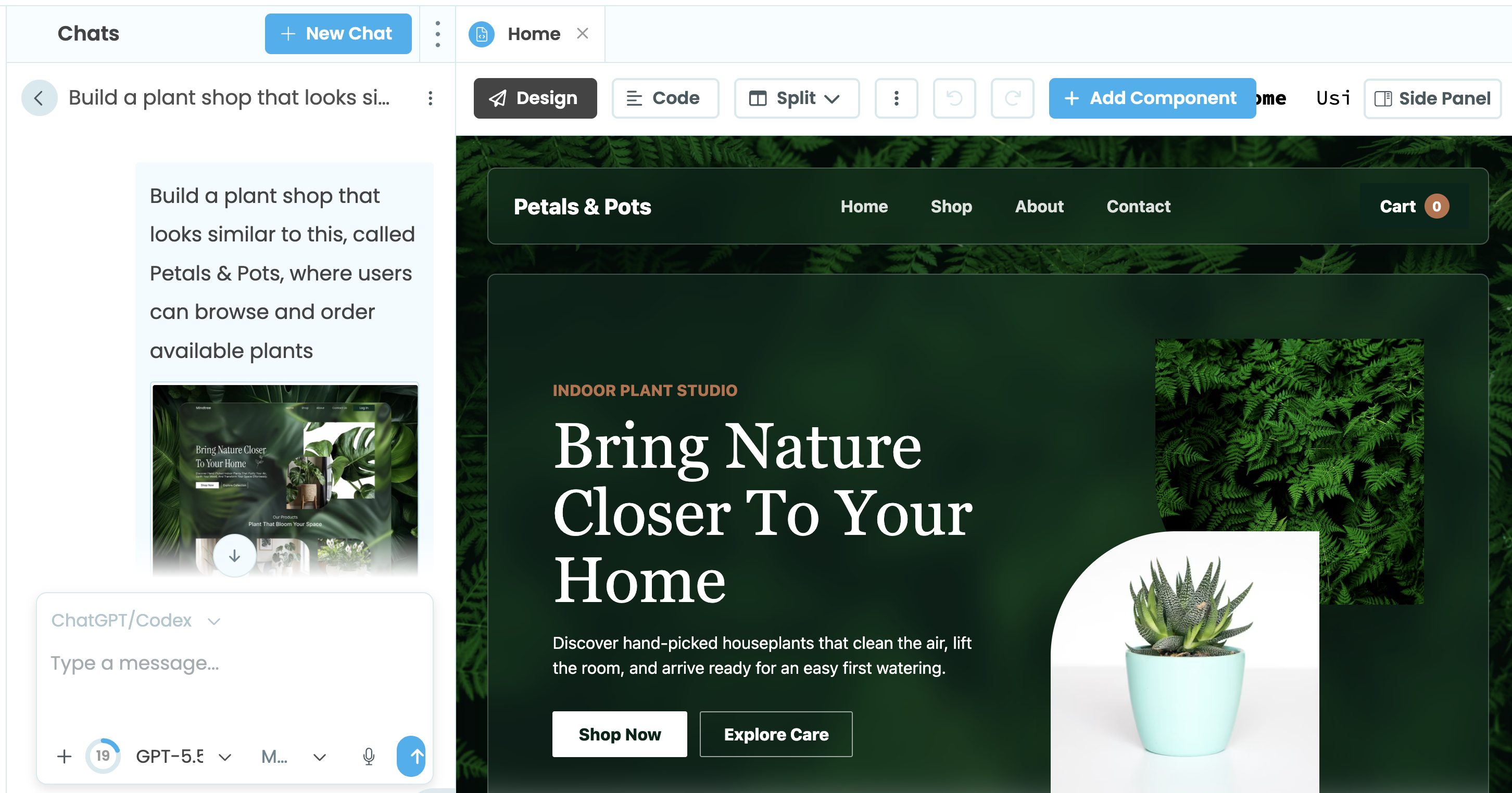
Prompt with reference images and generated design
Tweak the Results
The agent writes real, editable code, and every change it makes can be modified or reverted in the Anvil Editor. You can still drag and drop components into the generated UI in the designer like you always have, or edit the properties of the generated UI elements in the Properties panel. The same goes for your Forms, modules, Data Tables, and everything else the agent creates.
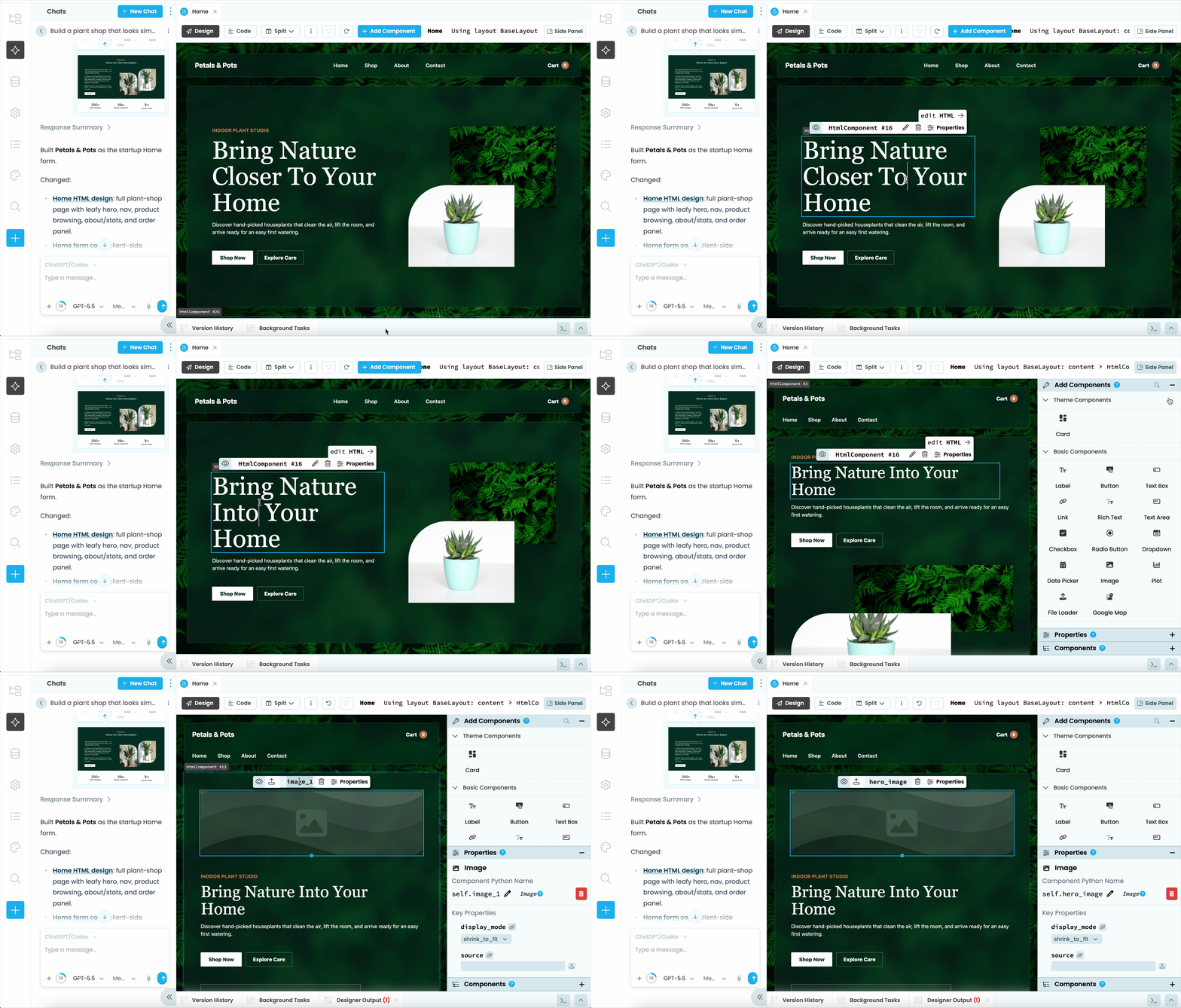
Edit generated design in the drag and drop designer
You can also ask the agent to make changes to code from chat. You can even mention specific Forms, modules, layouts, or assets in the chat, so the agent knows exactly what you’re referring to.
Use the Agent on your existing Apps
The agent works just as well on existing apps. Ask it to implement new features, fix bugs, suggest improvements, or explain unfamiliar code. You can also use agent commands like /review-commit to review code changes in a particular commit.
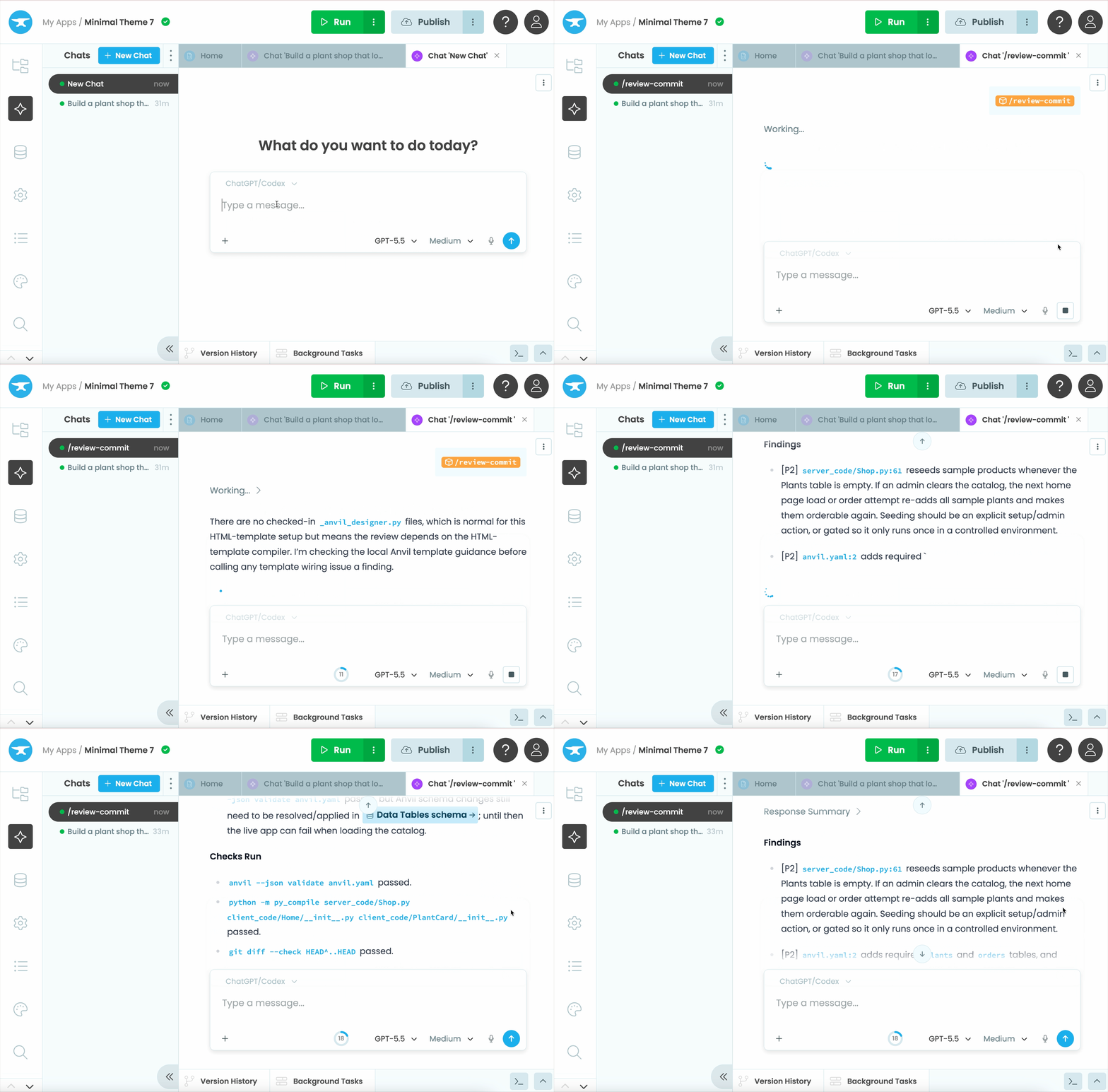
Review a commit in an existing app
Because the agent reads and understands your existing Anvil code, its changes and suggestions fit naturally into your app’s architecture.
Get started
Open an app in the Anvil Editor, click the icon in the sidebar, connect your AI provider, and start chatting.
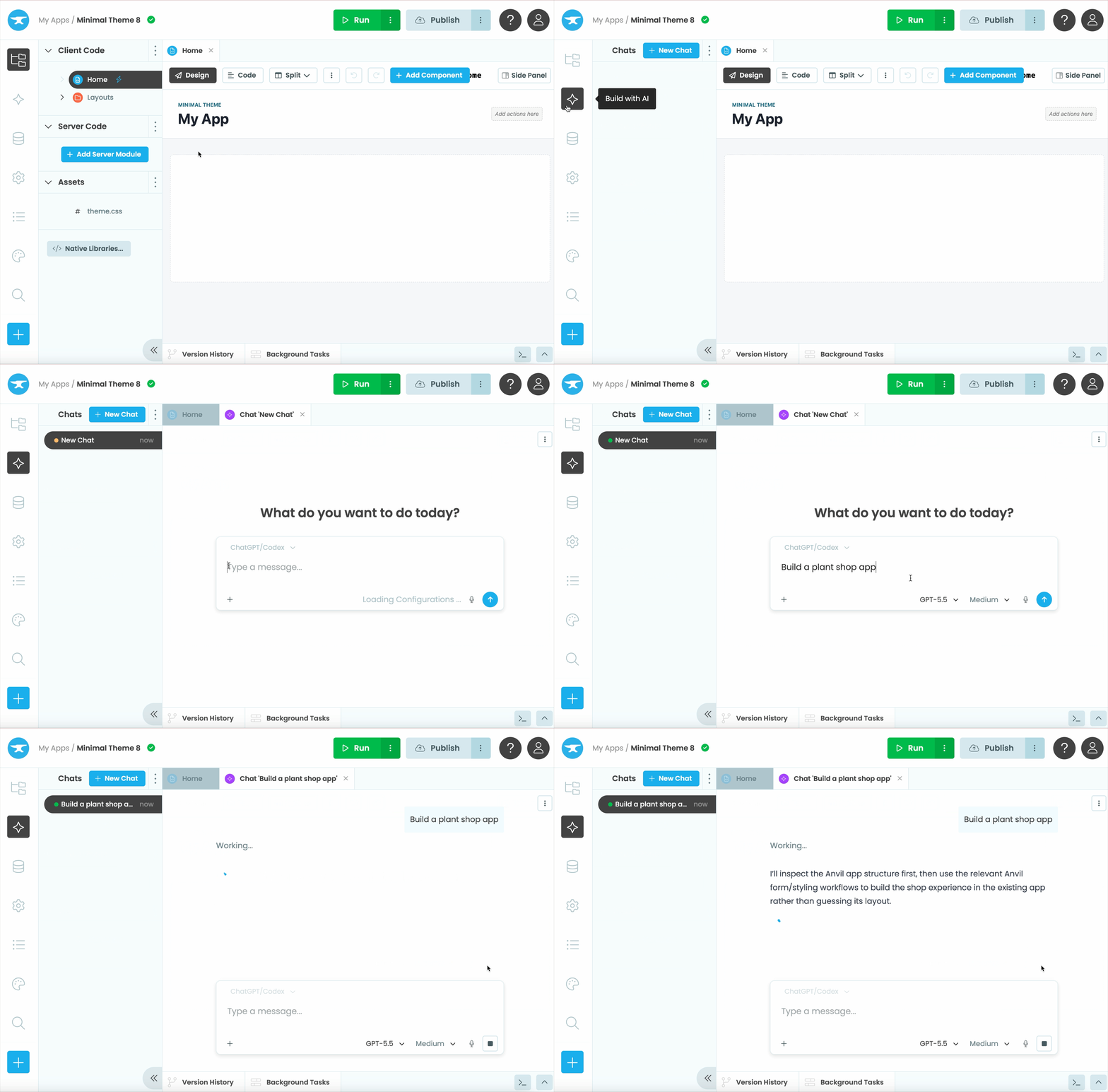
Create an app and start prompting
For tips on getting the best results, check out our docs and prompting best practices.
Looking forward to what you build!
More about Anvil
If you’re new here, welcome! Anvil is a platform for building full-stack web apps with nothing but Python. No need to wrestle with JS, HTML, CSS, Python, SQL and all their frameworks – just build it all in Python.
Want to build an app of your own? Get started with one of our tutorials:
Build Database-Backed Apps
Build a Simple Feedback Form
Build a Simple Feedback Form
Build a data-entry app, and learn the techniques fundamental to building any Anvil app. In this tutorial, you will:
- Build your User Interface
- Write client-side Python
- Write server-side Python
- Store data in a database
- Deploy your app