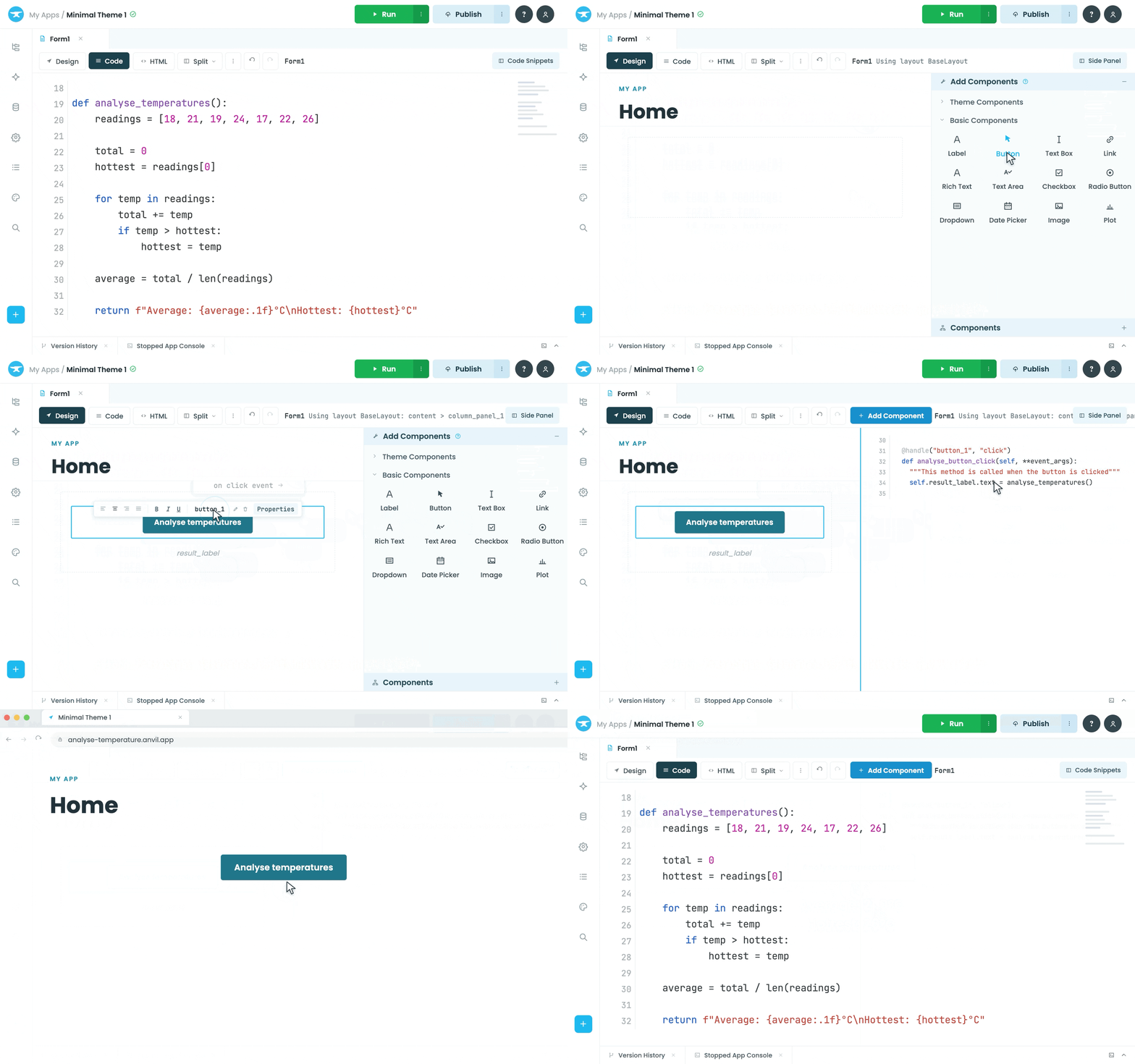






How Anvil works
Build your whole app in one place
Build the frontend and backend entirely in Anvil without having to piece together different tools.
Learn More >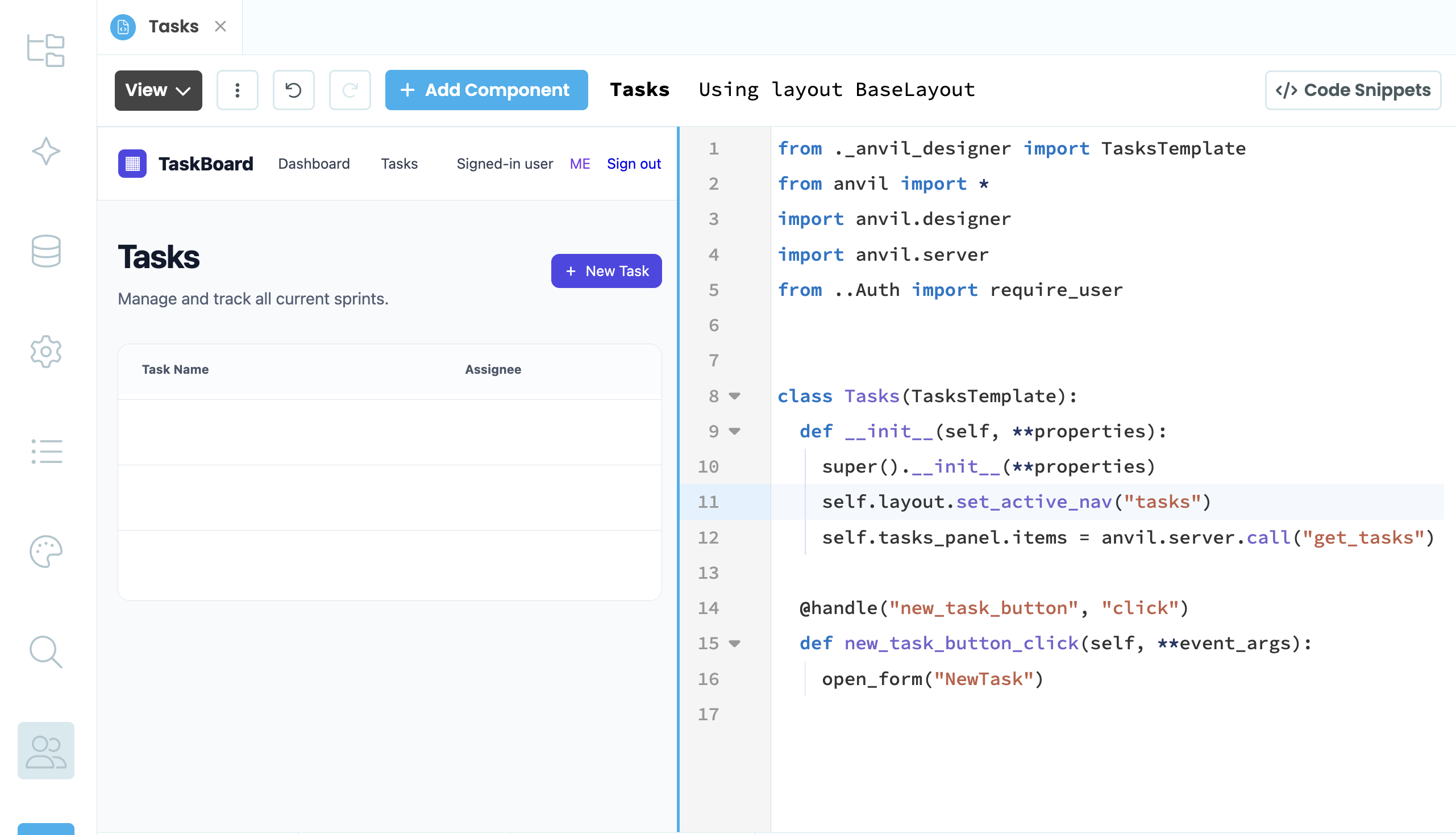
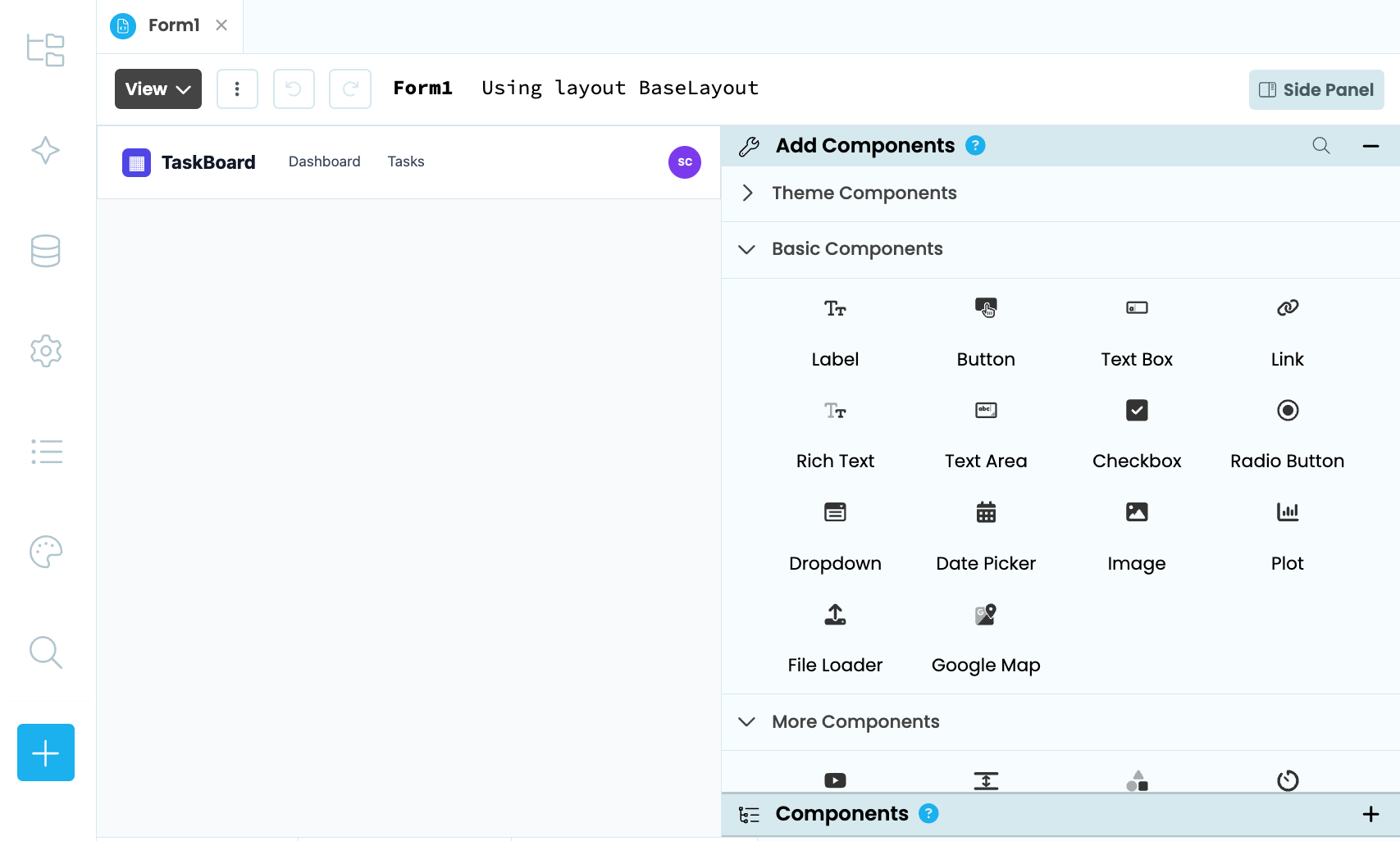
Create the interface your client needs
Build custom user interfaces and components to give your app the right look and functionality.
Learn More >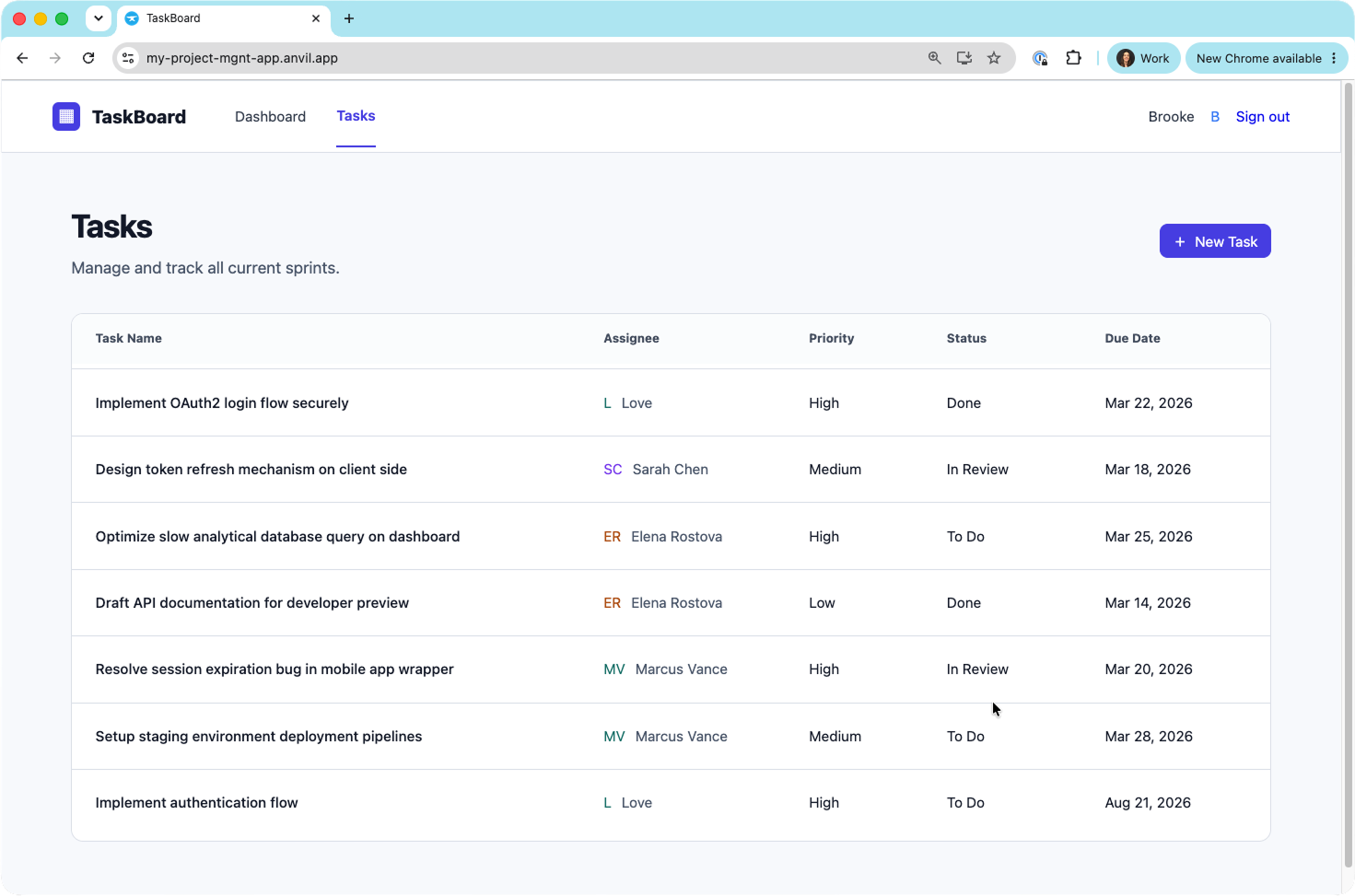
Get your project into your client's hands
Publish your app and share it with a URL. Anvil handles hosting and deployment, so you can get your client's app up and running without managing the infrastructure.
Learn More >
Anvil allows us to do everything faster and cheaper than everyone else. It allows us to be incredibly nimble and responsive to what we’re learning in real time and change things in a moment’s notice.
Your client needs an app.
Build it all in one place.
Turn client requirements into working web apps without piecing together a frontend, backend and deployment setup.
Everything you need to build an app, in one place
Build your client's frontend, backend and database without having to learn a whole web stack.
Get started with Anvil >Create the interface your client needs
Build custom user interfaces and components around your client's requirements.
Build the user interface >Connect the tools your client uses
Connect databases, APIs and external services when your client's app needs to work with other systems.
External resources >Use AI to help you build
Use AI within the Anvil Editor to help you build and customise your client projects as you work.
Build with AI >Get your project into your client's hands
Publish your app and share it with a URL, without setting up hosting or managing a deployment pipeline.
Publishing your app >Give your app its own data
Store and manage your client's application data with built-in Data Tables instead of relying on spreadsheets.
Data Tables >
You don’t really have to worry about hosting. You don’t have to worry about your deployment pipeline. You can just write some simple code and then start using it.
What you can build with Anvil
Build custom web apps that solve your clients’ specific needs.
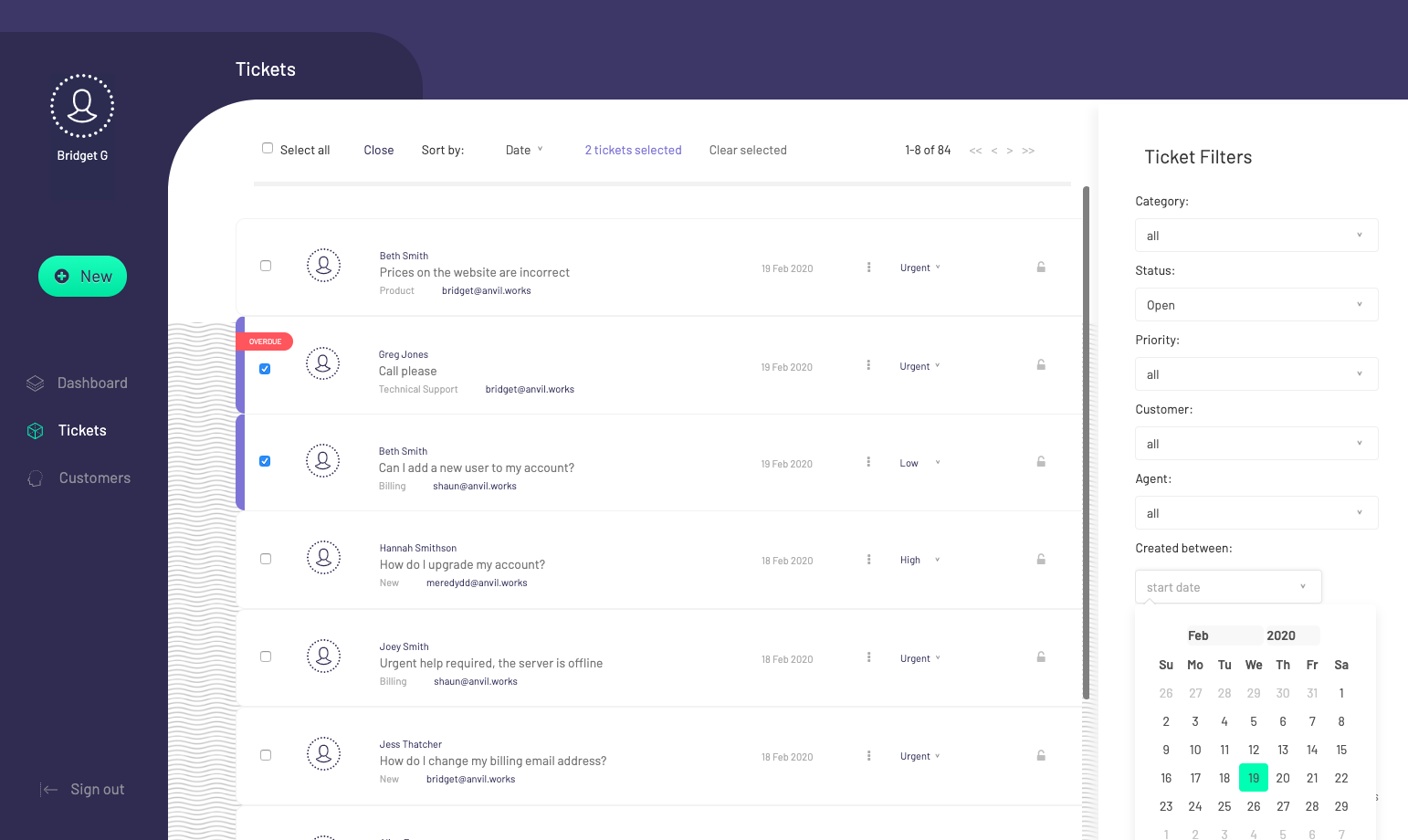
Ticketing systems
Build custom apps that help teams manage requests, track issues and keep work moving.
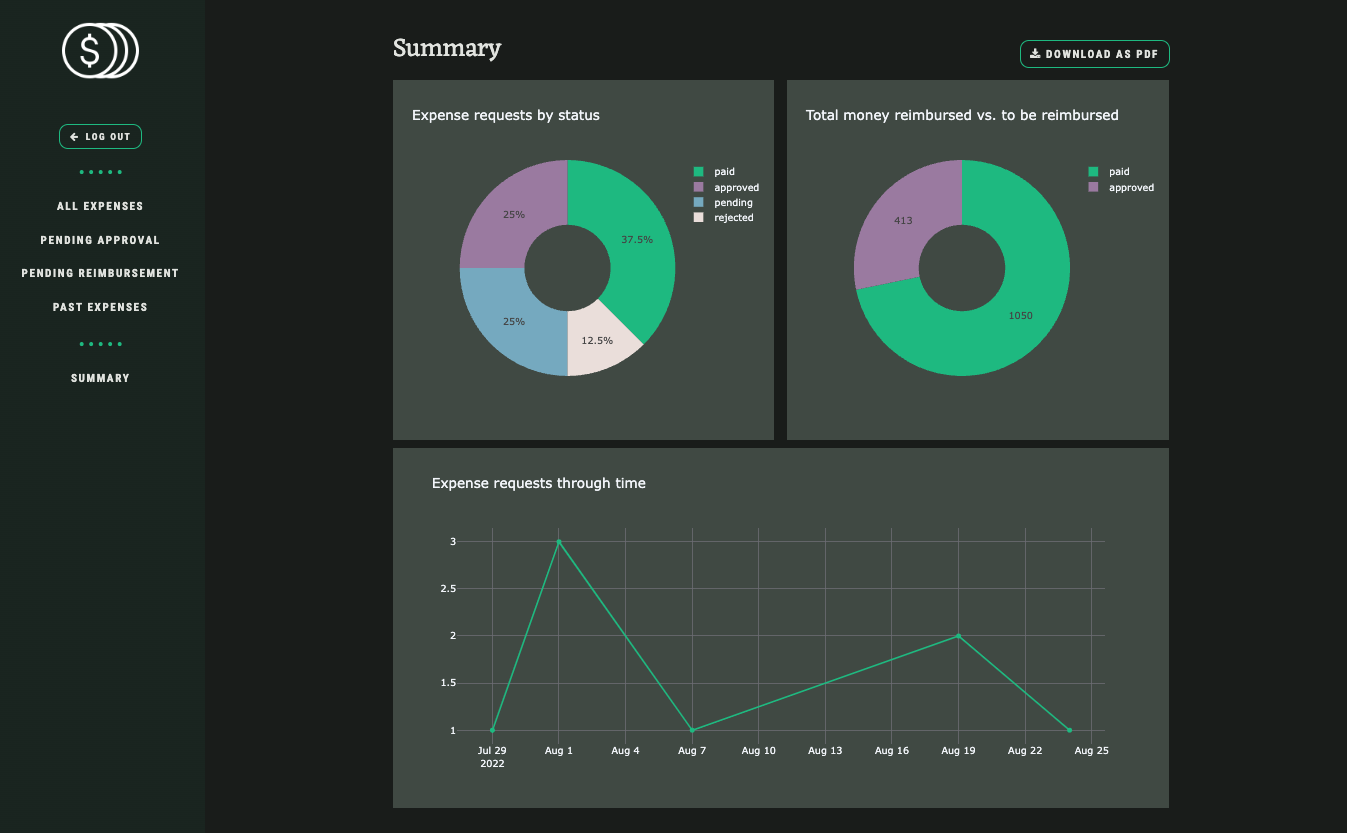
Expense approval apps
Build workflow apps that help teams submit, review and approve expenses in one place.

Admin dashboards
Turn business data into interactive tools that help teams monitor activity and manage their work.
Start Building
Ready to start building?
Start building
Sign up for free and turn your script into a web app you can share with people.
Start buildingLearn the basics
Follow our guide to learn how to build with Anvil if you're used to writing Python scripts.
Get Started guideJoin the Community
Have questions or want to share your creations? Join us on the Community Forum!
Join the Forum