

App Settings
App Settings lets you edit various settings for your Anvil apps. You can open App Settings  from the Sidebar Menu:
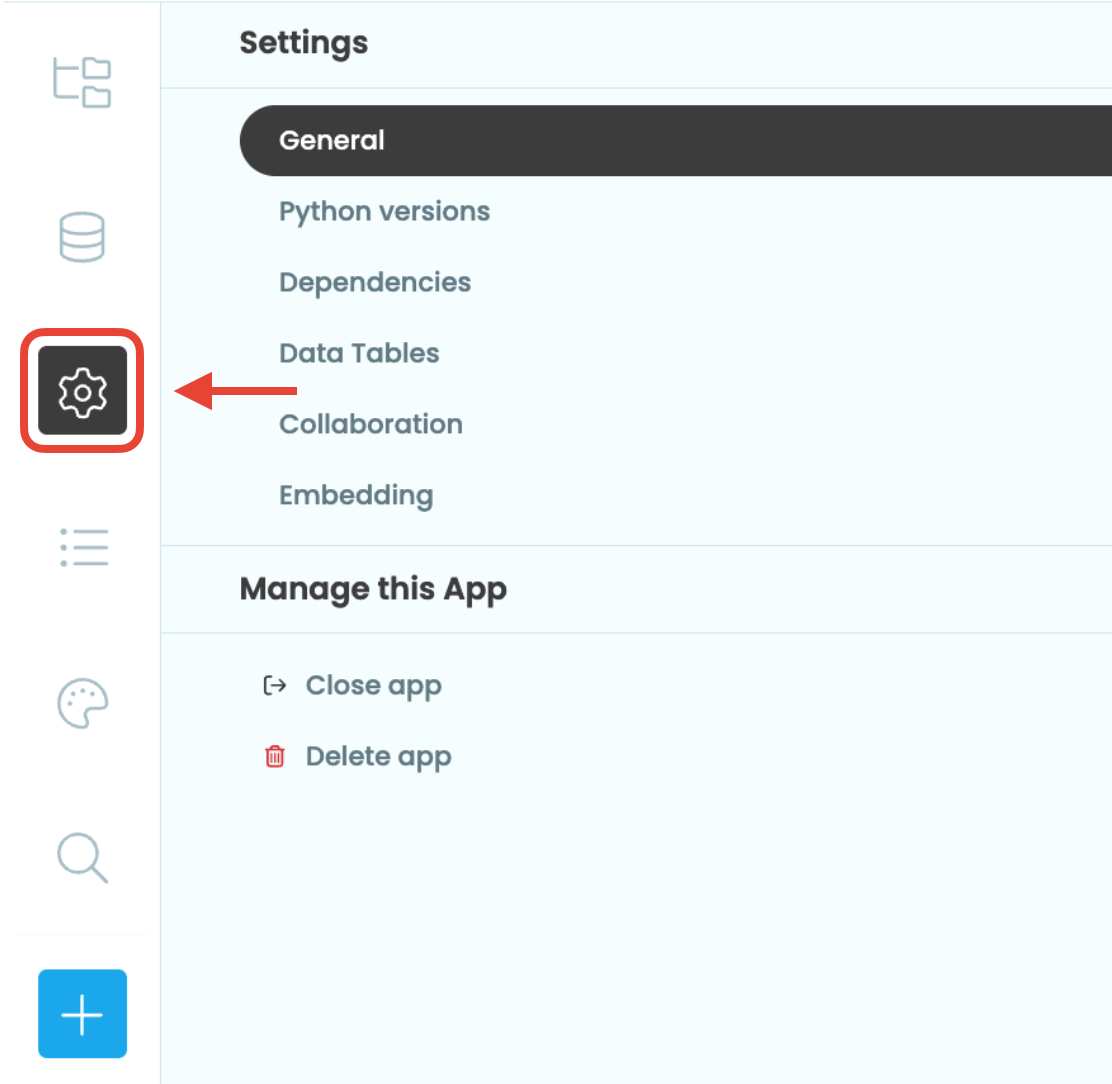
Select App Settings from the Sidebar Menu
General
Change the title, description and logo of your app.
Python versions
Choose the version of Python running on the server.
Dependencies
Add other apps to use as libraries or configure your app to use as a library.
Data Tables
Configure settings for Data Tables.
Collaboration
Work with others by adding collaborators to your app or sharing a clone link.
Embedding
Embed your app in an iframe.
Do you still have questions?
Our Community Forum is full of helpful information and Anvil experts.