

Collaboration with other Anvil developers
There are two options for collaborating on an Anvil app with other Anvil developers: adding collaborators and app cloning. Both options are available in App Settings, under Collaboration.
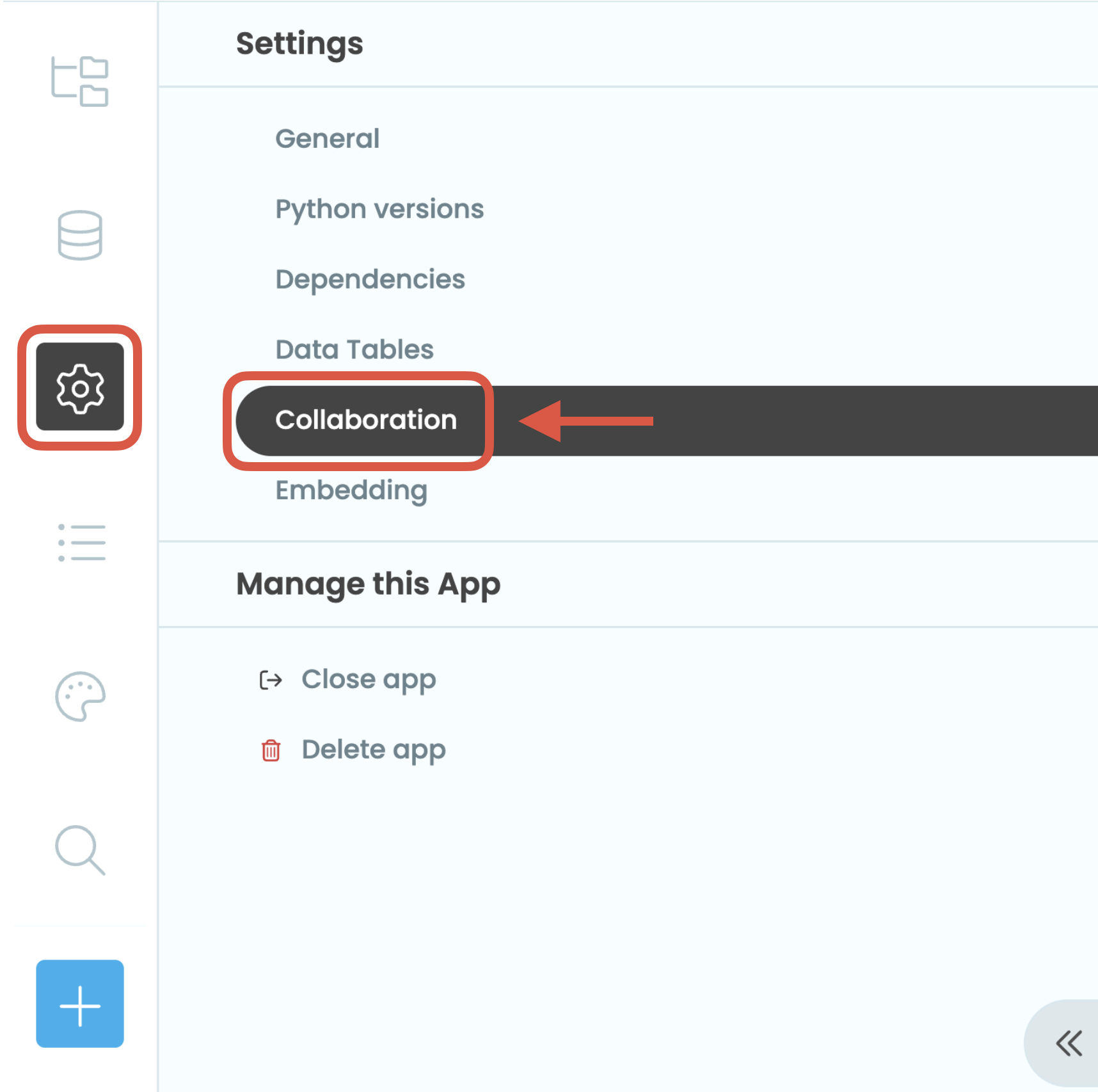
The Settings:Collaboration tab
Alternatively, you can also click the more options  button next to Publish in the Editor’s header.
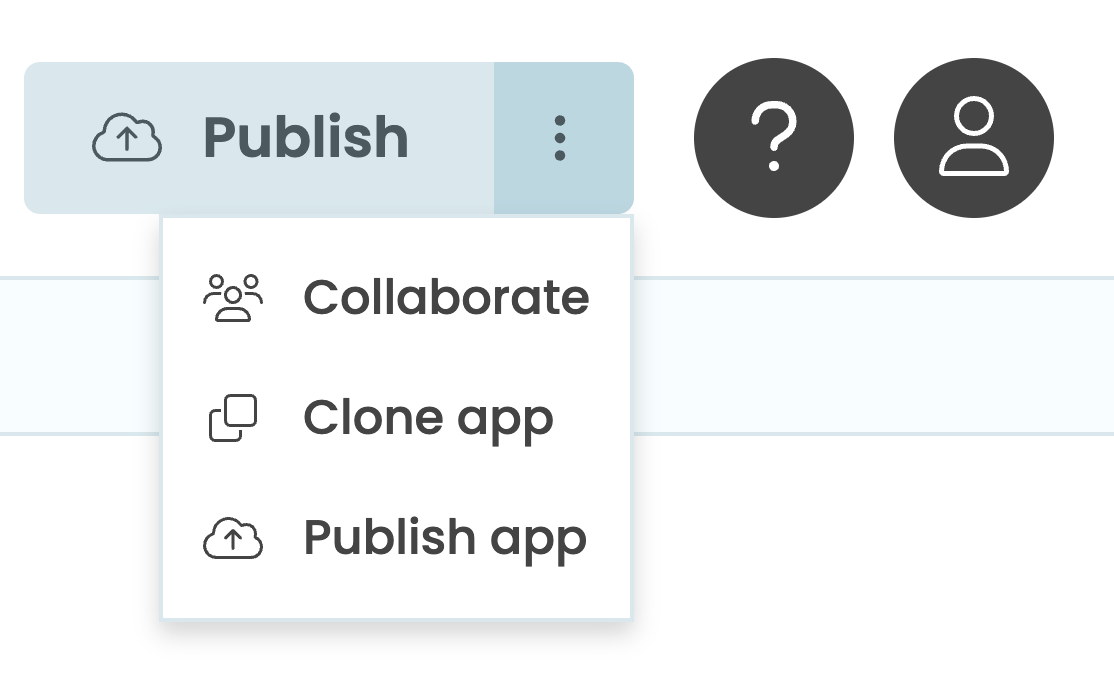
The more options button.
Adding other Anvil developers as collaborators
You can work on the same Anvil app with developers who are part of your subscription. You can add a developer as a collaborator to a given app, granting them access to it as if it were their own.
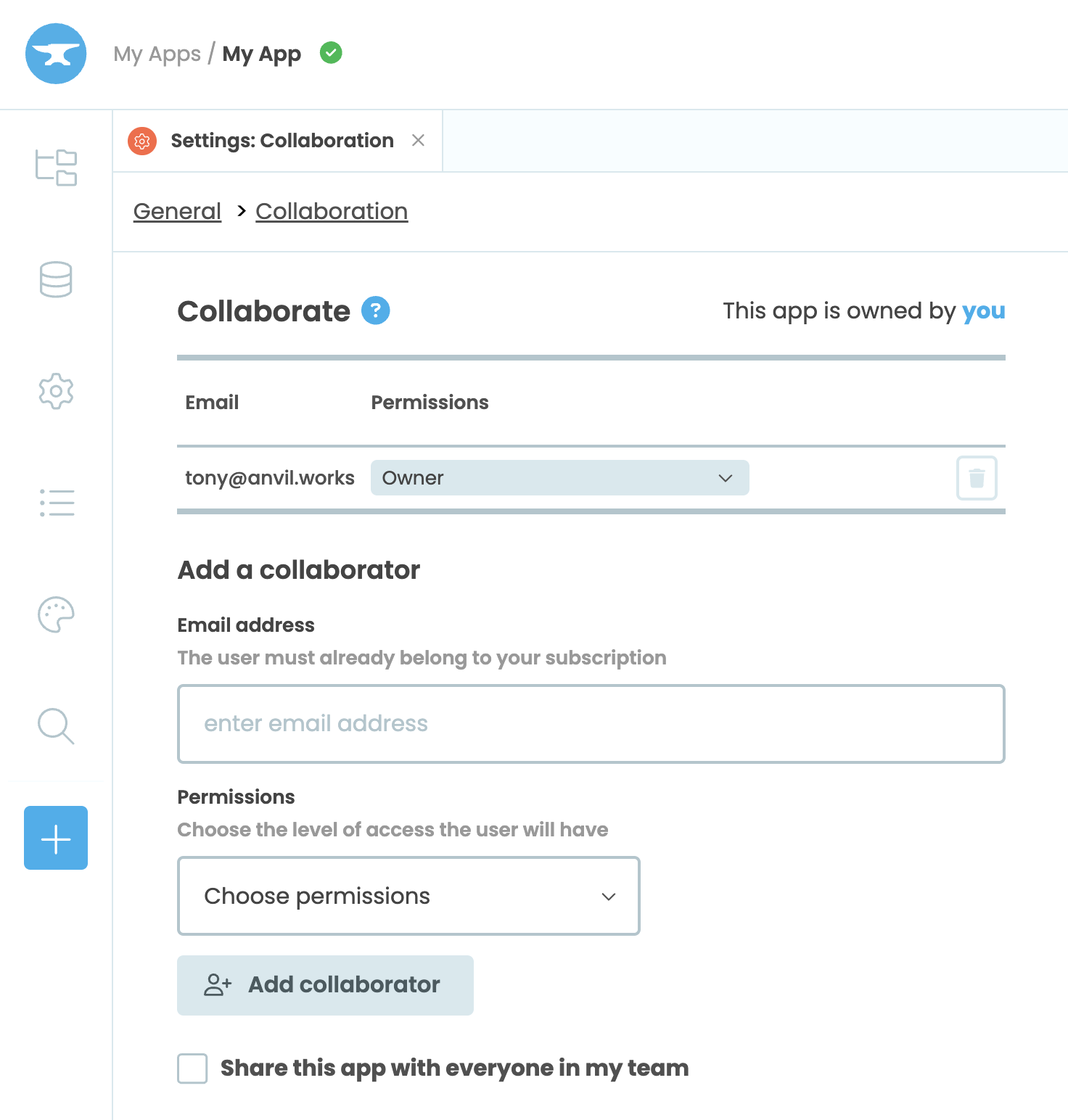
The collaborate section of the Settings:Collaboration tab
For more detailed instructions, please visit this page.
Cloning apps
You can create a copy of your apps’ design, code and Data Tables. You can also allow other people to copy your apps. Each app has a secret URL for this purpose.
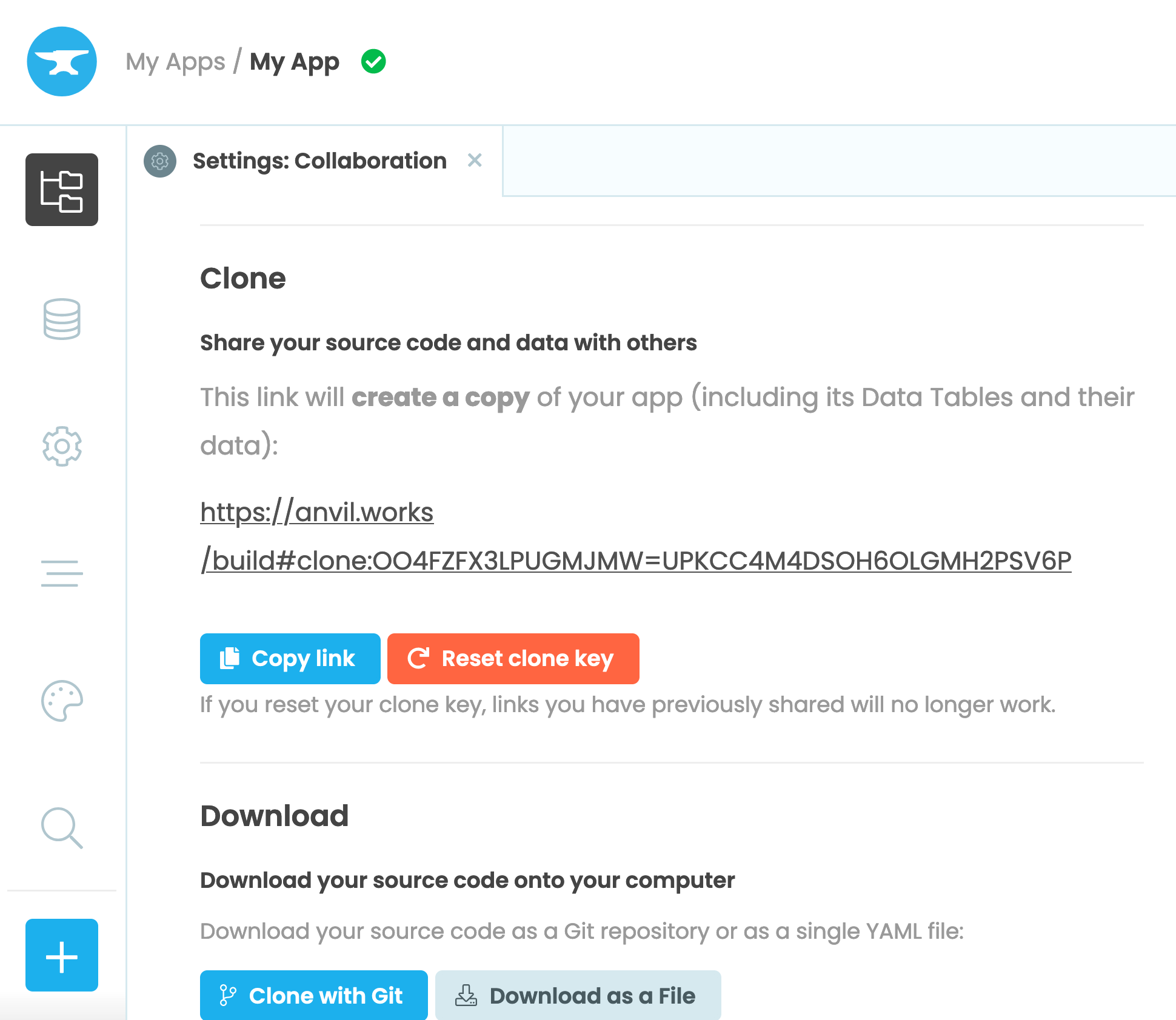
The clone section of the Settings:Collaboration tab
You will see a clone link for your app. Anyone with this link can copy your app with all its source code into their own Anvil account.
If you visit this URL in your web browser, you will be taken to the Anvil Editor, and there will be a confirmation dialog containing the name of the app and its author.
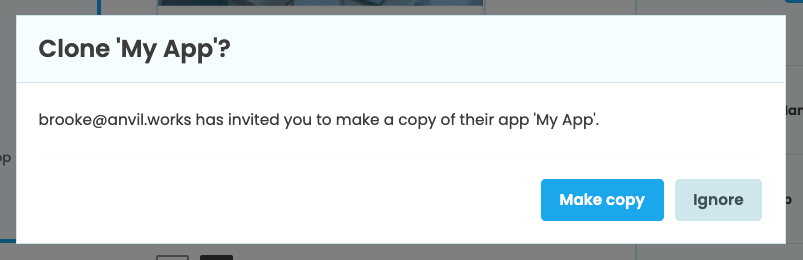
If you click Make Copy, you will get an app named ‘Clone of X’ (where X is the name of the original app).
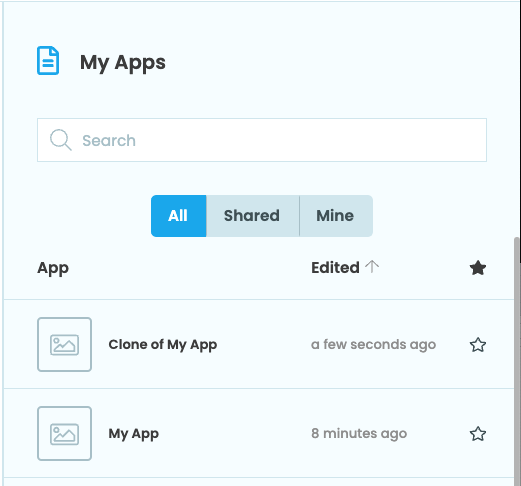
The original app is not affected in any way by this operation.
Security Notes
Clone links have the form:
https://anvil.works/build#clone:<app_id>=<secret_token>
You can regenerate the <secret_token> in case you want to revoke access to your app from people who currently have the clone link.
The <app_id> is a unique ID for your app that never changes (you can access it from code using anvil.app.id.)
Do you still have questions?
Our Community Forum is full of helpful information and Anvil experts.