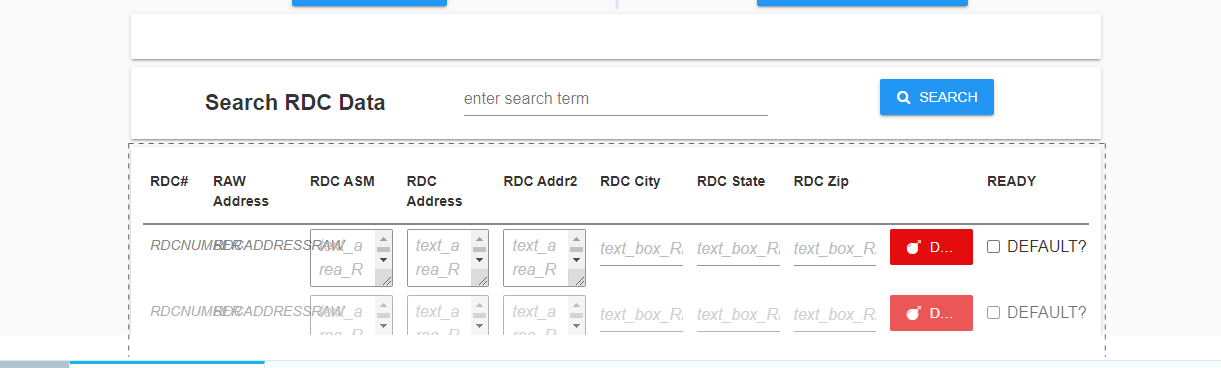
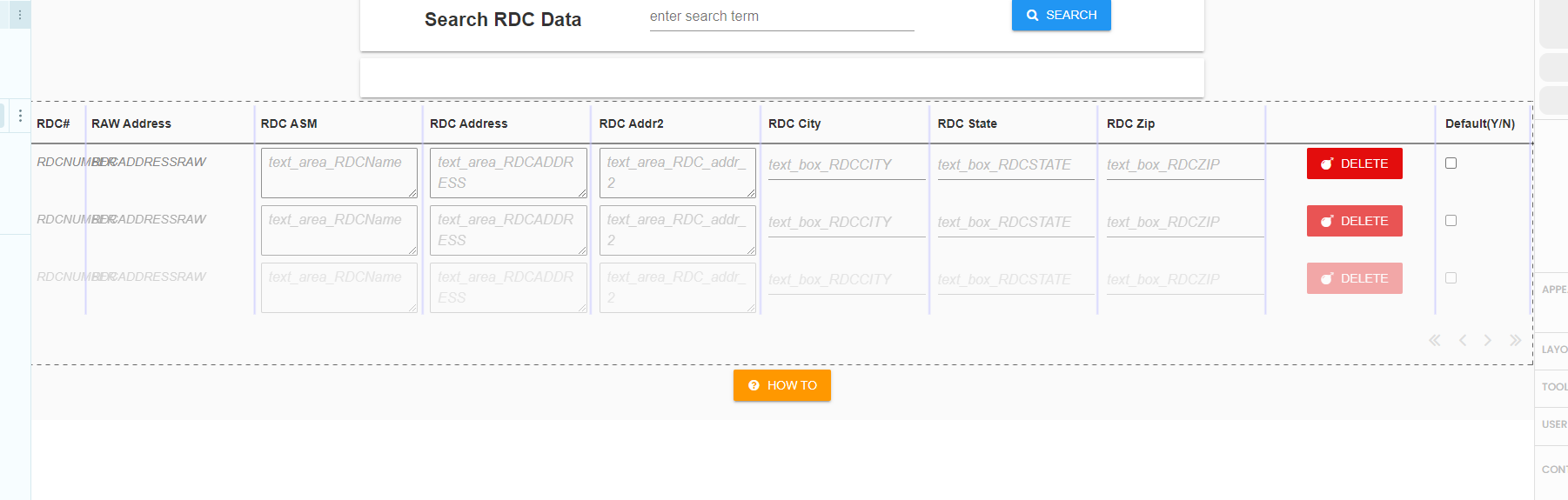
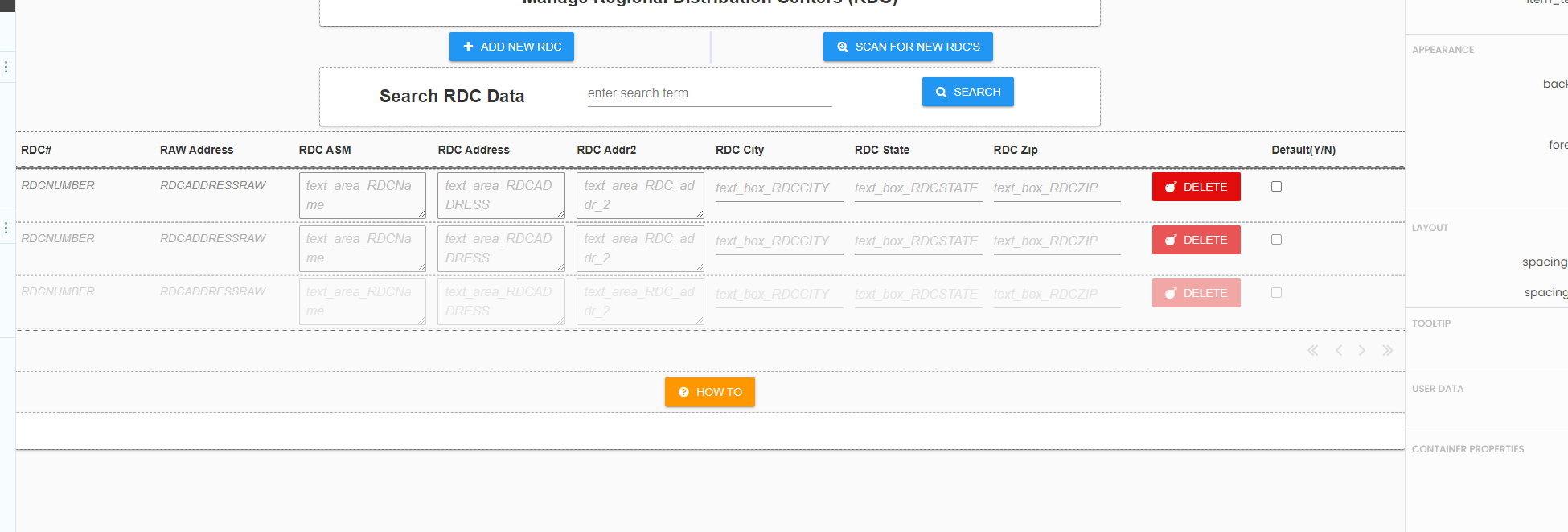
I have a data grid that returns address data from tables, and I would like to make the data grid OR card width wider than it is default. Prefer to set this in init, so the rest of the pages dont change.
I tried self.data_grid_1.width=“1900px” but it was cut off by the set width of the container I guess.
Would be cool to set it to percentage so it works well on various desktop monitors.
Yes, I did try that also. It expands it in the design view, but in the actual app it doesnt change. I removed it from the card to make sure that wasn’t causing it.
Is it due to how the container is being called from a button click?
def button_1_click(self, **event_args):
“”“This method is called when the button is clicked”""
self.content_panel.clear()
self.content_panel.add_component(Form1())
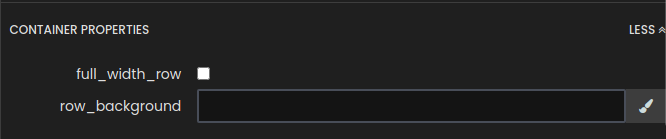
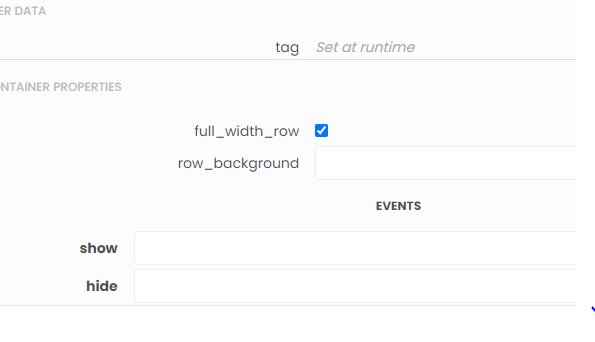
I added this to the Nav button clicked code and it seemed to fix it so far.
def button_1_click(self, **event_args):
“”“This method is called when the button is clicked”""
self.content_panel.clear()
self.content_panel.add_component(Form1() , full_width_row=True)