Hi everyone. Question number 2 from my first day of playing with Anvil.
What I’m trying to do is create a table (in website terms, not a data table). It will have two columns, for “Metric” and “Value” - essentially, it’s a key/value store. That being the case, a dictionary seems like a good way to articulate it:
The values in this dictionary (currently all set to None) will be calculated at runtime, and once they are, I want to display a table with two columns: one for the key, and one for the calculated value.
I’m struggling with how to create a table (again, in the HTML sense of the word) to display these two columns. I’m assuming a datagrid is the way forward, although I’m not sure I need all that flexibility - and I can’t work out how feed a datagrid a dictionary like this. (I have been able to populate a datagrid from a data table, but since these values will be calculated at runtime, that’s not really an option).
If you have not already, please work through the documentation and tutorials that relate to repeating panels and data binding. I believe that that would help a great deal in learning how to display tabular data. I’ve linked to some relevant pages for you.
In general though, if you have a repeating panel, you can set its template rows (so-called “items”), with a list of dictionaries (and so you could modify your dictionary above accordingly).
Good luck and feel free to share what you have tried (with code) if you need a helping hand.
Thanks for the steer. I had actually read the linked docs pages already, but I hadn’t seen the video.
I’m afraid I’m still at a loss. This is where I have got to:
from anvil import *
import anvil.server
import anvil.tables as tables
import anvil.tables.query as q
from anvil.tables import app_tables

class test_detail(test_detailTemplate):
  def __init__(self, **properties):
    # Set Form properties and Data Bindings.
    self.init_components(**properties)

    # Note = values in this dict are hardcoded for dev purposes, but will eventually be calculated at runtime
    metrics_for_table = [
      {'metric':'Loss since last weigh in', 'value': 2},
      {'metric':'Total loss since start', 'value': 30},
      {'metric':'Number of weigh-ins', 'value': 8},
    ]

    self.repeating_panel_1.items = metrics_for_table

    # Diagnostics
    print self.repeating_panel_1.items
    print self.item
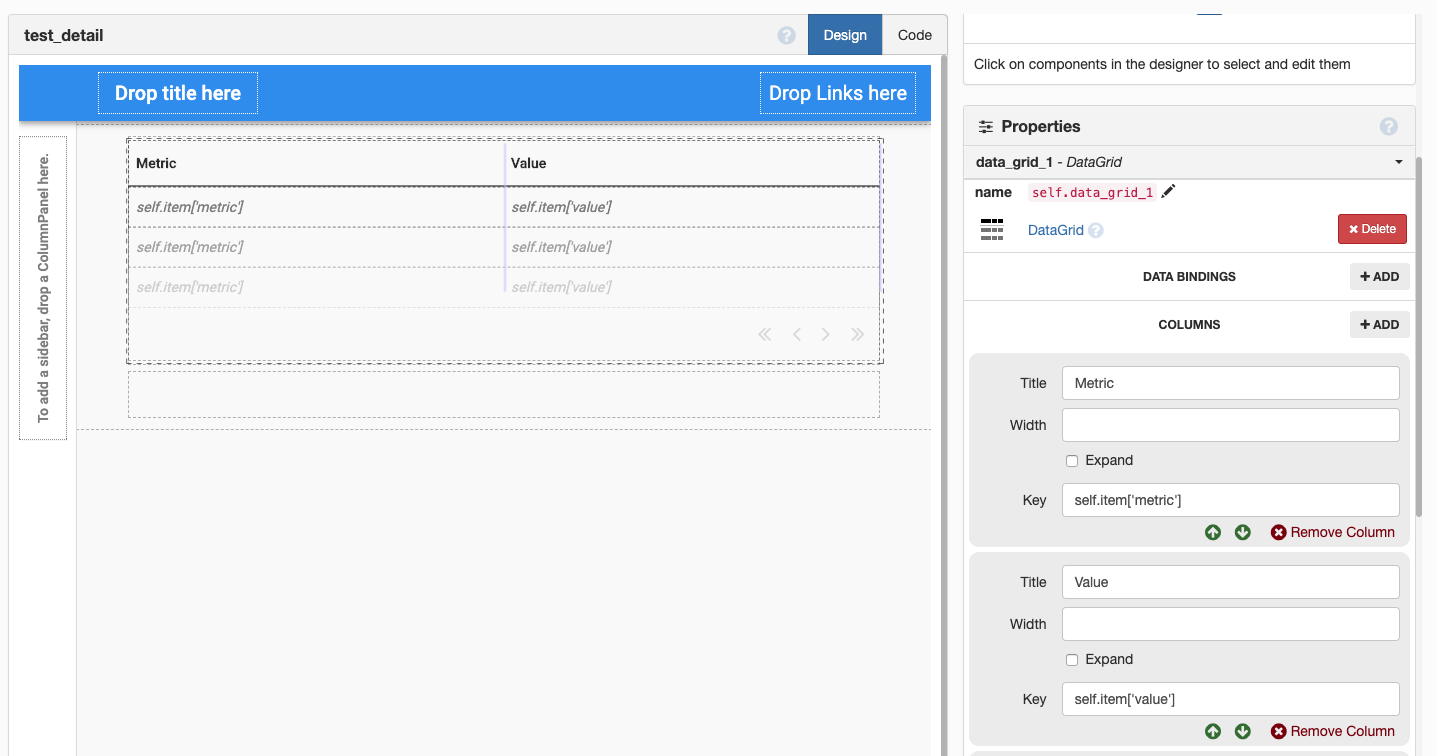
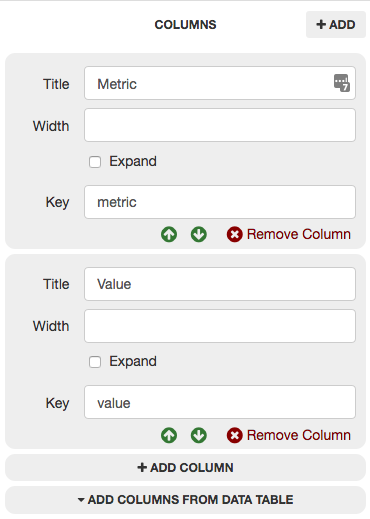
Here is the configuration of the datagrid columns:
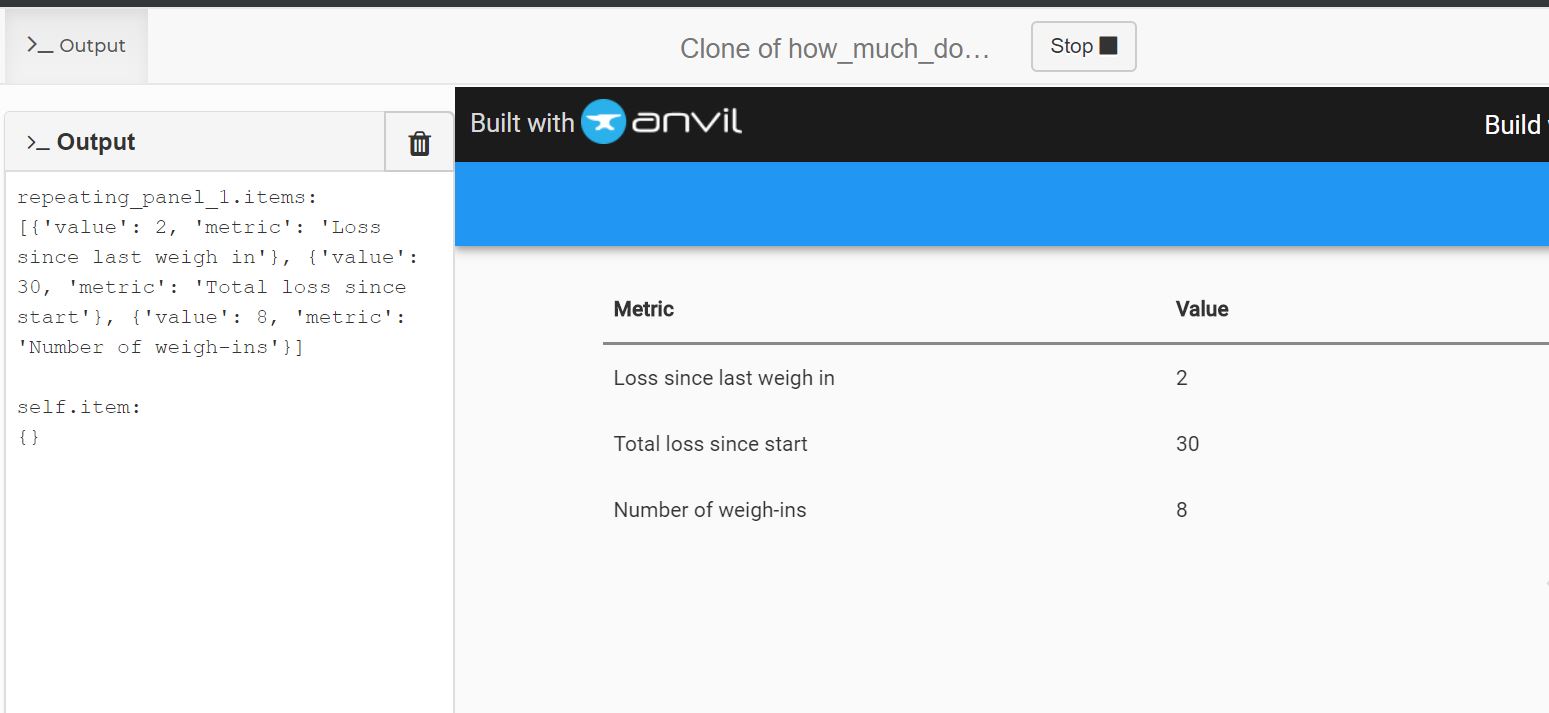
The output from the diagnostic print statements is:
repeating_panel_1.items:
[{'value': 2, 'metric': 'Loss since last weigh in'}, {'value': 30, 'metric': 'Total loss since start'}, {'value': 8, 'metric': 'Number of weigh-ins'}]

self.item:
{}
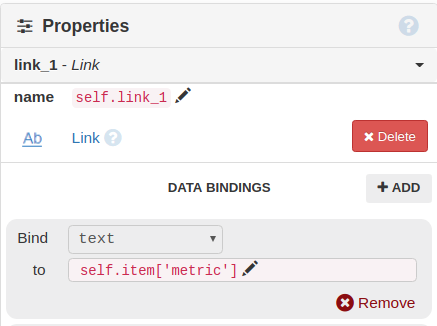
I thought that self.item would iterate through each of the dictionaries in repeating_panel_1.items - but as you can see, it is in fact an empty dictionary (which means setting the column keys to self.item['metric'] and self.item['value'] isn’t working.
I know I could make this work if the data was coming from a data table - I have successfully done that in another form - but since the values won’t be calculated until runtime, I can’t do that here.
If it helps, here is the clone link for the app: https://anvil.works/build#clone:E6ULQRIOFUXZP6DF=4E3CN57UIZD6O3TZL223SEG3
Note that the app is very much a work in progress and most of the links don’t work. For testing purposes, the form in question is currently set as the startup form (the real startup form is called index).
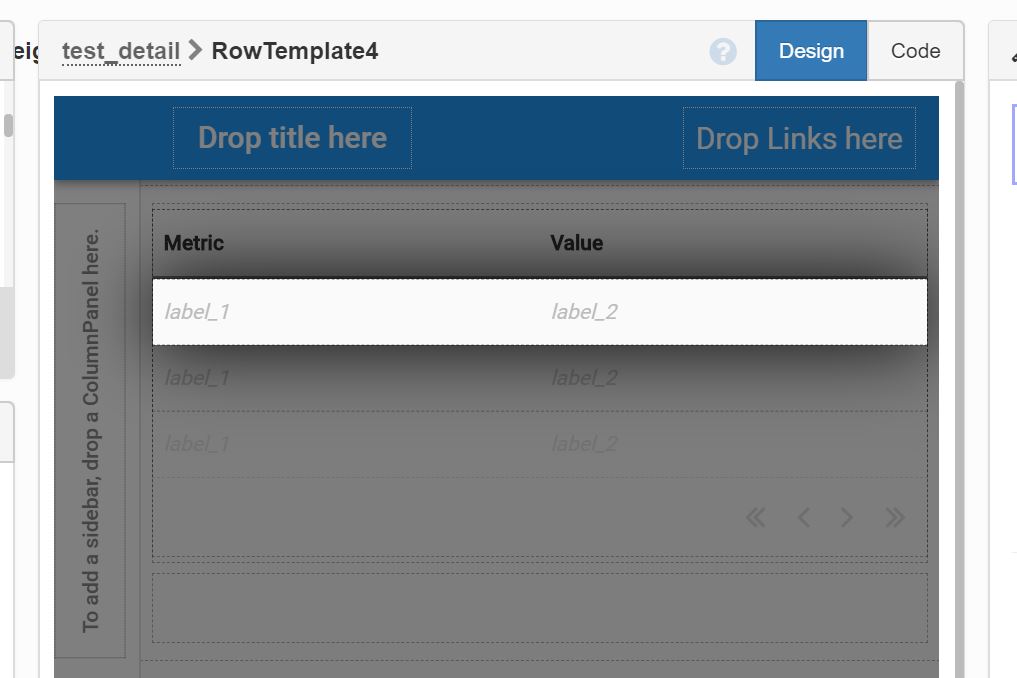
Just having a quick look, but have you set your data binding in the repeating panel’s template? For example, if you have a couple labels in your template, you can bind their text property to the keys in your dictionary. Then self.repeating_panel_1.items=my_list_of_dicts should display as expected.
Each column’s Key tells it which dictionary key to display.
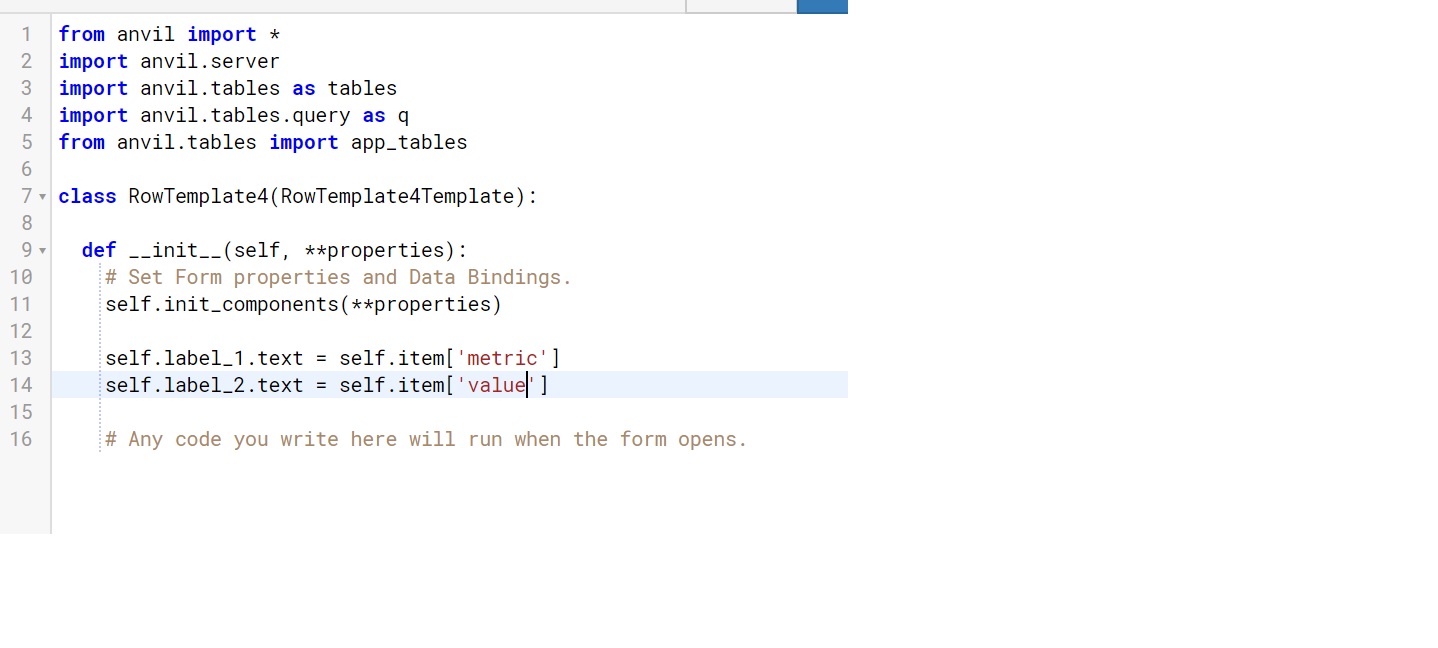
(This is the default behaviour; if you have dropped components into the RepeatingPanel’s template, you can then set those components to display whatever you like by accessing self.item from the RowTemplate code, which is the solution you have currently opted for.)