

Settings for Data Tables
You can change settings determining the behavior of Data Tables, per Anvil app. These options are available in App Settings, under Data Tables.
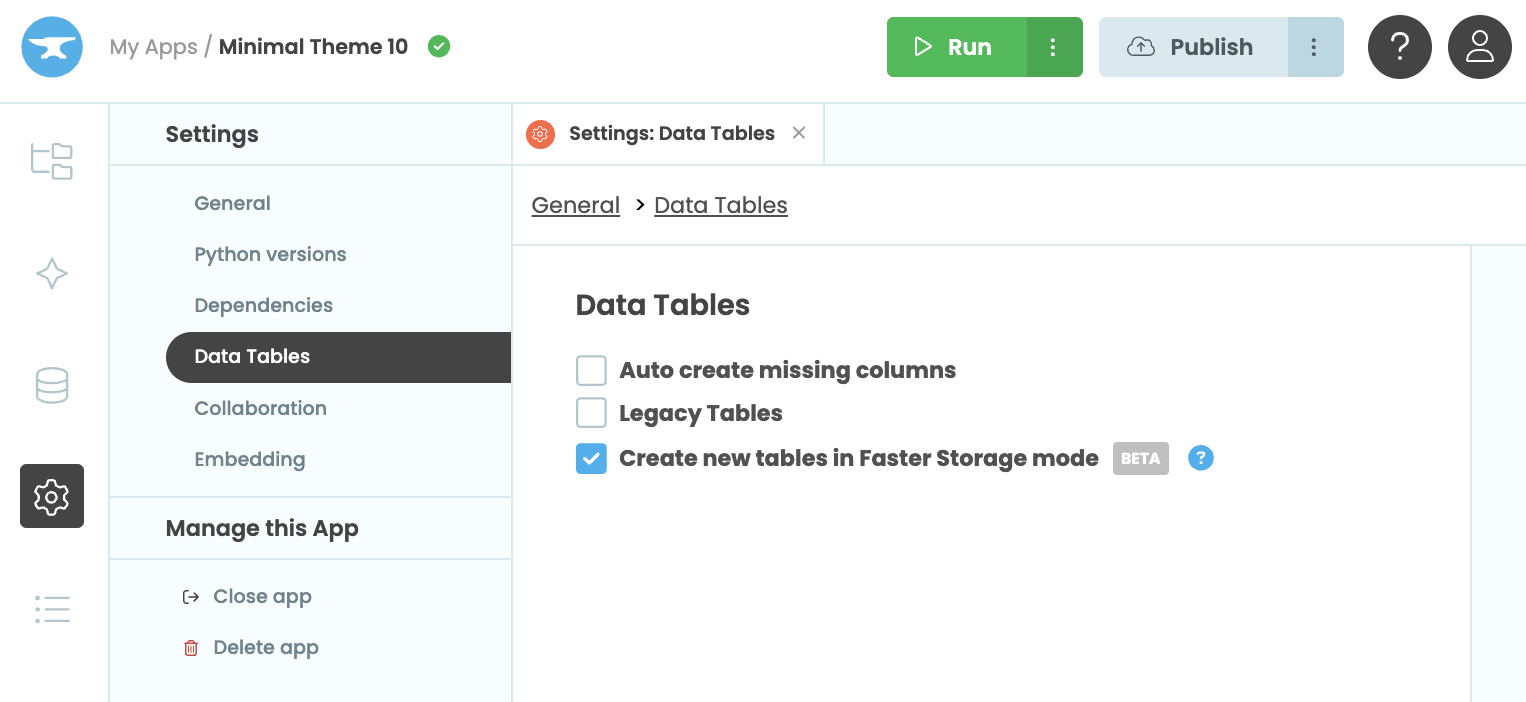
The ‘Settings:Data Tables’ tab
Auto-create missing columns
If you have enabled “Auto-create missing columns” in your app’s settings, naming a column that does not exist will create a new one with that name. Remember that in Python, "Name" and "name" are two different strings, and they will create two different columns if you mix them up.
Legacy tables
When enabled, this setting makes apps use the legacy Data Tables API, rather than the modern API.
Do keep in mind that the Legacy Data Tables API is deprecated, and is only maintained for LTS purposes. It is not recommended to enable this setting unless you have specific need for it.
Faster Storage
If you enable “Create new tables in Faster Storage mode”, new Data Tables created in this app will use the Faster Storage engine.
For more details, see the Faster Storage documentation.
Do you still have questions?
Our Community Forum is full of helpful information and Anvil experts.