

Indexes
An index is used to find matching rows in a database more efficiently. Without an index, the database must scan every row in a table to find matches. With the appropriate index, it can quickly locate the rows that satisfy a query.
Most Data Tables don’t need indexes when they’re first created. As your tables grow, or if your app performs the same queries frequently, adding indexes can improve query performance. However, indexes consume additional storage and can slightly reduce the performance of inserts and updates. We recommend creating indexes only on columns that your app queries frequently.
The type of indexes available depends on the storage engine your table uses. Tables using Faster Storage support manually managed indexes. In the legacy storage mode, simple equality searches (for example, name="Brian") are indexed automatically.
Adding and removing indexes
Indexes can be managed from the Table Indexes modal. Open your table in the Data Tables interface and click Table indexes to open the modal, where you can add or remove indexes.
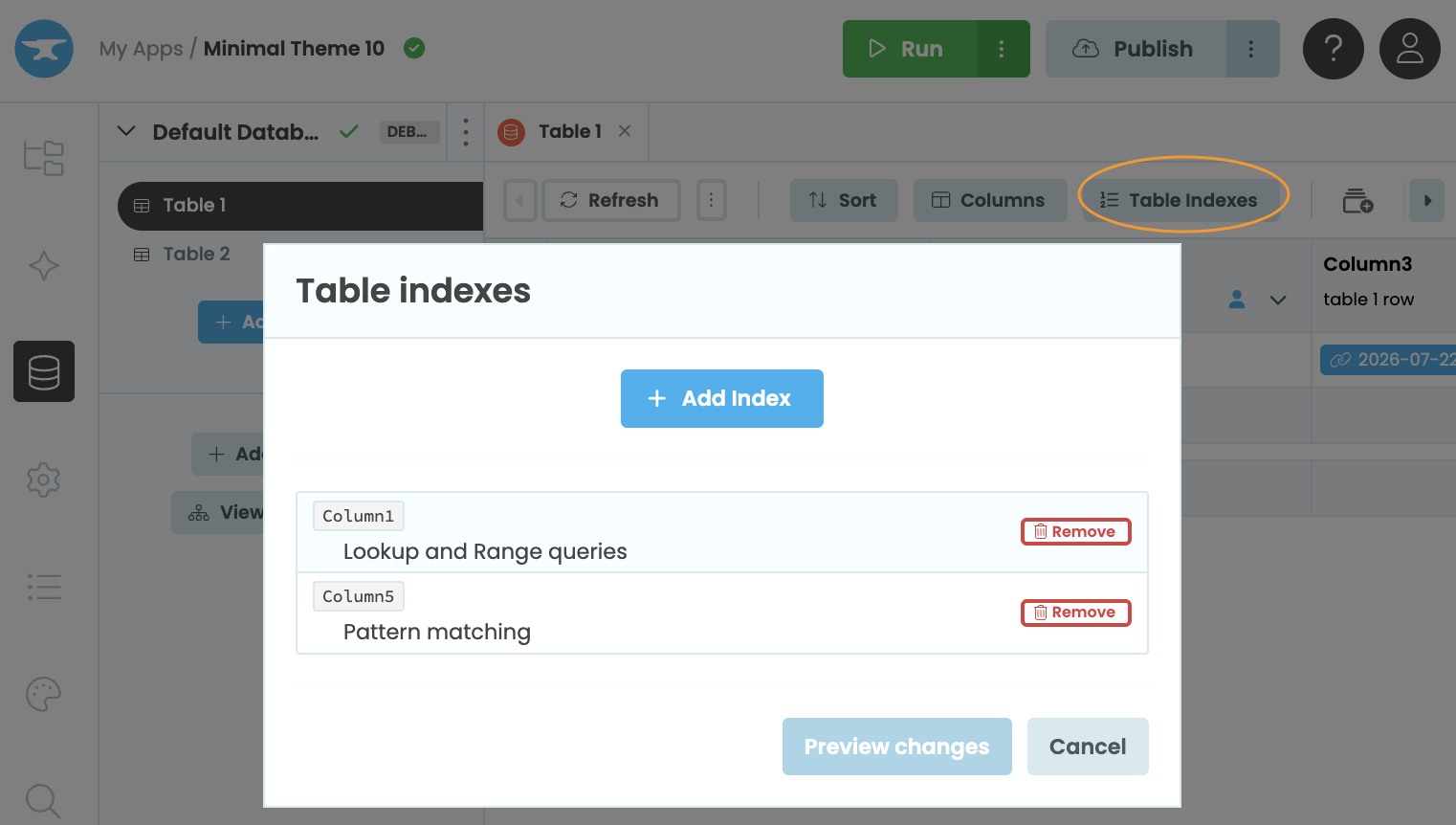
Adding an index from the Table Indexes modal
If you add or delete an index, your database schema may be marked as Out of Sync until those changes have been applied. However, your app will continue to function while the schema is out of sync.
Click Review in the Indexes out of sync notice, then resolve the database schema differences to apply the changes. Depending on the size of your table, applying the changes may take some time.
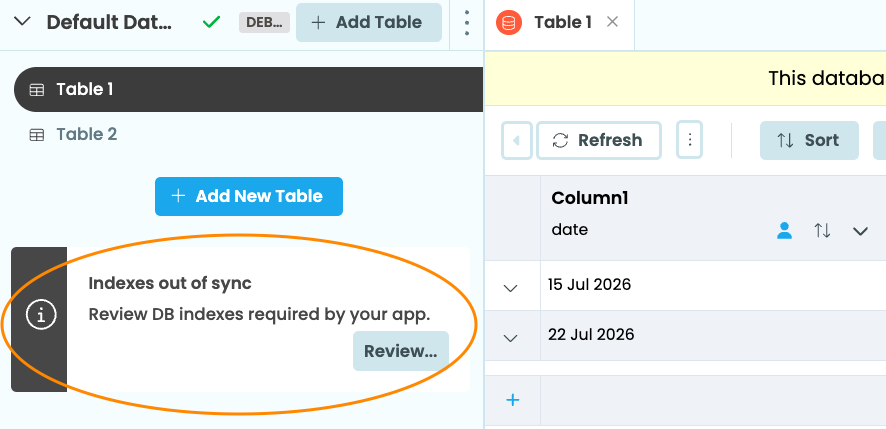
Reviewing index changes before applying them
Types of index
Depending on the type of column, several index types are available, each optimised for different query operators. The type of index you select determines which columns can be included.
Lookup and Range indexes
Lookup and Range indexes are available on every column type except Simple Objects. They can be created on one or more columns, making them suitable for queries that filter or sort on multiple fields. They speed up:
-
Equality lookups (for example,
app_tables.my_table.search(column=value)) -
Inequality lookups (
q.greater_than(),q.less_than(),q.less_than_or_equal_to(),q.greater_than_or_equal_to(),q.between()) -
Sorting (
tables.order_by())
If your app frequently queries or sorts by multiple columns together, you can create a multi-column Lookup and Range index to improve the performance of those queries.
When creating the index, you can specify the columns in any order. The order you choose affects which queries will benefit from the index. For example, an index on (age, name) will speed up queries that filter or sort by age, or by age and then name. It does not speed up queries that filter or sort by only name, or queries that sort by name and then age.
Pattern matching indexes
Pattern matching indexes are available on text columns and support a single column. They speed up pattern matching queries (q.like(), q.ilike()).
Full-text search indexes
Full-text search indexes are available on text columns and are limited to a single column per index. They speed up full-text searches using q.full_text_match().
Do you still have questions?
Our Community Forum is full of helpful information and Anvil experts.